

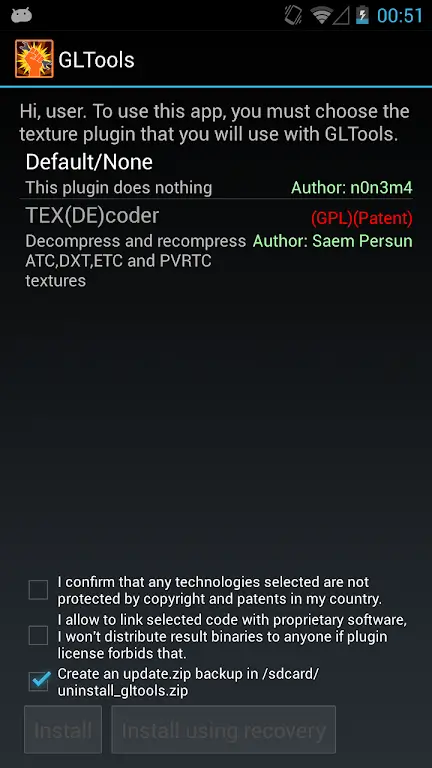
People often get issues with their online gameplay experience. This is one of the most prominent problems faced by people even when they have a high-end smartphone. In such cases, an app like GLTools APK comes to your rescue. It’s a great tool for Android that allows you to take control of your smartphone and edit the core files, change the CPU and GPU settings to get better performance while playing games. This is one of the best tools for those who are experts in tweaking such settings.
The smartphone ecosystem is locked by the device manufacturers and that’s why we can’t change the core settings natively. That’s where the GLTools app comes to your rescue, as it will help you to change almost all the settings. Be it the device info, GPU settings, CPU settings, or game settings. Game Engine settings and many other things. If you are an advanced user and want to try out this app, then you are at the right place. In this post, we are going to share detailed information about this fantastic tool for gamers.
Contents
Features of GLTools APK for Android
#1 – FPS Counter
When you start any game, the GLTools app will automatically display an FPS counter on the corner. The FPS counter will help you to know the current frame rate that you are getting while playing the game. This is very useful as you will be able to understand the game performance and adjust the settings to increase the framerate and have a smooth gaming experience.
#2 – FPS Limiter and Delimiter
The FPS Limiter and Delimiter are one of the finest features of this app. With this feature, you can set the minimum and maximum Frame Rate for any game. This means, the game will run at the minimum framerate at any cost and will reduce the framerate if it crosses the upper limit to save resources. This ensures a smooth and stable gameplay experience for the majority of online multiplayer games, which face a lot of issues with maintaining a stable framerate.
#3 – Device Info Emulation
The majority of the games read the device info and then automatically reduce or increase the number of features related to the graphics. With the Device Info emulation feature, it becomes easier to change the core device information. This means you can change the device model, CPU model, GPU model, Memory details, and many other things to emulate a different phone for online games. This removes a lot of device-specific restrictions put on by online multiplayer games like PUBG and others.
#4 – Multiple Modes
The GLTools app comes with a lot of unique modes to have a better experience while using it. The first mode is the rooted mode, which requires root access. The root access enables all the features and you can access everything in this app. The second mode is Virtual machine mode, which is useful if you don’t have a rooted device and still want to access all the features in a virtual machine. The third mode is the virtual space mode, which creates a separate sandbox space on the device to test various settings.
#5 – Advanced GPU features
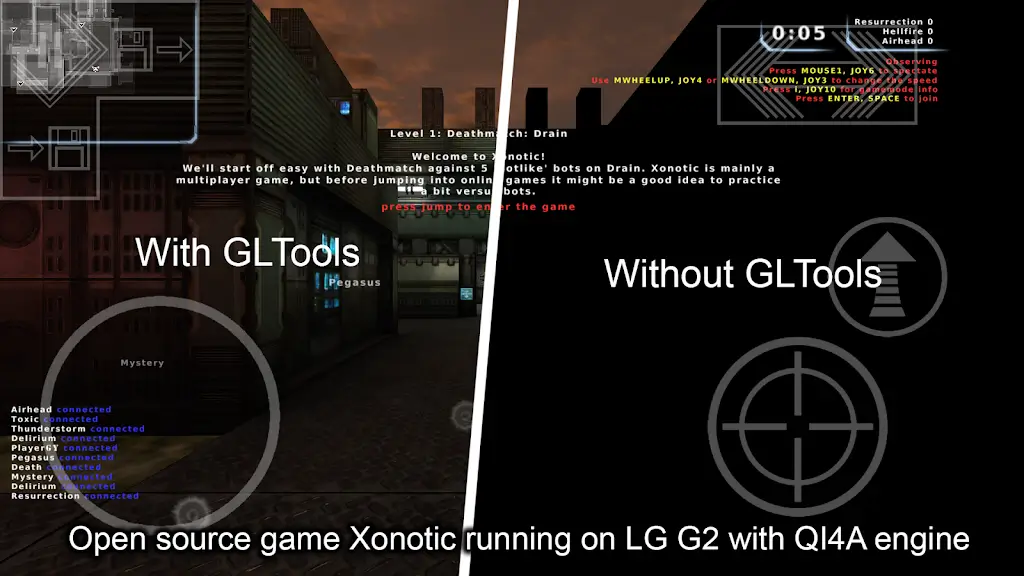
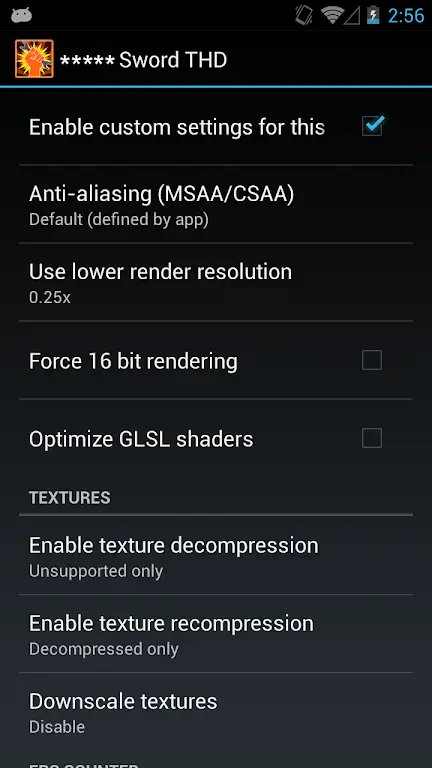
For technically advanced users, the GLTools comes with GPU settings. With access to Anti-aliasing, GPU rendering, Resolution, Colour depth, and many others, professional users can adjust the finer settings and have better control over their GPU settings. This is very useful in increasing the framerate on low-end devices, as it will help you to utilize all of the GPU resources.
You may also like other game optimization apps like Game Turbo, Game Tuner & Oppo Game Space.
How to Install GLTools APK on Your Android Phone?
The GLTools app is not available on the Google Play Store. But you can download the APK file for manual installation. Don’t know how to manually install an APK file? Here are the exact steps to guide you through the process.
- The first step is to download the APK file from the provided link.
- After downloading, tap on the file and select “Install” to start the installation.
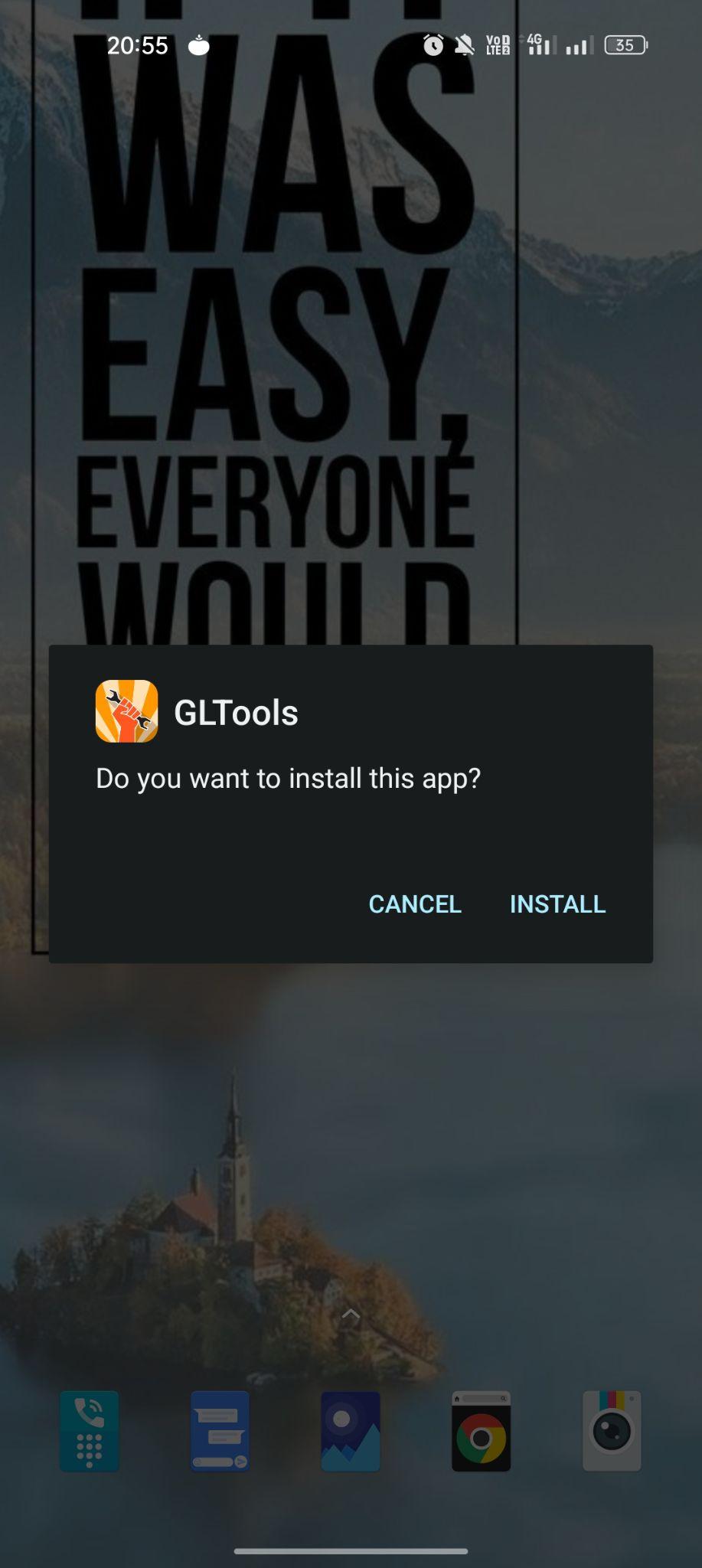
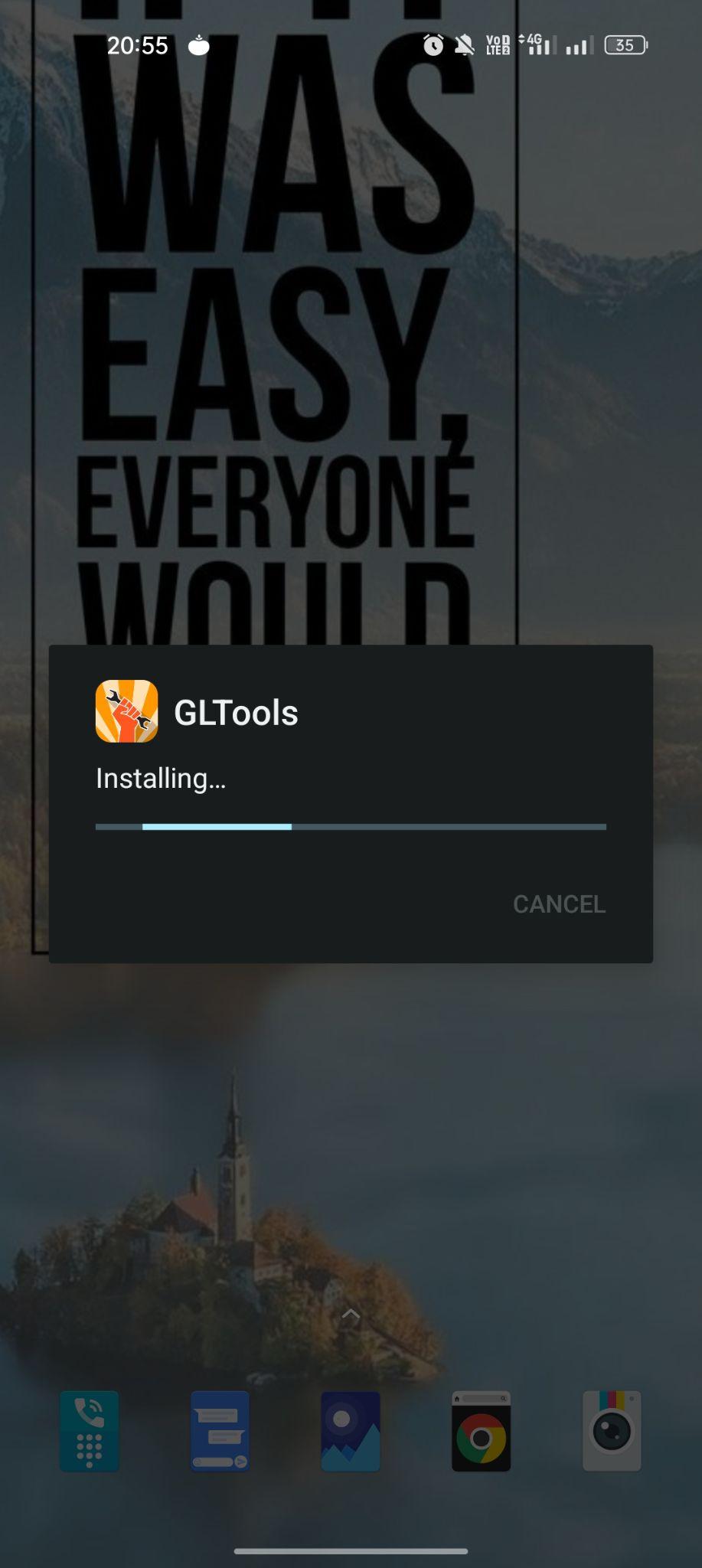
- The process of installation will take a few seconds to complete.
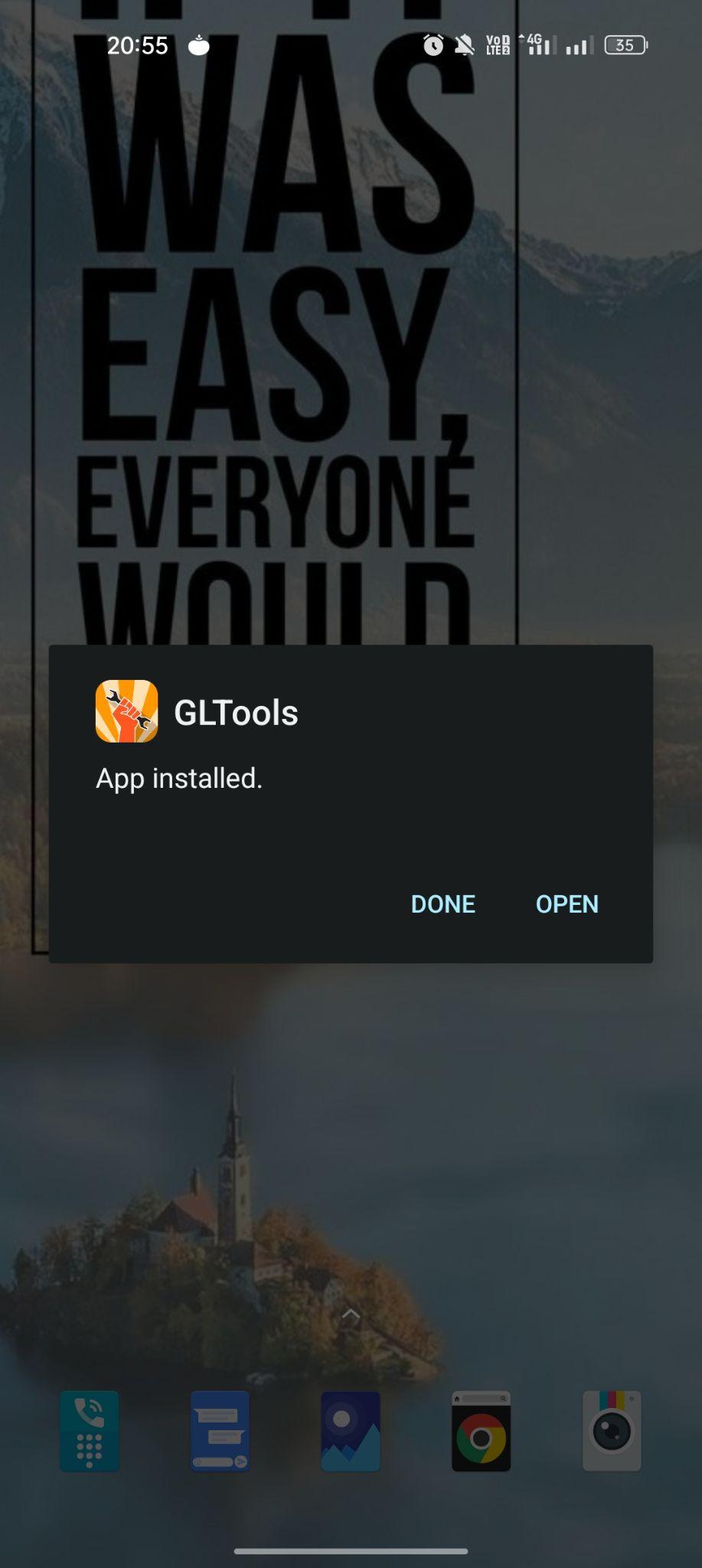
- After completion, select the “Done” or “Open” option and you are ready to roll.
Frequently Asked Questions
#1 – Does the GLTools app require root access?
Yes. GLTools app works best with root access, but you can use it on non-rooted devices with limited functionality.
#2 – Can we use GLTools to improve PUBG Framerate?
Yes. You can tweak the graphics and CPU settings to increase the framerate while playing PUBG or any other online multiplayer game on your phone.
#3 – Is this app safe to use?
Yes. This app is completely safe to use when you know how to use it correctly. It should be used with caution as you will be tweaking system settings.
Final Words
The custom graphics driver app for Android helps you quickly change the core settings and allocate more resources for all of your games. With this app, you can have custom settings for each game and app on your phone. In this post, we tried our best to share all the information about the features of GLTools APK for Android. If you have some doubts, feel free to use the comments section below.