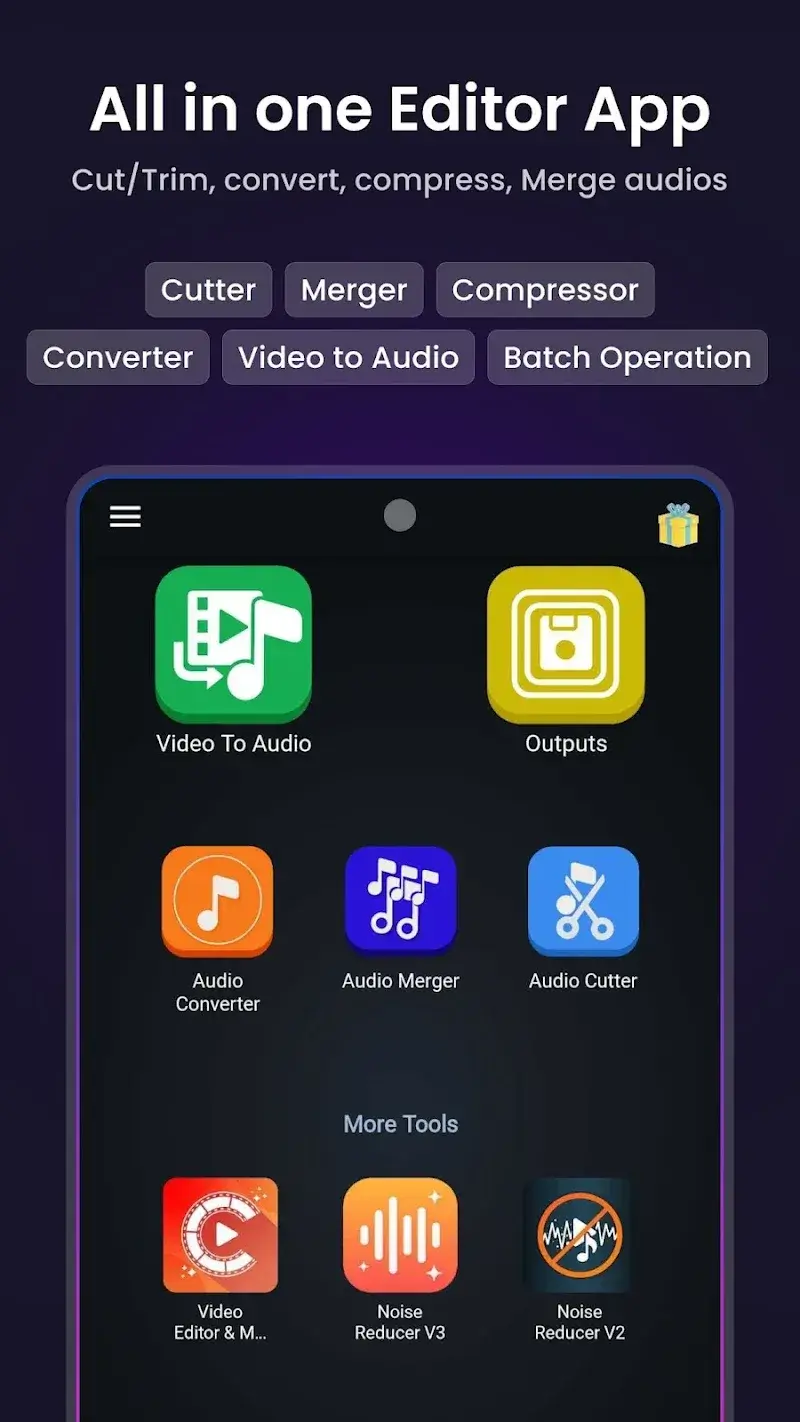
Video to Audio MP3 Converter helps users to edit their audio files more easily. Users just need to upload the audio files that need to be edited and activate the tools they want. The application will complete the audio conversion process quickly. Besides, cutting and joining audio also becomes extremely easy.
AUDIO CONVERTER POWER
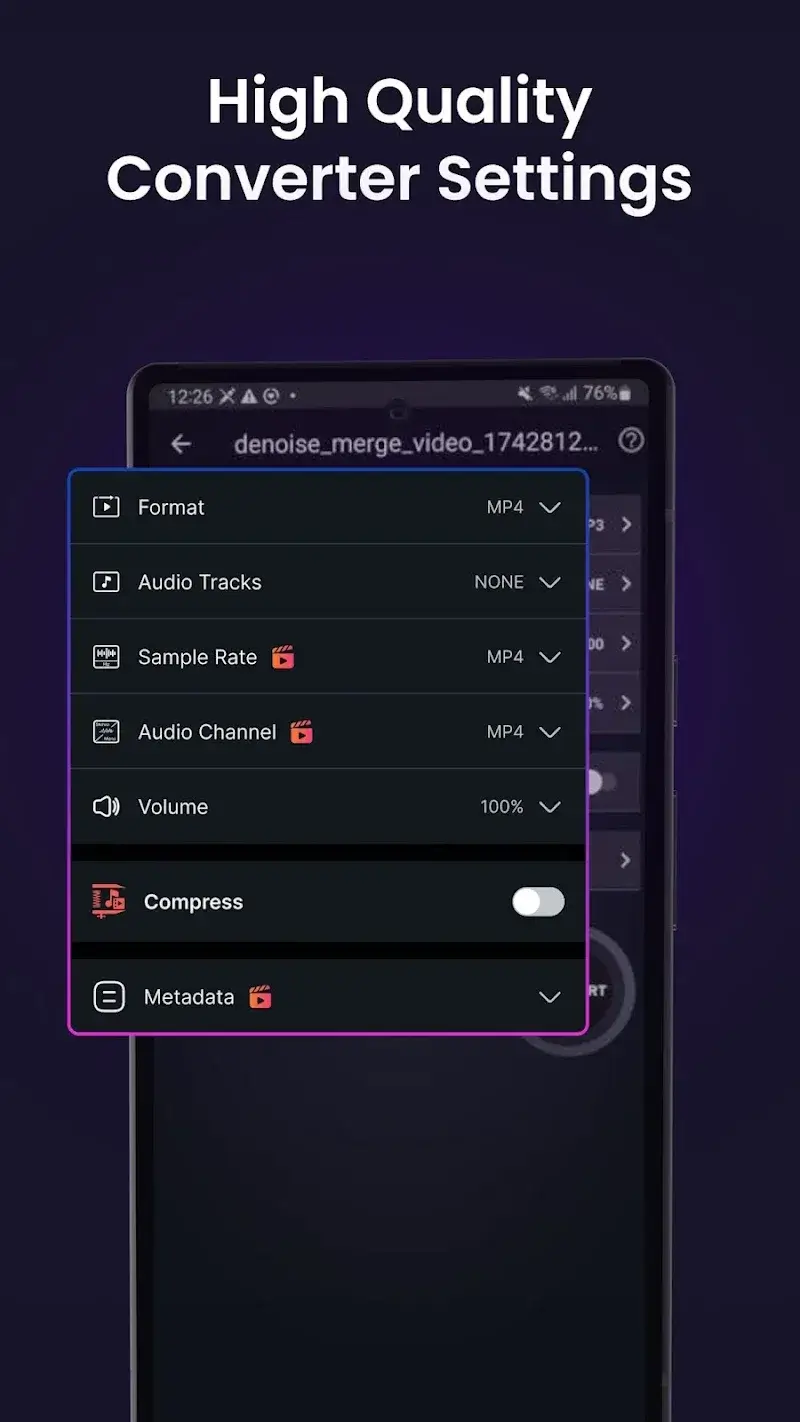
Users can perform the audio conversion process through the tools supported by the application. They have many new formats to choose from during the conversion process. The quality of the audio file remains the same after the conversion or compression process.
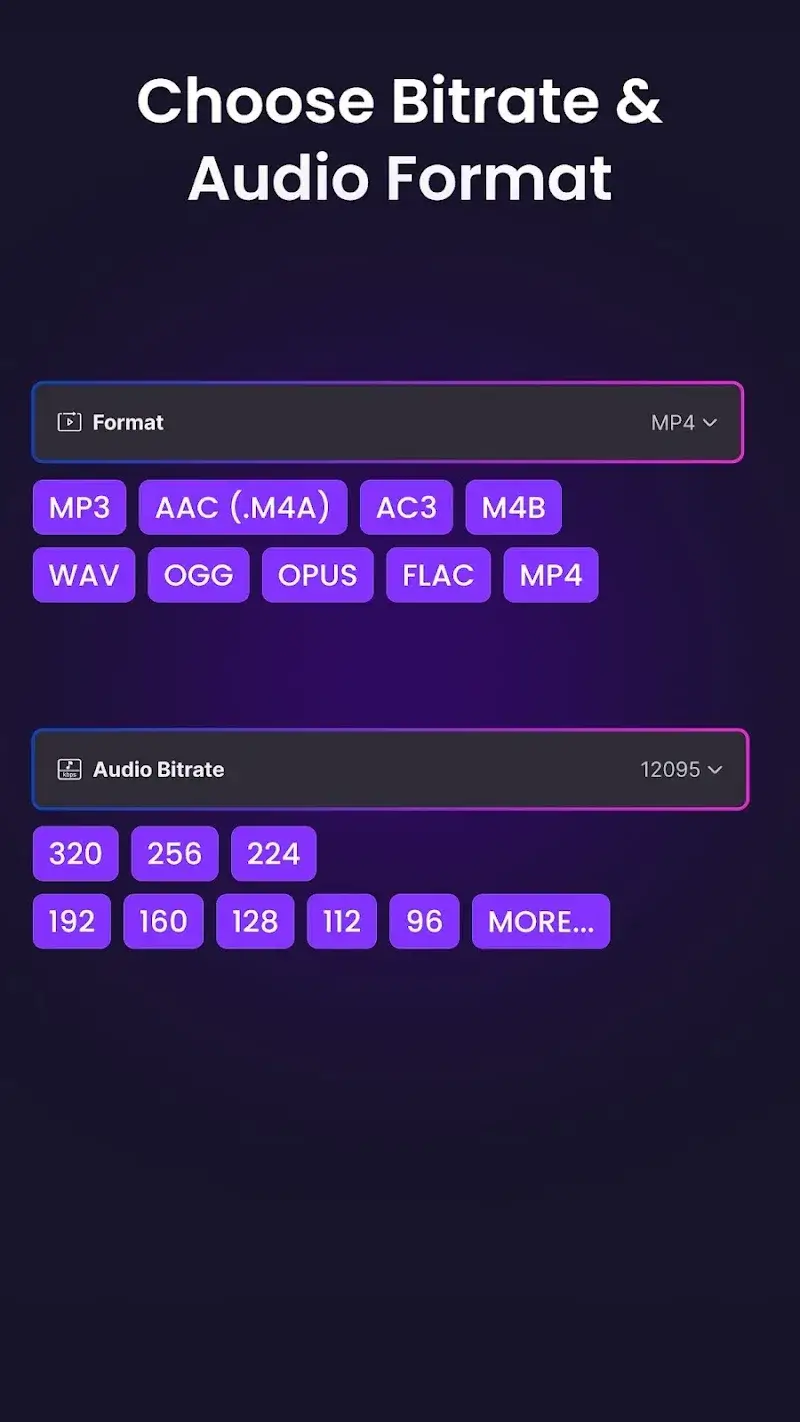
- Format Support: The application provides an extremely flexible and convenient audio conversion service. Users can upload any audio file in MP3, M4A(AAC), M4B(AAC), AC3, WAV, OGG, and FLAC formats. The application will complete the conversion to a new format that the user desires.
- Quality Control: The quality of the audio files remains the same after this conversion process. Users can enjoy extremely high-quality audio files with high smoothness. The quality of each audio file is also controlled by the user. They can customize the audio file to have better quality than the original.
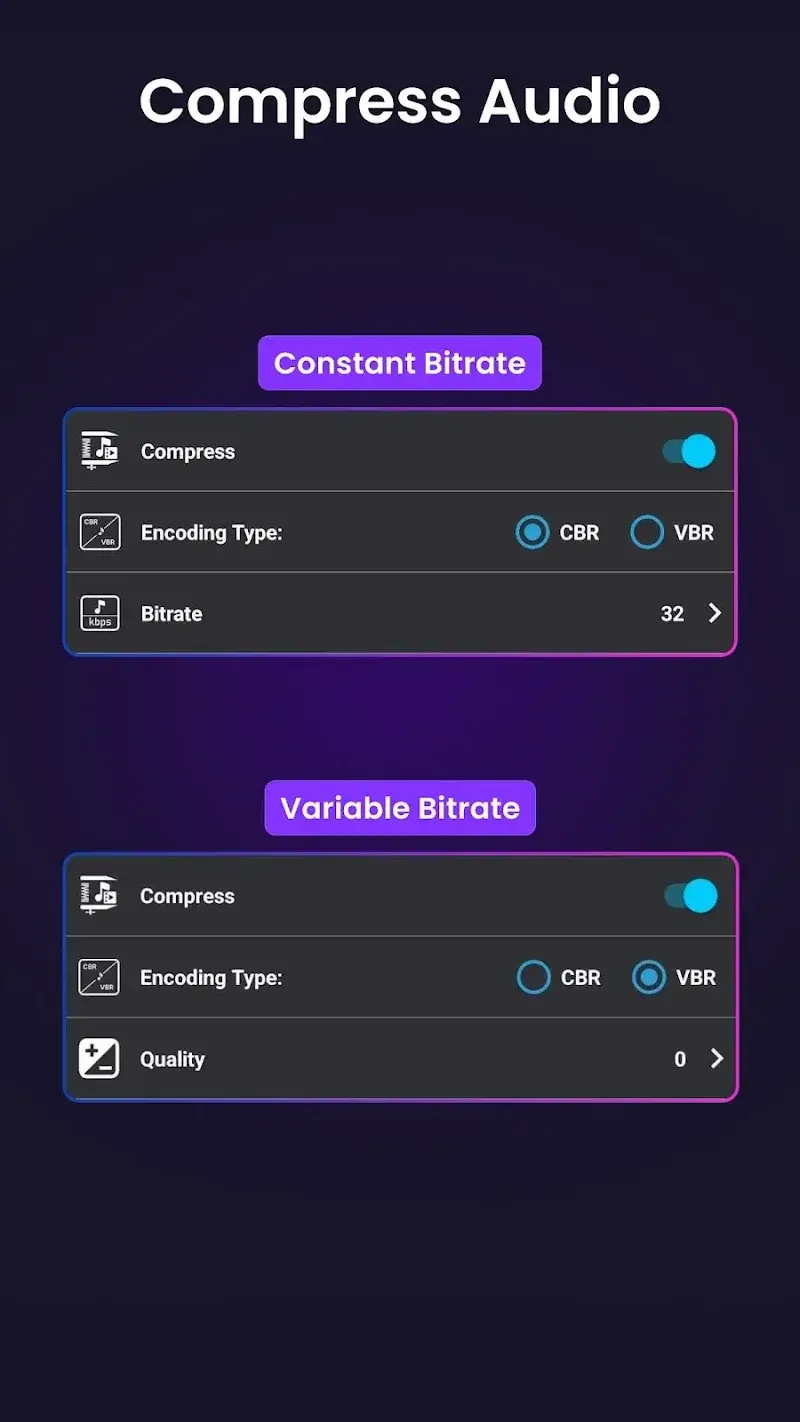
- Smart Compression: Besides the conversion process, the application also supports users to compress the required audio files. The bit rate will be changed or kept the same depending on the user’s needs. Users can control the compression process to control their audio files.
PRECISE AUDIO CUTTING
The application provides a set of tools that allow users to conveniently cut and join audio. Users can cut all the audio files they upload. The cutting process to output is professionally supported by the application.
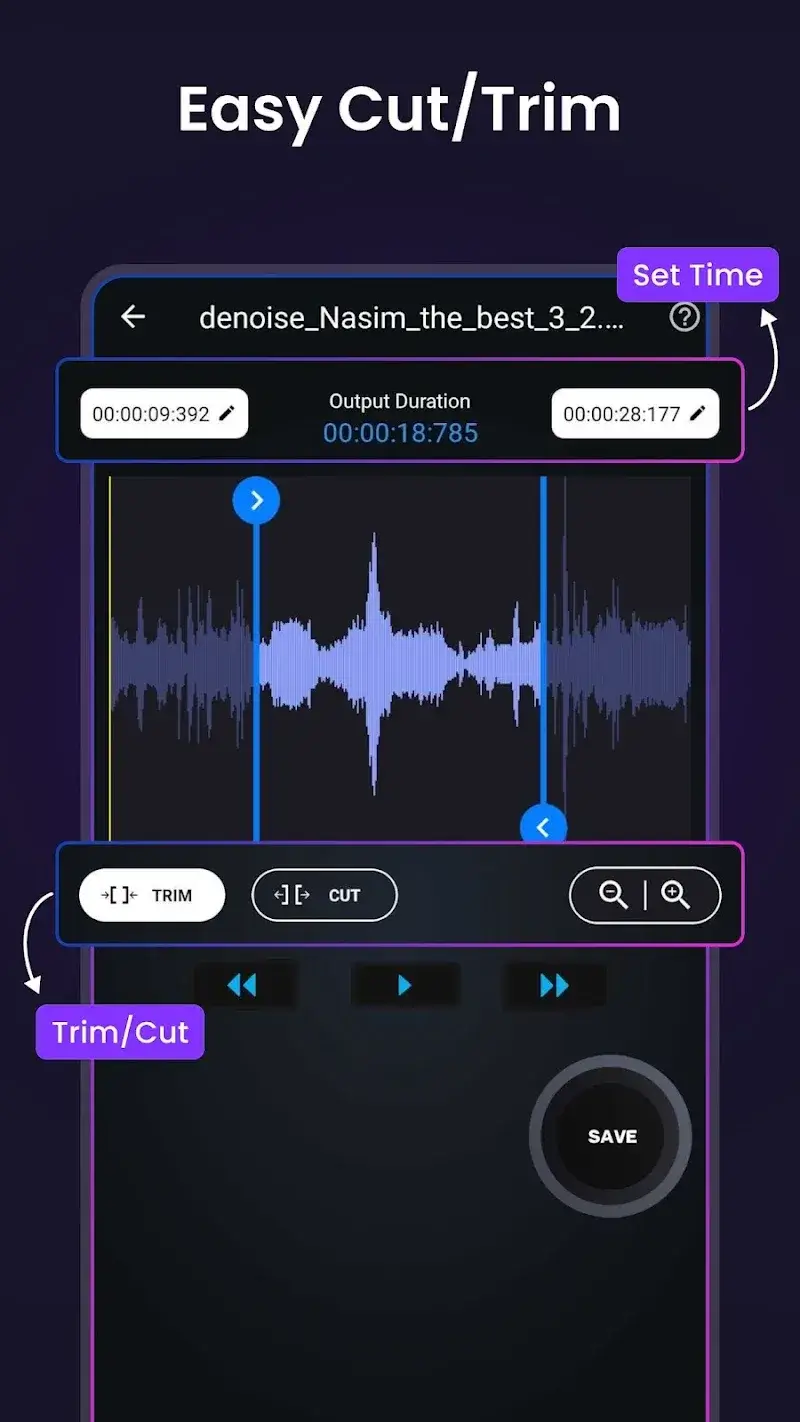
- Waveform Accuracy: The application will display the waveform audio to help users easily identify the cut segment. They can choose the cutting and trimming tool based on this waveform audio mode. The cuts are more accurate when cut through the waveform.
- Flexible Trimming: The application’s audio cutting tool can measure and cut accurately to the millisecond. Users can drag to the limit and select the range they want to cut. The application will immediately delete the audio segment in the file selected by the user.
- Custom Output: After completing the audio cutting process with professional tools, users can download. This process will be completed when users choose a suitable format to save. The application allows users to save in several formats, including MP4, MP3, M4A(AAC), AC3, WAV, OGG, and FLAC.
Frequent questions
+ Resolved the file not found issue on the SD card.
+ Fixed various crash issues to improve app stability.
+ Resolved bugs that were causing file conversions to fail.