

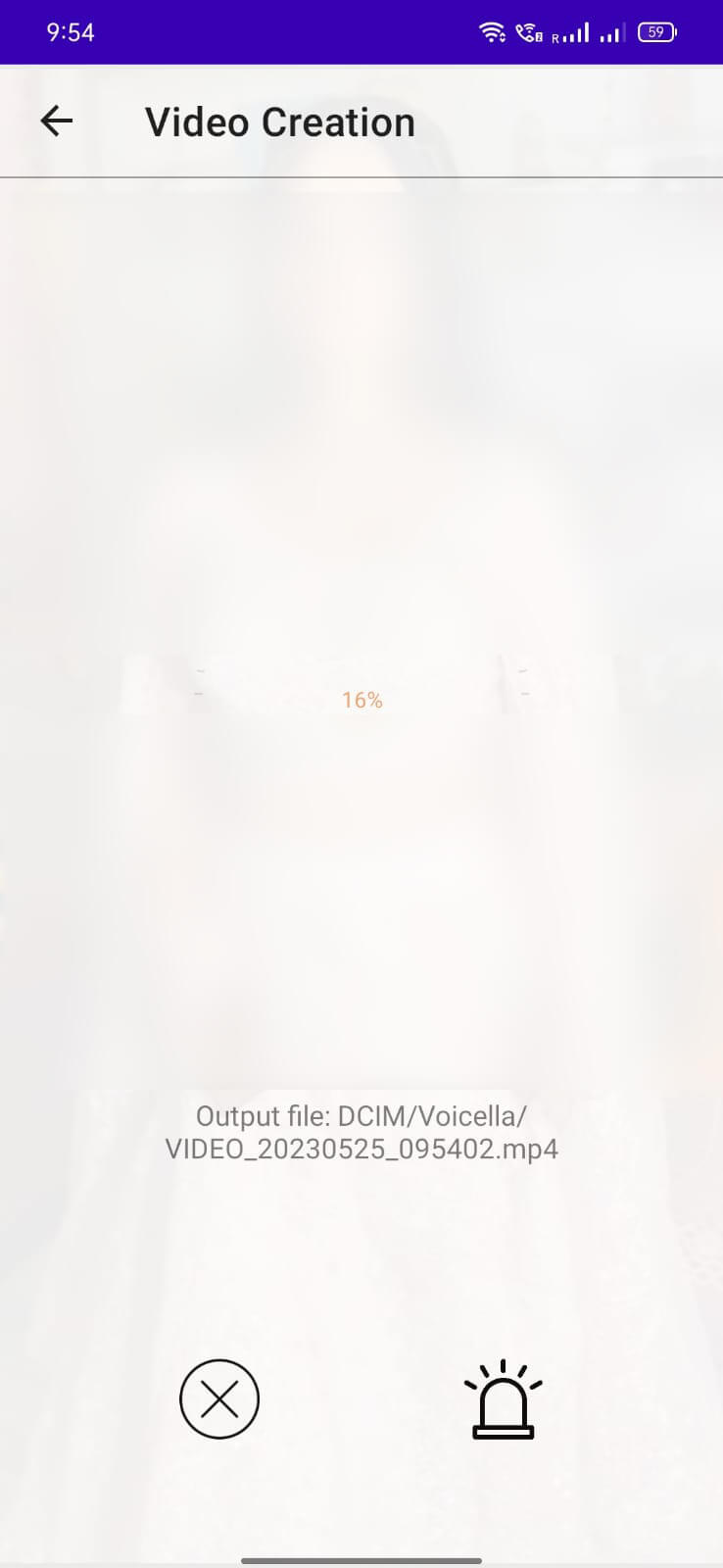
People are now not limited to Jobs only. The trend of sharing content on Youtube is growing rapidly. And to catch an audience from all over the world, providing subtitles to your video is important. So, Voicella App is here to help you. It is a freemium tool for Android that lets you add subtitles to your videos. You can also use it to translate other languages’ movies and add subtitles in your preferred language. It supports more than 90 languages and all video formats. Keep reading to learn more about its features in detail.
Contents
About Voicella App
Varicella is a tool developed by Anti Pu that helps users to translate and add subtitles to their videos. The procedure of using the App is very easy. And you will be amazed to see how quickly it processes, translates, and adds subtitles to a video. After processing, you can adjust the subtitles settings and save and share it.
The App automatically recognizes the speech and adds subtitles or transcribes quickly. It also allows you to edit your subtitles settings like size, text design, Font, color, alignment, and more. As mentioned earlier, it is a freemium App. You get limited service for free. For more access, you can buy a monthly subscription or premium language minutes.
Features
Offline (Free Languages)
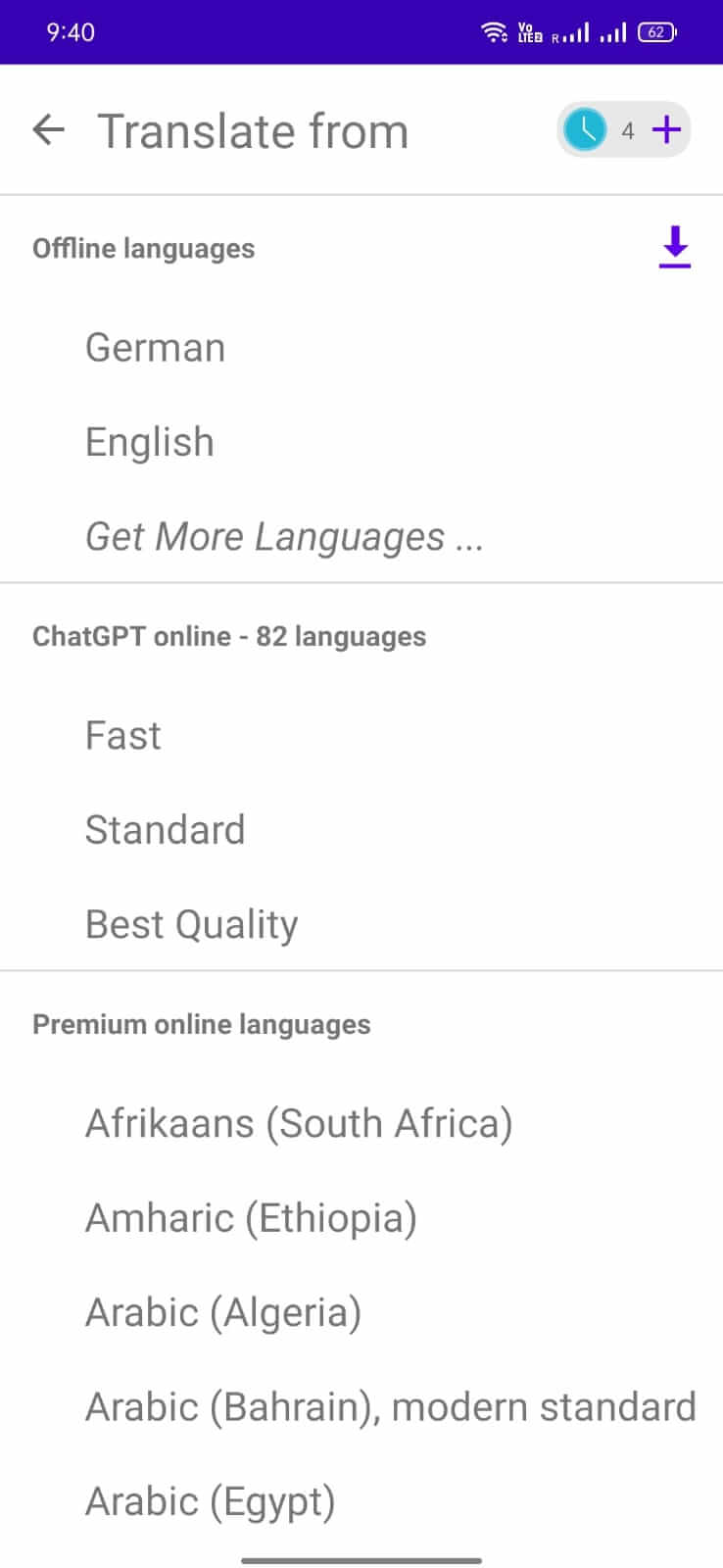
The App offers more than ten free languages to translate and add subtitles. It includes English, German, Russian, Spanish, and more.
Online Translation
You can select the language to translate the video. The App has more than 90 languages for online transition.
Online Transcribing
The App also allows you to select a language for transcribing. You can select over 90 languages from it.
Automatic Functions
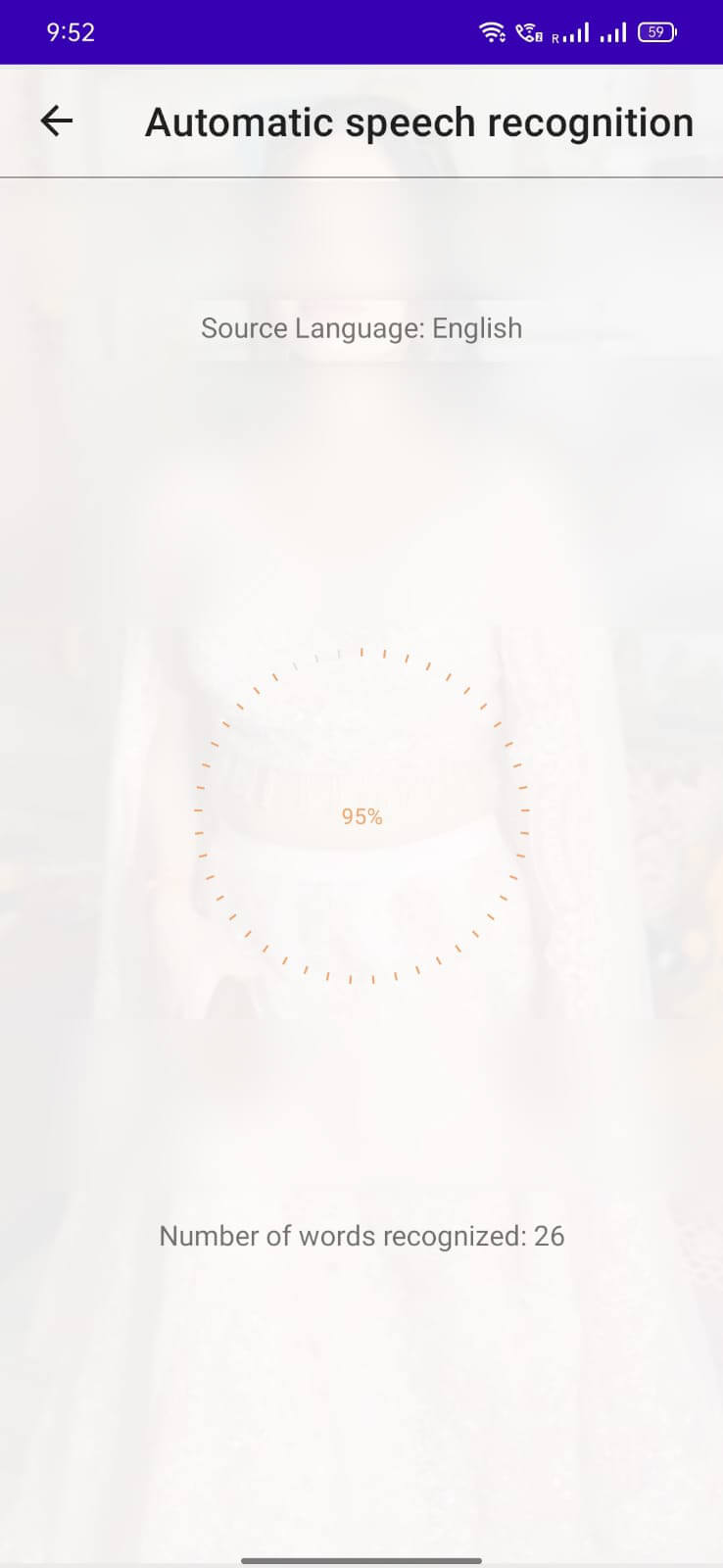
Additionally, the App is easy to use. It automatically recognizes the voice and translates the speech of the video. This way, it saves a lot of manual effort of yours.
Customize Subtitles
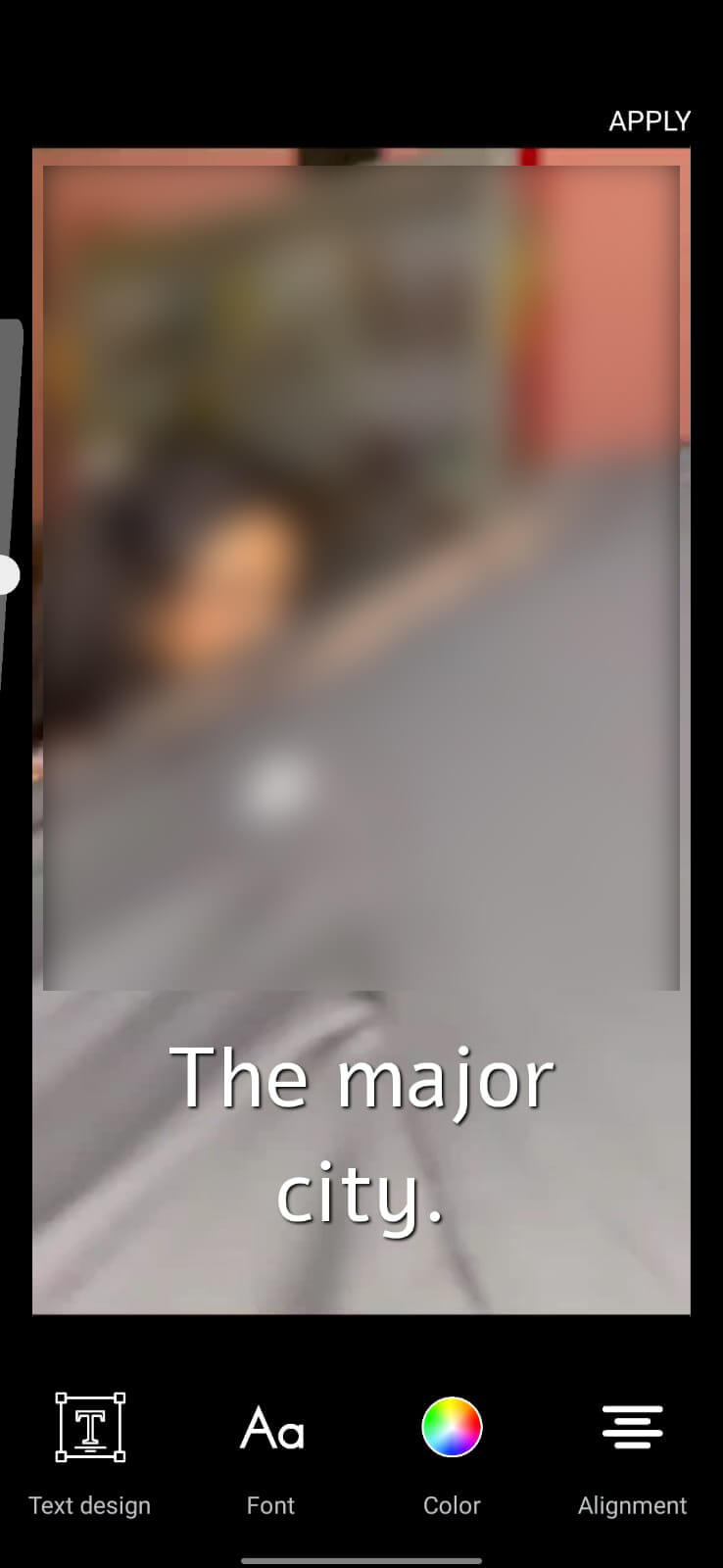
After transcribing a video, you can adjust the subtitle settings. You can customize the text design, Font, color, and alignment. Also, you can select the layout for the video screen from the App.
Share Video on Social Media
The App allows users to share videos on social media after adding subtitles. You can share your creations on YouTube, Twitter, Facebook, Instagram, TikTok, and Twitter.
Save Subtitles
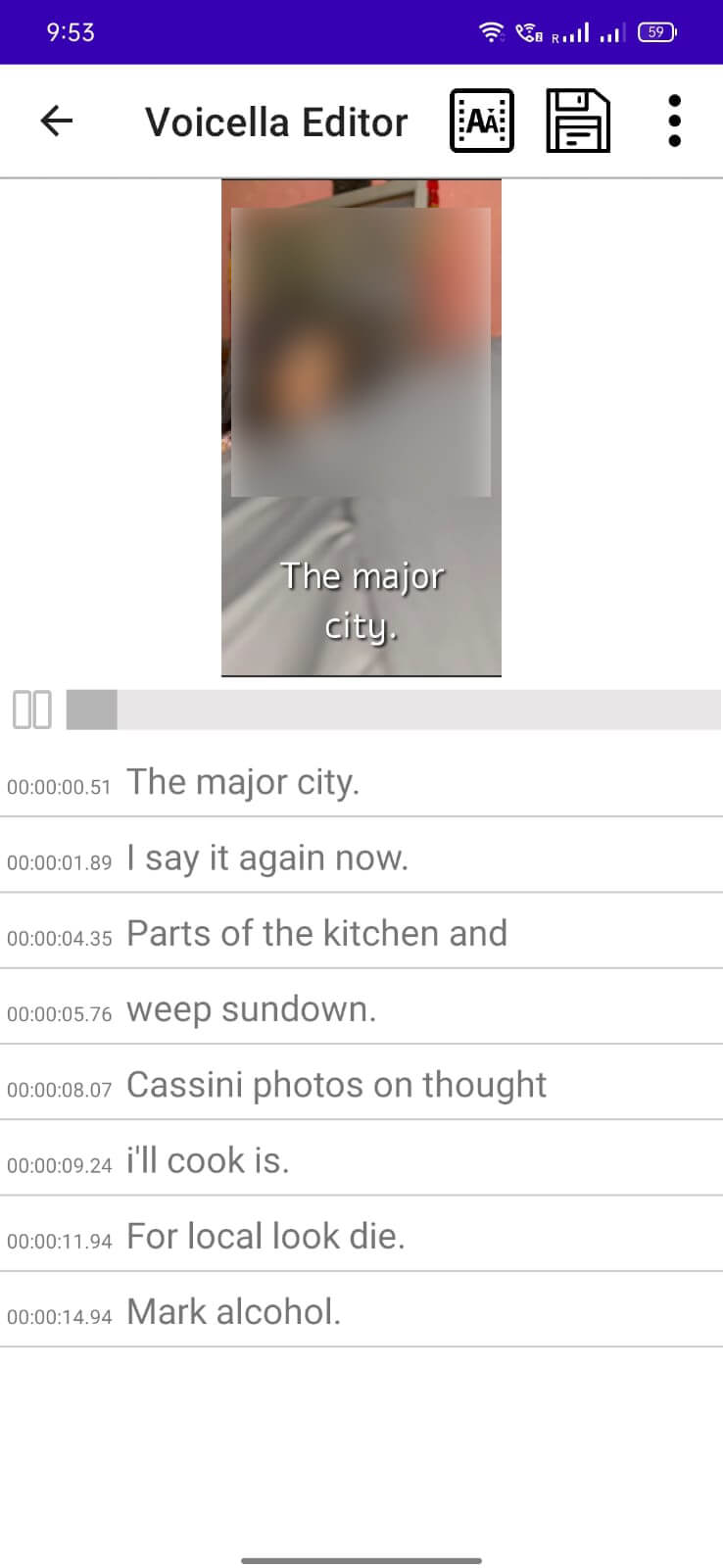
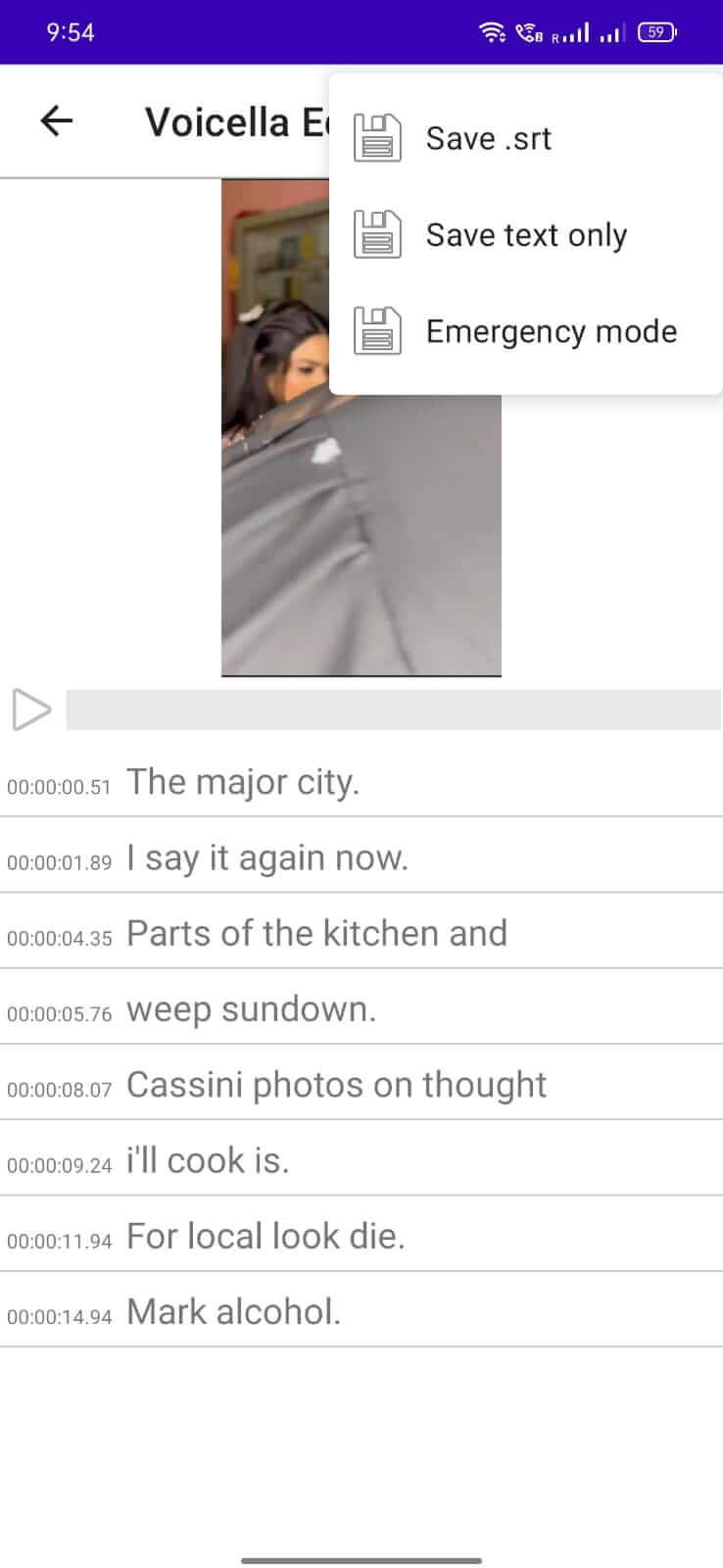
You can save the subtitles as .srt files or as text only. Additionally, you will see an Emergency mode. You can use this mode when you find a problem while processing videos.
You may also like advanced Video Apps like:
- VideoShow
- Filmora Go
- Power Director
- Motion Ninja
How to Install Voicella APK
Before moving to the steps section, enable the Unknown Sources installation from your device’s Security Settings. And then follow these steps.
- Download the Voicella XAPK on your device.
- Open an XAPK Installer to install the file. We are using XAPK Installer App in this procedure.
- Enable the required permissions to the Installer.
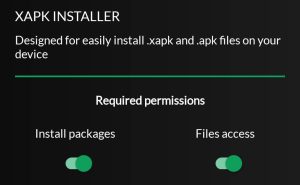
- And then, select the “Install .XAPK Files” option.
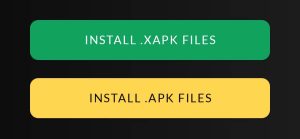
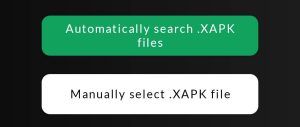
- Now, let the installer Automatically search .XAPK files or Manually select the .XAPK file.
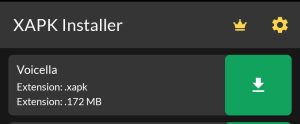
- Then tap on the green download button beside the file.
- Tap on Install and confirm the App installation.

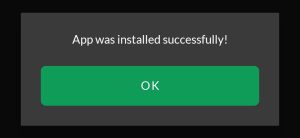
- When the App is successfully installed, it will show you the message. Tap OK.
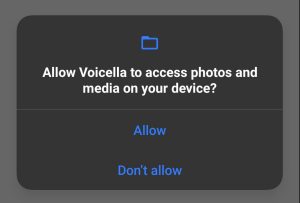
- Afterward, Open the App and allow it to access photos and media on your device.
How to Use Voicella App
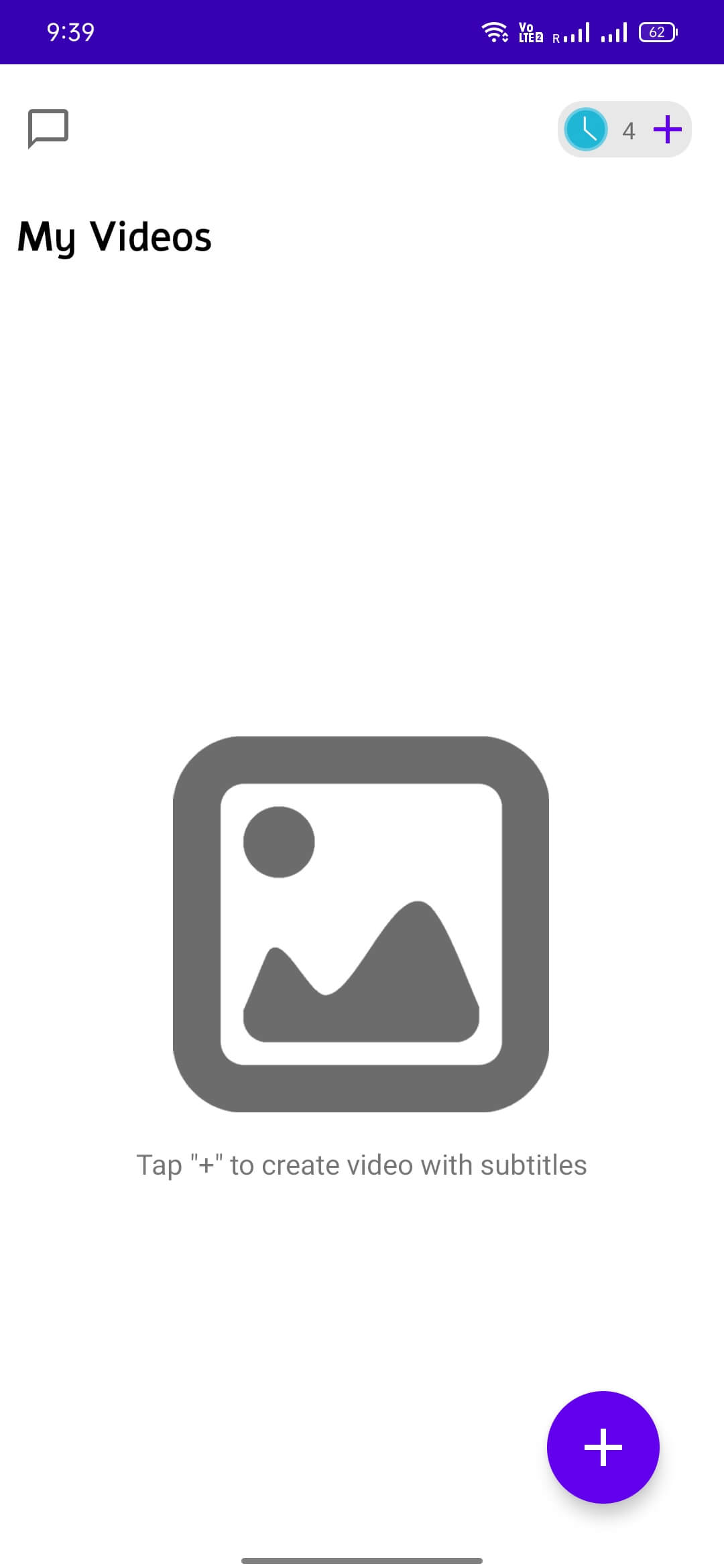
- First, select a video from your local storage.
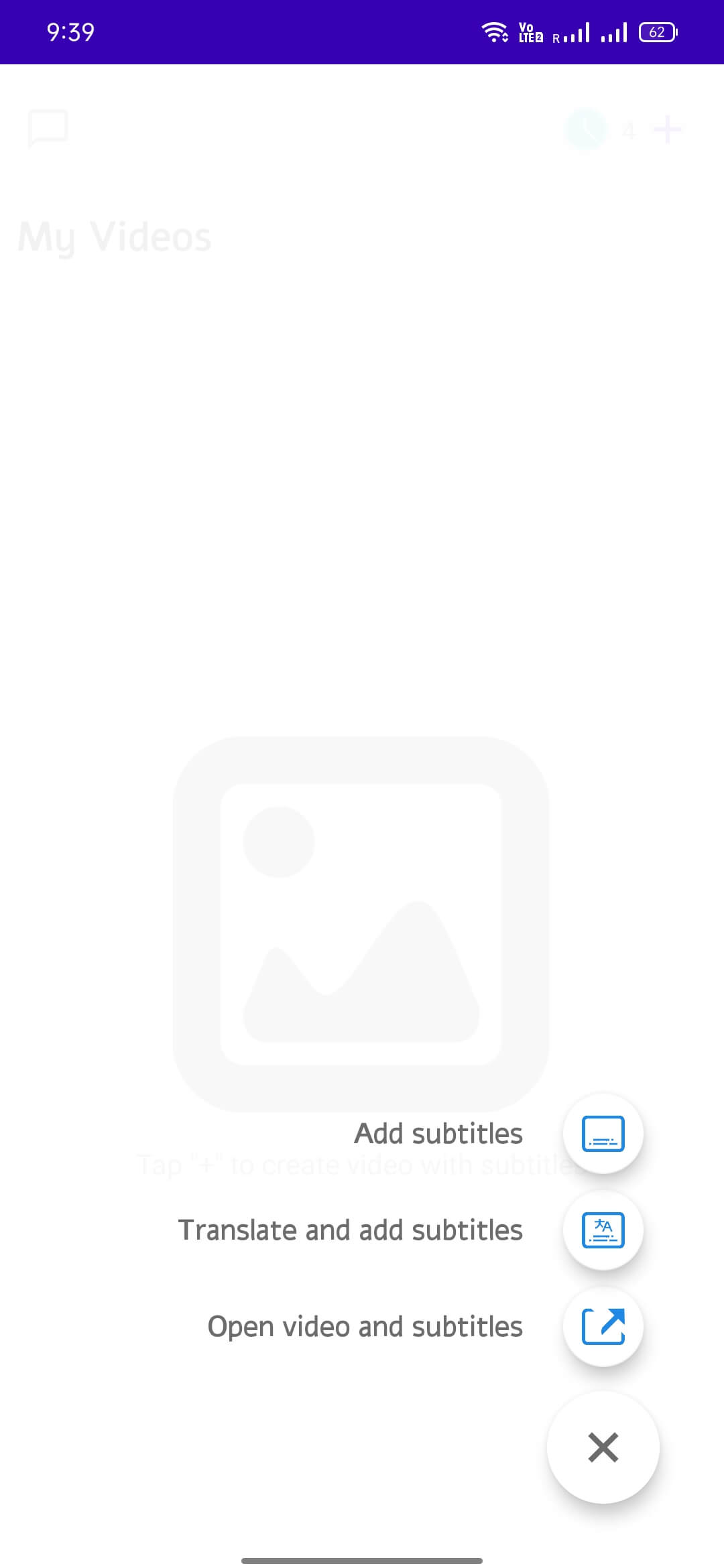
- And select Add Subtitles, Translate and add subtitles, or Open Video and Subtitles.
- Select the languages you want to translate your video from and transcribe to.
- It will automatically recognize your speech and add subtitles to your video.
- You can tap the “AA” button from the top bar to customize the subtitles’ look. You can customize the size, text design, Font, color, and alignment of the subtitles.
- Also, you can save the subtitle file (.srt) or the text only to your device from the Menu (three dots) option.
FAQs
Is Voicella App free?
The App is free with limited languages. More than ten free languages are available to select from.
What can Voicella App do?
It can translate, transcribe, or add subtitles to your video in over 90 languages.
Is Voicella safe?
Yes, the App is safe to use, and you can use it on all Android devices running on 8.0 and later OS.
Conclusion
So, that’s all about the Voicella App. You can use it to translate, transcribe, and add subtitles to your videos. The App functions quickly and lets you share videos on your social media. In addition, you can save the subtitle file or the text only to your local storage. Besides, you can customize the appearance of subtitles and make them look attractive. So, download the App on your device and install it to enjoy its features.