The trusted Word app lets you create, edit, view, and share your files with others quickly and easily. Send, view and edit Office docs attached to emails from your phone with this powerful word processing app from Microsoft.
With Word, your office moves with you. Whether you’re a blogger, writer, journalist, columnist, student, or a project manager working on documentation, Word is as handy as you want it to be.
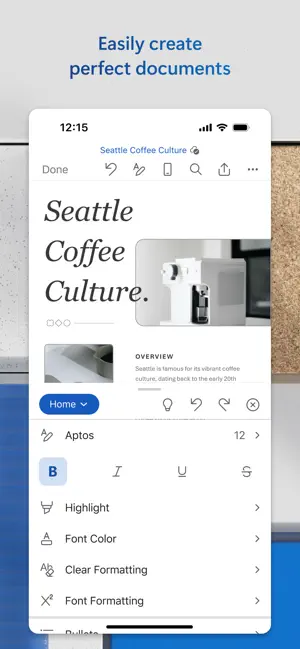
Make impactful text documents, scripts, blogs, write-ups, or resumes. Customize your document, letter, resume, or notes your way with robust tools that enable you to accomplish your best writing with the best format options and templates.
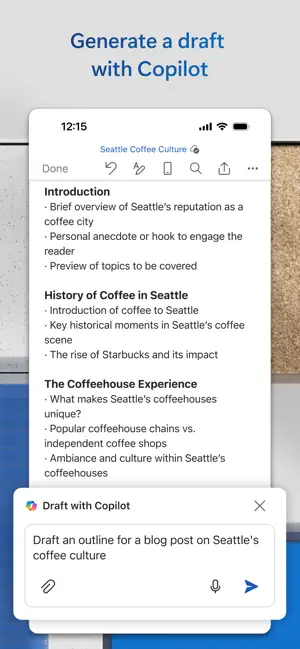
Get the power of AI with Copilot1 in your favorite apps when you sign in with your Microsoft 365 subscription. Create and edit documents, collaborate and share with ease when you download Microsoft Word today.
Create Documents
• Jump-start your projects, assignments, letters, blogs, scripts, notes, write-ups, or resume with beautifully designed modern templates.
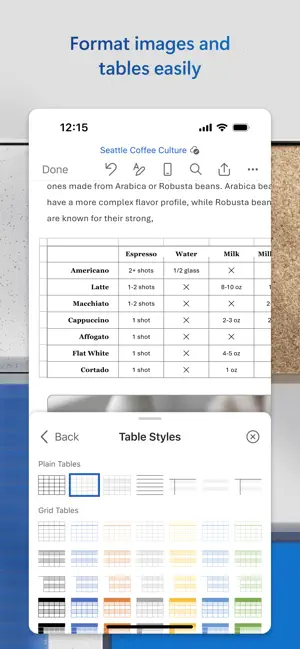
• Use rich formatting and layout options to note down your ideas and express them in writing.
• Document formats and layouts stay pristine and look great on any device.
Read, Write, & Edit Documents
• Reading view lets you read lengthy docs, letters, scripts, and more on your device with ease.
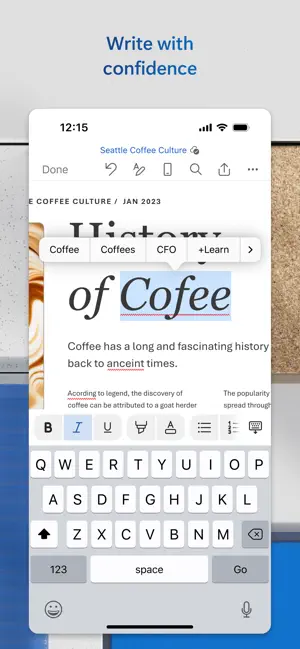
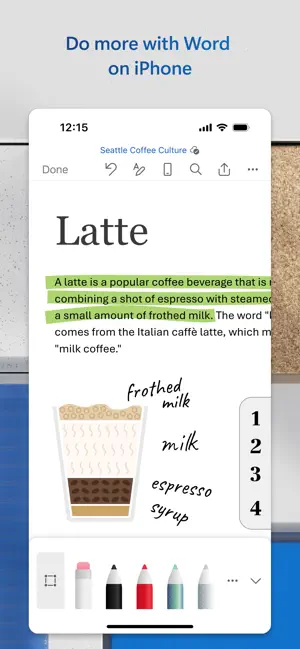
• Use familiar writing and editing tools as you’d find on a desktop word processor.
Collaborate Anywhere
• Share thoughts by commenting in docs right next to the text you’re discussing.
• Everyone can collaborate and stay on top of changes to the text, layout, and formatting.
• As you and your team make changes, you can revert to view earlier drafts with improved version history in Word.
Simplified Sharing
• Share files with a few taps to quickly invite others to edit or view your documents.
• Easily manage permissions and see who’s working in a document.
• Copy the content of your Word files directly into the body of an email message with its format intact or attach your docs to an email and make sharing easier.
Download Microsoft Word now and get the best way to create, share and edit documents from your iPhone or iPad.
To create or edit documents, sign in with a free Microsoft account on devices with a screen size smaller than 10.1 inches.
Microsoft 365 Personal or Family subscription required; AI features only available to subscription owner and cannot be shared; usage limits apply. Learn more. ( https://go.microsoft.com/fwlink/?linkid=2280151)
Unlock the premium Microsoft 365 experience with a qualifying subscription for your phone, tablet, PC, and Mac, and will automatically renew within 24 hours prior to the end of the current subscription period unless auto-renewal is disabled beforehand. You can manage your subscriptions in your App Store account settings.
This app is provided by either Microsoft or a third-party app publisher and is subject to a separate privacy statement and terms and conditions. Data provided through the use of this store and this app may be accessible to Microsoft or the third-party app publisher, as applicable, and transferred to, stored, and processed in the United States or any other country where Microsoft or the app publisher and their affiliates or service providers maintain facilities.
Microsoft 365 includes Word, Excel,[1] PowerPoint, Outlook,[2] and OneNote desktop apps with Microsoft Copilot,[3] 1 TB cloud storage, and device security. See “License Agreement” link under Information. By installing the app, you agree to these terms and conditions.

-

- YAZIO
- Write It! Japanese (Write Japanese)
- L’ÉQUIPE - actu, score, match
- Meta AI
- Tarot! App
- Brawlhalla App
- DuoMe - Live Video Chat
- Mubasher
- Teamo
- Breeze - Offline Dating App
- فضفض - شات و دردشه مع مجهول
- Beep: Internships for Students
- GOGO LIVE
- TR TALK
- Chrome Dev
- Yooppe
- Cici
- Achat Pro
- Dil Mil
- NIMI



Free Download Microsoft Word App 2.103.3 by App Store
2.103.3
 4.7
4.7 
Create a Resume, Essay or PDF

Information about Microsoft Word App 2.103.3
 |
License | |
|---|---|---|
 |
Op. System | Requires iOS 18.0 or later. |
 |
Category | Productivity for iPhone |
 |
Language | English,Arabic,Catalan,Croatian,Czech,Danish,Dutch,Finnish,French,German,Greek,Hebrew,Hindi,Hungarian,Indonesian,Italian,Japanese,Korean,Malay,Norwegian Bokmål,Polish,Portuguese,Romanian,Russian,Simplified Chinese,Slovak,Spanish,Swedish,Thai,Traditiona |
 |
Author | Microsoft Corporation |
 |
Permissions | |
 |
Downloads | 0 |
 |
Date | Jan 1, 1970 |
 |
Size | 509.4 MB |
 |
File type | ios |
 |
Architecture | Requires iOS 18.0 or later. |
 |
Content Rating | 4+ |
 |
Advertisement | Free · In‑App Purchases |
 |
Requirements | Requires iOS 18.0 or later. |
 |
SHA256 |
Apps recommended for you