
Go to Windows platform Display platforms icon
Go to Mac platform Go to Windows platform Go to Android platform
Capto: Screen Capture and Record icon

Capto: Screen Capture and Record

2.1.3
Global Delight
0
56.14 MB size
1downloads

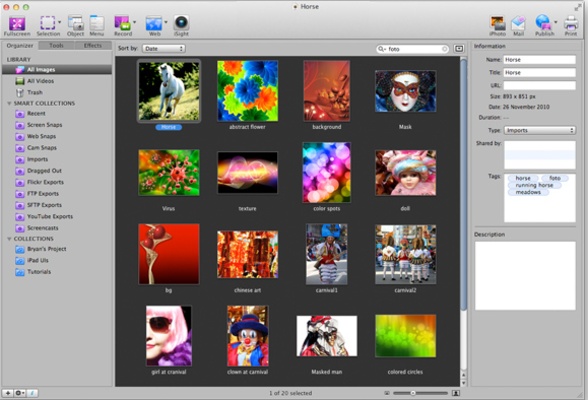
Screen capture with image editing and filters

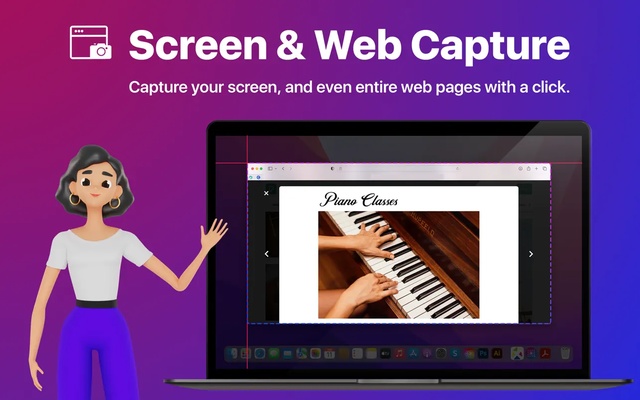
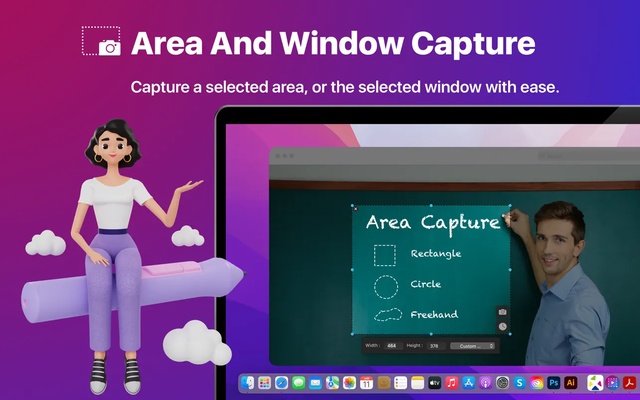
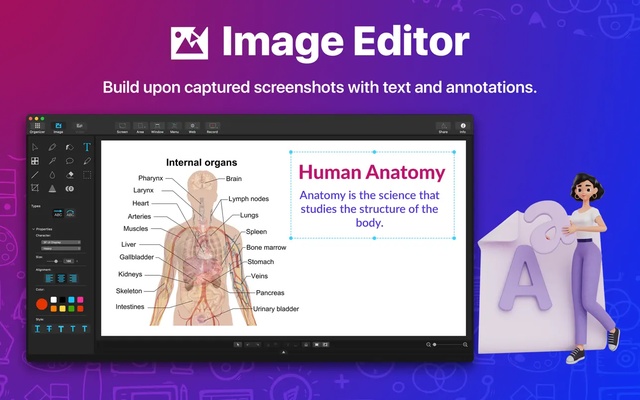
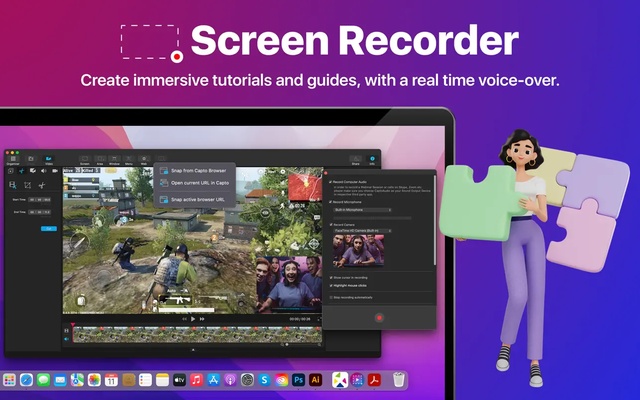
Capto: Screen Capture and Record is an excellent screen capture that allows you to take snaps of the entire screen as well as just the selected portion using the following selection tools: rectangle, circle, polygon, or marquee. You can also select an entire window from the Option tab.

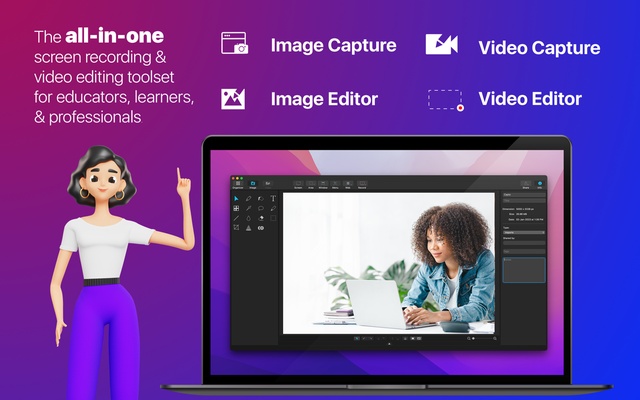
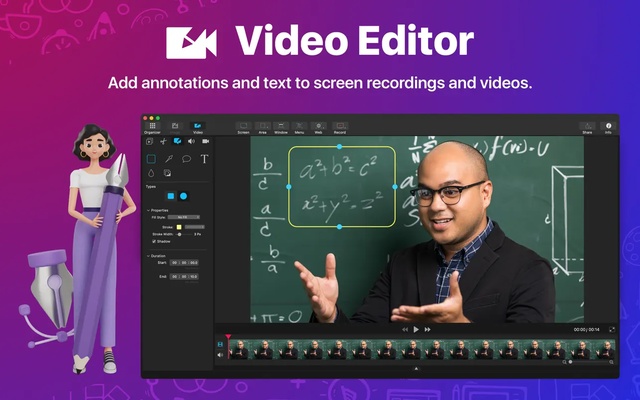
Capto: Screen Capture and Record includes a series of editing features that allow you to stylize the captures. On the one hand, you can add annotation tools such as text, line, arrow, shapes, brush, and blur. On the other hand, you can crop the image and adjust the exposure, saturation, and contrast.

The filters allow you to apply effects like sepia, black and white, invert, skew, edges, and blur. Without a doubt, the best two effects included in Capto: Screen Capture and Record are Edges and Skew: the first allows you to select two types of borders for the image and the latter lets you change the look of the image.

The output formats that Capto: Screen Capture and Record supports are: PNG, JPEG, TIFF, PDF, GIF, and BMP.

Information about Capto: Screen Capture and Record 2.1.3

License Trial
Op. System Mac
Category Photo edition
Language English
Author Global Delight
permission icon Permissions Not applicable
Downloads 1
Date 2025-04-19 01:19:20
Size 56.14 MB
File type DMG
Architecture Not specified
Content Rating Not specified
Advertisement Not specified
Requirements
  • Not specified
SHA256 ef1a818ca068433c32440612f2859380ced03b042eba1733e33550ae6f320f4f

Apps recommended for you

Art of Illusion icon
Peter Eastman
MacSonik CSV to vCard Converter for Mac icon
Convert CSV contacts to vCard
Xee icon
Xee
Lightweight and convenient image viewer
Scribus icon
Free software for laying out publications and documents
Photomatix icon
Improve thelook of your photos with too much or too little light
Topaz Sharpen AI icon
Improve the sharpness of your photos
NX Studio icon
Nikon Corporation
Image Tricks icon
An image editor that uses the Mac graphics engine
Ai Image Enlarger icon
AI Image Enlarger
Paintbrush icon
Equivalent of the classic Paint of Microsfot Windows
CameraBag icon
Apply professional effects to your photos in just seconds
Spin 3D Mesh Converter icon
Convert STL, 3DS, 3DP, 3MF, OBJ, PLY and other 3D file formats
Olive icon
Edit videos with nodes
FotoSketcher icon
Transform your images into works of art
Ultimaker Cura icon
Use CAD and STL files for 3D printing
CSV Duplicate Remover icon
Identify and remove duplicates from CSV files
TechSmith Capture icon
Take screenshots or record onscreen action and share it
Spin 3D Plus icon
NCH Software
AKVIS Sketch icon
Transform your pictures into pencil drawings or watercolors
Canva icon
Create designs from hundreds of resources
Bulkr icon
An easy way to download photos from Flickr