
Go to Windows platform Display platforms icon
Go to Mac platform Go to Windows platform Go to Android platform
digiKam icon

digiKam

8.6.0
KDE Familly
4
317.08 MB size
1downloads

An excellent image organizer

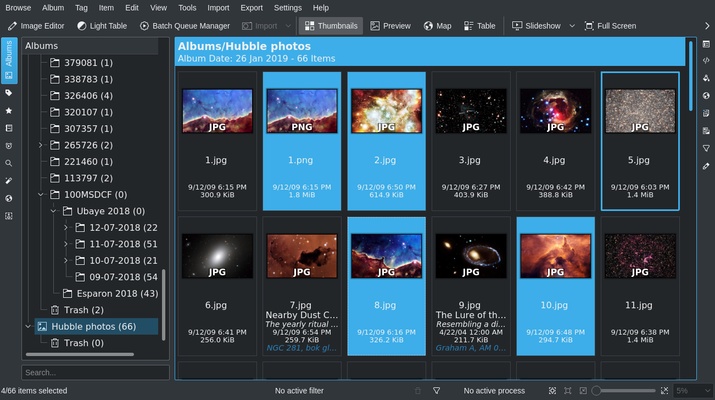
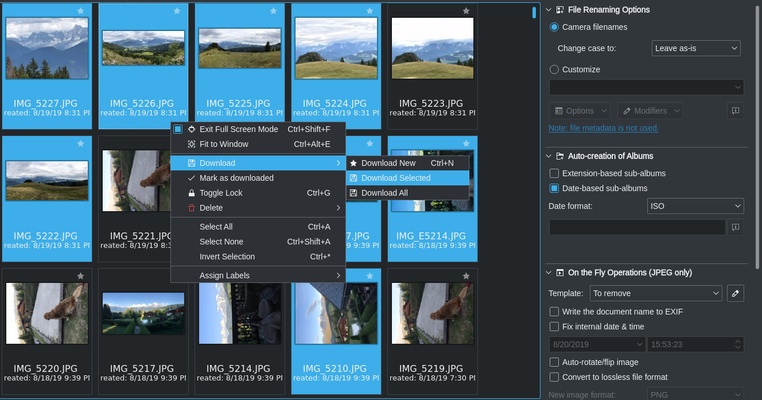
DigiKam is a useful file manager that lets you organize, edit, and view all the images you have on your Mac. Best of all, it's free and open-source, and you can even edit and share your photos as RAW files.

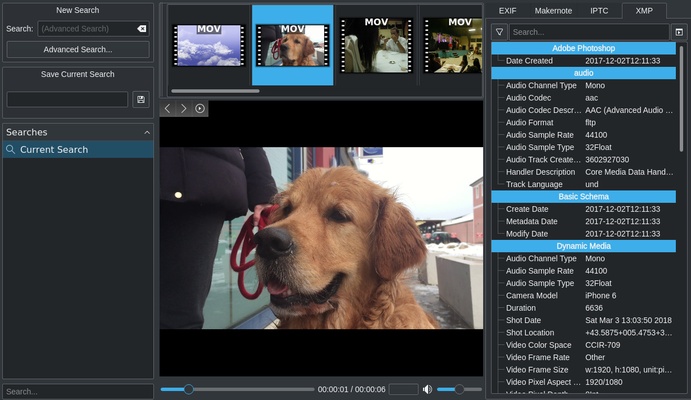
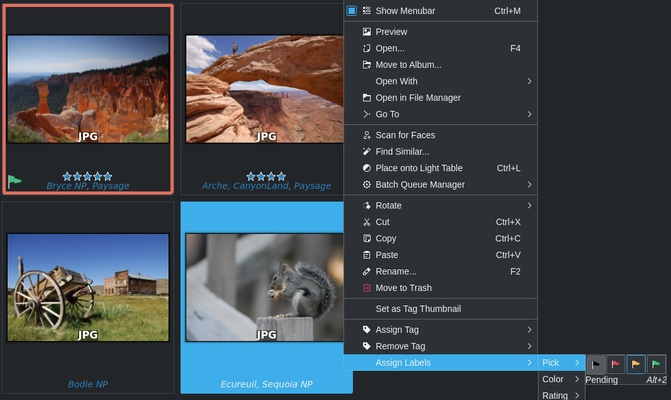
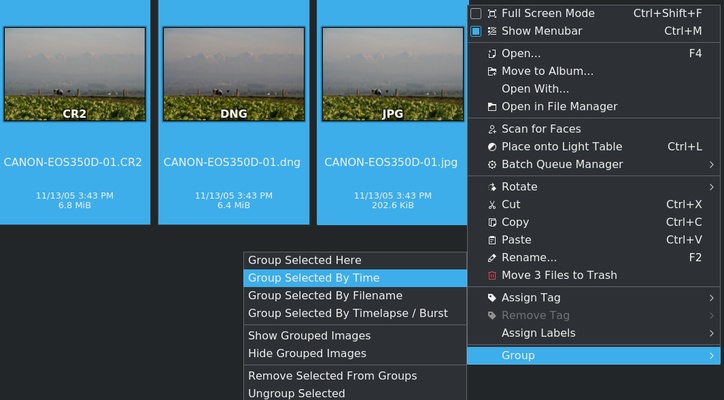
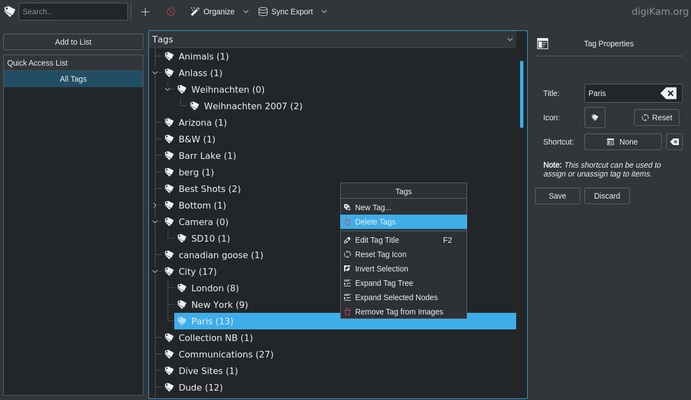
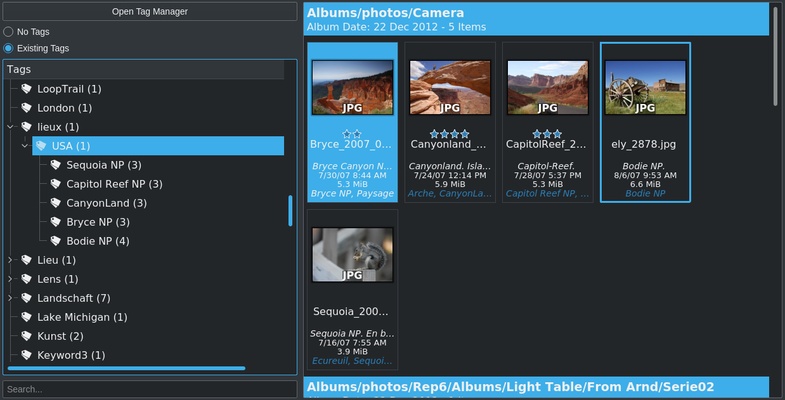
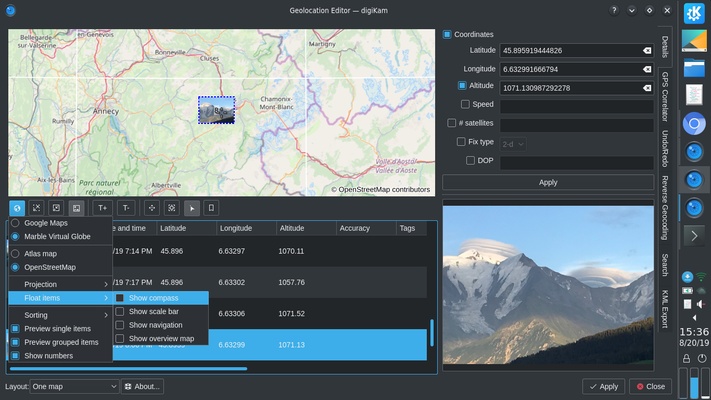
One of DigiKam's main selling points is the different options it offers. It's not just a simple file organizer. You can also create albums with all kinds of details (especially in regards to tagging), perform advanced searches for images based on various details (tags, date, location, EXIF, IPTC, XMP, etc.), create a video catalog, etc.

Besides organizing all your images, DigiKam also has various editing tools. You can adjust your photos' colors, crop them, and apply different filters and textures to add that little something extra. It also has more advanced editing tools for those with experience: curve adjustment, automatic lens correction, panorama creation, etc.

DigiKam is the perfect app for organizing and editing your images. It's ideal for anyone who has tons of photos and needs to catalog them in an efficient way.

Information about digiKam 8.6.0

License Free
Op. System Mac
Category Photo edition
Language English
Author KDE Familly
permission icon Permissions Not applicable
Downloads 1
Date 2025-04-19 01:19:20
Size 317.08 MB
File type PKG
Architecture Not specified
Content Rating +3
Advertisement Not specified
Requirements
  • Not specified
SHA256 97a7af71871c4908e9b933212e074f0bce35c2a53f823196cf1888ef3b029988

Apps recommended for you

Ai Image Enlarger icon
AI Image Enlarger
Bulkr icon
An easy way to download photos from Flickr
SnagIt icon
Capture, organize and edit any picture
Picture Control Utility icon
Nikon Corporation
Wacom Tablet Driver icon
Use your Wacom tablet with your Mac
GIMP icon
Free and open-source software for creating and editing images
Image Tricks icon
An image editor that uses the Mac graphics engine
Ai Image Enlarger icon
AI Image Enlarger
Paintbrush icon
Equivalent of the classic Paint of Microsfot Windows
CameraBag icon
Apply professional effects to your photos in just seconds
Spin 3D Mesh Converter icon
Convert STL, 3DS, 3DP, 3MF, OBJ, PLY and other 3D file formats
Olive icon
Edit videos with nodes
FotoSketcher icon
Transform your images into works of art
AndreaMosaic icon
Make a mosaic from an image gallery
JAlbum icon
Web Photo album creator with different styles
TikTok Effect House icon
Create filters for TikTok
Photomatix icon
Improve thelook of your photos with too much or too little light
Paintbrush icon
Equivalent of the classic Paint of Microsfot Windows
Wacom Tablet Driver icon
Use your Wacom tablet with your Mac
ArtRage Starter Edition icon
Give your creativity free rein with this drawing application