

Go to Windows platform Display platforms icon
Go to Mac platform Go to Windows platform Go to Android platform
qView icon

qView

6.1
jurplel
0
33.46 MB size
4downloads

A lightweight image viewer for macOS

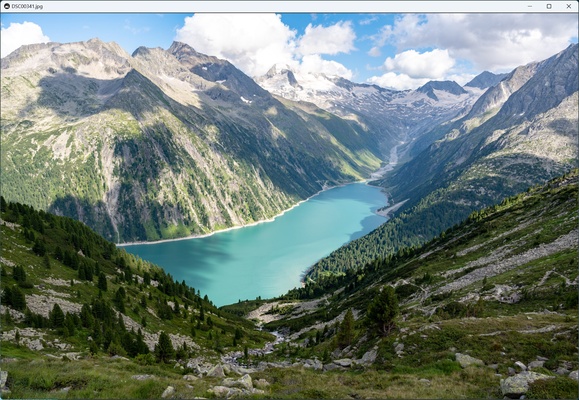
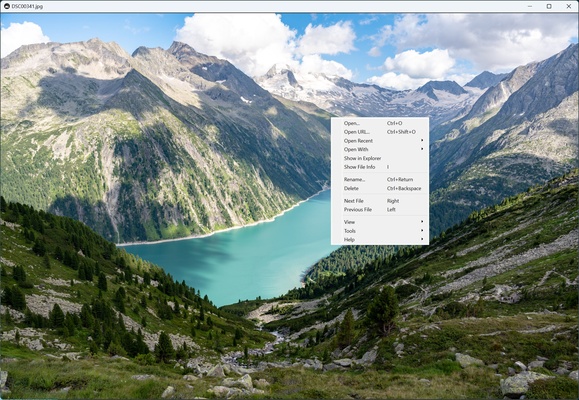
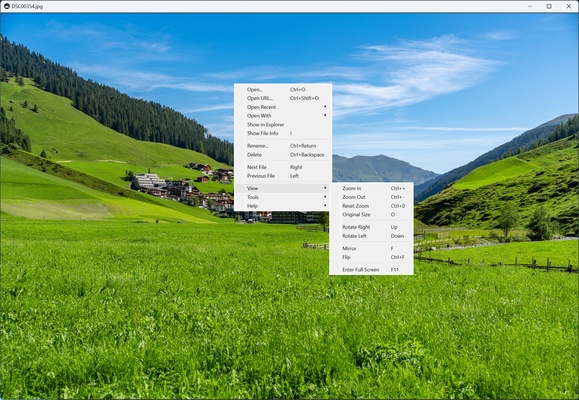
qView is an image-viewing app designed to offer a minimalistic and efficient experience by eliminating unnecessary toolbars and distractions. Moreover, qView is open source and totally free, making it an excellent choice if you're looking for a secure and reliable solution.

Supported image formats

qView supports a variety of popular formats, such as BMP, GIF, JPG, PNG, TIFF, and WebP, as well as RAW formats used in professional photography, such as ARW, CR2, and CR3. Thanks to this, you won't have to convert your images to other formats in order to view them. In addition, qView is capable of working with animated images, such as GIFs, allowing you to control their playback directly from the app, which is a feature that not all image-viewing apps offer.

A focus on performance and speed

qView is designed to be extremely fast and efficient. The app opens almost instantly, making it an ideal choice for users who value speed. By setting qView as the default app for viewing images, you can open it immediately by simply double-clicking on a file. The transition between images is also smooth and fast, ensuring a seamless viewing experience. However, it's important to mention that its performance can be a bit slower when working with RAW files, because it has to convert them in real time, which consumes a lot of resources.

Additional features

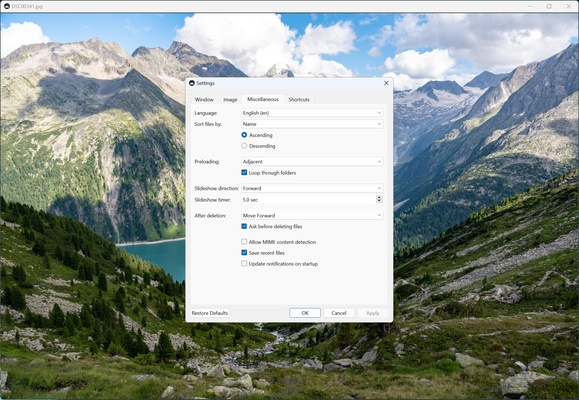
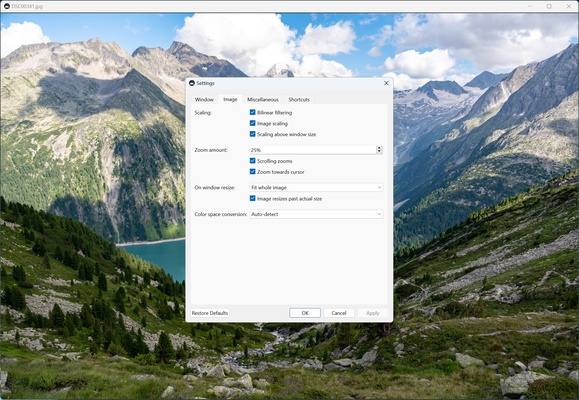
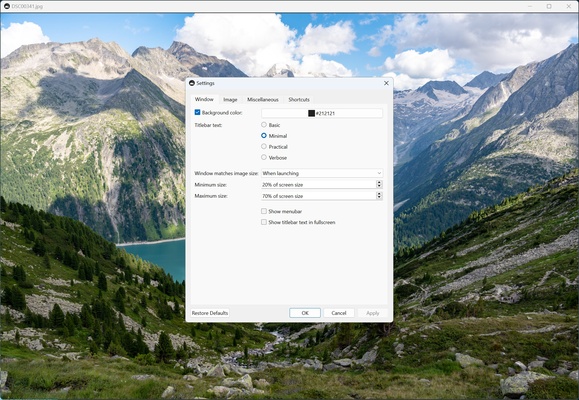
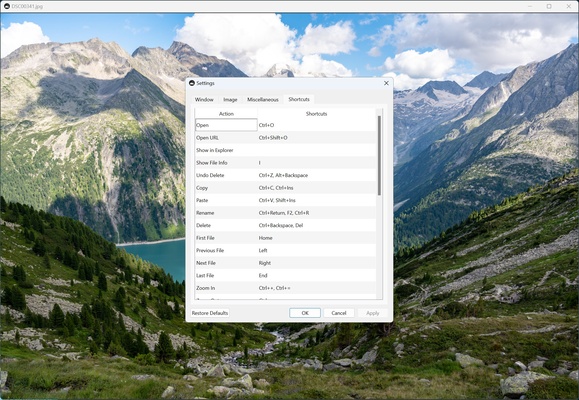
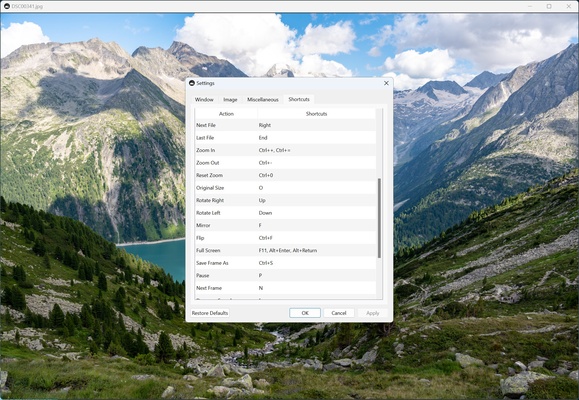
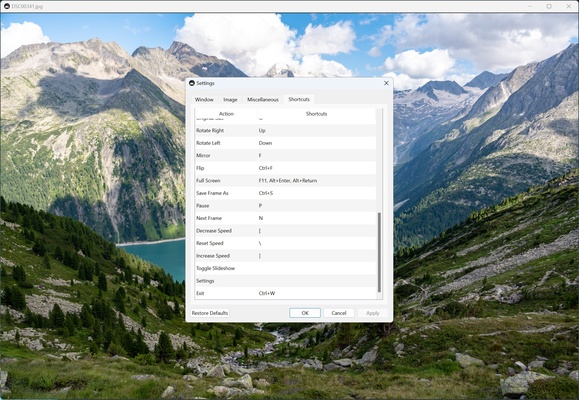
In addition to its ability to display images, qView includes a number of extra features to enhance your user experience. These include the recent file history, which allows you to quickly access images you've recently viewed. You'll also have the option to rotate and flip images, so you can do basic image editing without having to open another program. Other features include custom zoom adjustments, background color changes, and custom keyboard shortcuts.

Download qView for macOS if you're looking for a lightweight and simple image viewer.

Information about qView 6.1

License Free
Op. System Mac
Category Multimedia
Language English
Author jurplel
permission icon Permissions Not applicable
Downloads 4
Date 2025-04-19 01:41:58
Size 33.46 MB
File type DMG
Architecture Not specified
Content Rating Not specified
Advertisement Not specified
Requirements
  • Not specified
SHA256 e407b0f2fdd208ec72778feda0c34dcd12bc28420f9d5abd07e9287c1c91656a

Apps recommended for you

TinyMediaManager icon
The best way to manage your movies in Mac
RenPy icon
Create your own visual novels on Mac
Shotcut icon
Edit and improve your videos with this simple program
UkeySoft Music Converter for Mac icon
Best Tool to Convert Spotify Music to MP3 on Macbook/iMac
XnView MP icon
Instantly capture and view images
Reaper icon
Record, edit and render waveform audio
YouTube Music Desktop App (Unofficial) icon
YouTube music player for macOS
Cisdem Video Converter icon
Convert, download, compress video, rip DVD/Blu-ray on Mac.
Stacher icon
Download videos from YouTube
HitPaw Univd for Mac icon
Convert videos to any formats and download videos from website on Mac
Lightworks icon
A top-notch video editor that produces professional results
Giada icon
Create your own music using samples
UkeySoft Audible Converter icon
Your Best Tool to Convert Audible Books to MP3 for Mac OS.
Sonos icon
Control your Sonos sound system from your Mac
Stream Deck icon
Manage your Stream Deck and customize its buttons
Screenshot Scrop icon
Quickly crop screenshots and images from clipboard
MuseScore icon
Free and good WYSIWYG music notation program
Clip Studio Paint icon
Create amazing drawings on your Mac
SnapDownloader icon
Video downloader for YouTube, Facebook, Twitter, and 900+ websites
Sonos icon
Control your Sonos sound system from your Mac
WMF Converter Pro icon
Convert your WMF and EMF files
FFmpeg icon
Convert and edit multimedia files on your Mac
Jellyfin icon
A powerful, open-source media center
TunesBank iMovieTool icon
TunesBank iMovieTool can grab videos to MP4 or MKV on Mac