


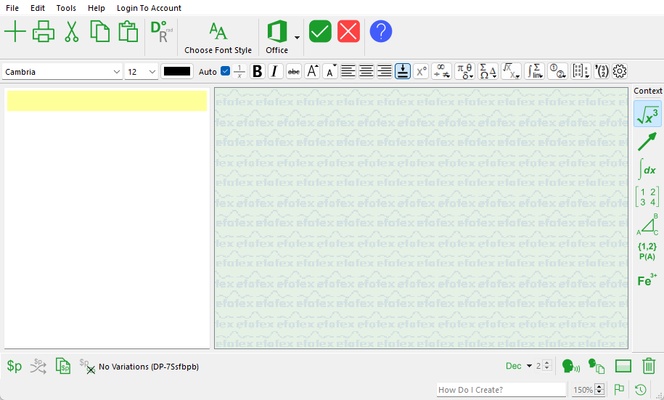
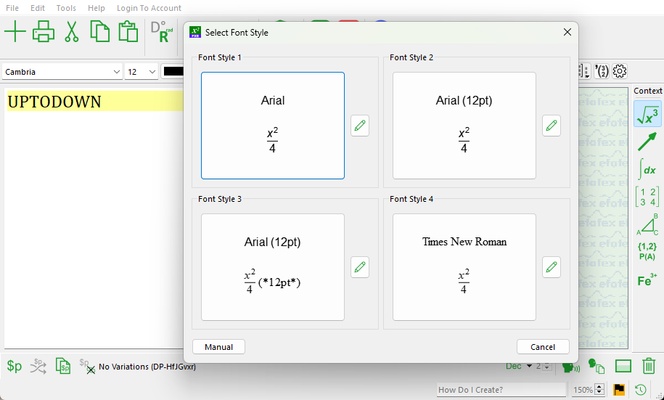
FX Equation is a specialized tool for quickly and efficiently creating professional-looking mathematical equations. Designed for teachers, students and professionals who require a clear representation of complex equations, this app stands out for its ease of use and speed compared to traditional equation editors. FX Equation is part of a broader suite of Efofex tools, all aimed at improving the teaching and learning of mathematics by providing high-quality graphical and textual results. If you want a simple and comprehensive option for working with equations, download FX Equation for free.
Create mathematical equations quickly
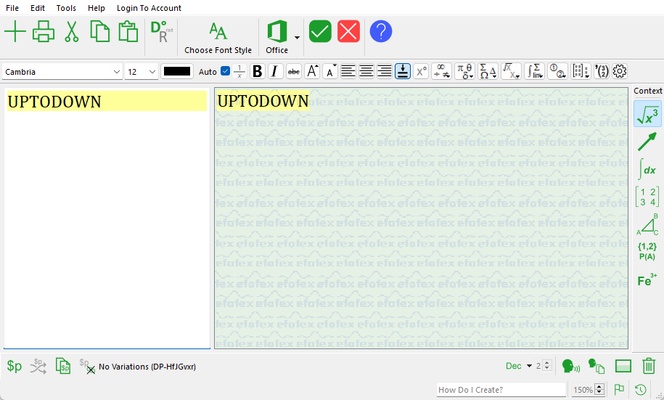
The main purpose of FX Equation is to allow users to create equations extremely quickly. Unlike other equation editors that require you to use drop-down menus or graphical tools, FX Equation relies on a direct input system, where you simply type the equation in an almost natural format, similar to how you would on paper, and the tool will instantly convert that text into a correct and properly formatted mathematical equation. This feature saves a significant amount of time and makes the tool ideal for those who need to produce large numbers of equations in a short space of time, such as teachers preparing educational materials or exams.
Support for a wide range of mathematical notations
FX Equation is highly flexible and allows you to create equations that include a wide range of mathematical notations, from basic algebra to advanced calculus. Among the options it supports are fractions, exponents, logarithms, radicals, integrals and summations, making it a comprehensive solution for almost any type of mathematical equation. In addition to this, FX Equation supports matrices and systems of equations, as well as specific symbols such as pi, infinity and other special characters commonly used in mathematics. This makes it suitable for any level of education, from high school to university, and even for mathematical research and presentations.
Integration with word processors
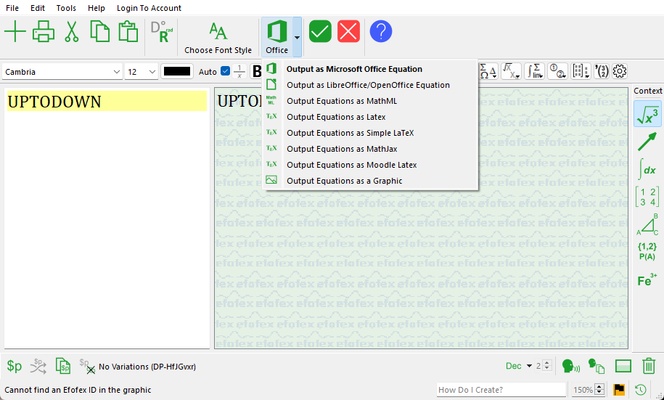
FX Equation is designed to integrate easily with leading word processors such as Microsoft Word, making it easy to insert equations into documents, tests, presentations or assignments. This way you can copy and paste equations from FX Equation directly into your documents, where the equations will be inserted as images or in editable format, depending on your word processor settings. This seamless integration ensures that teachers and professionals don't have to spend time adjusting the formatting or the display of equations after inserting them into a document.
Automatic graphs and diagrams
Although the focus of FX Equation is on creating equations, it can also generate graphs and diagrams from the equations you enter. The tool includes a feature called FX Draw that complements FX Equation by providing automatic graphs that correspond to the equations you enter, such as linear, quadratic or polynomial functions. This is particularly useful for math teachers who need to illustrate concepts with accurate graphs without having to use additional software or draw graphs manually.