

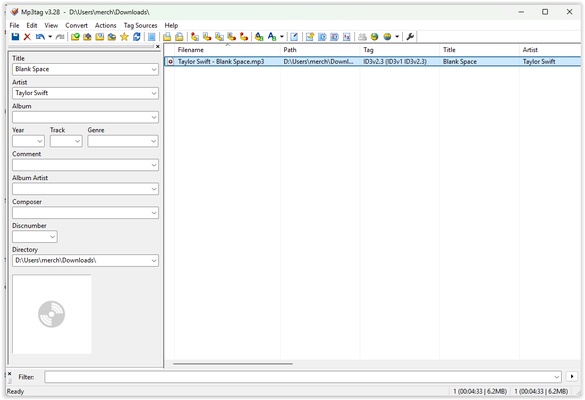
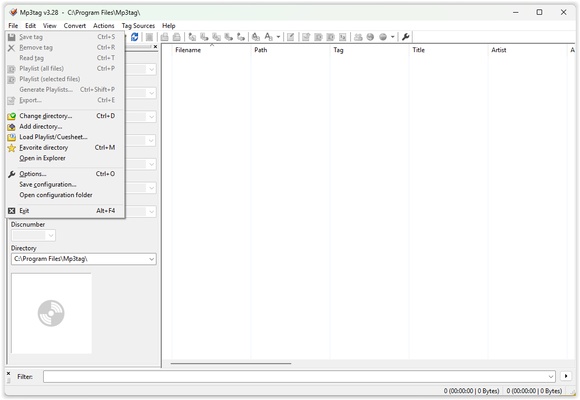
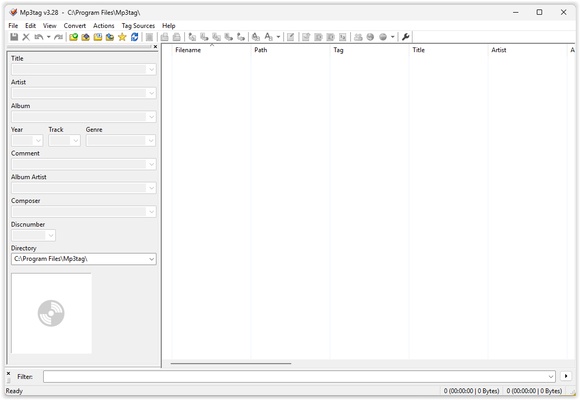
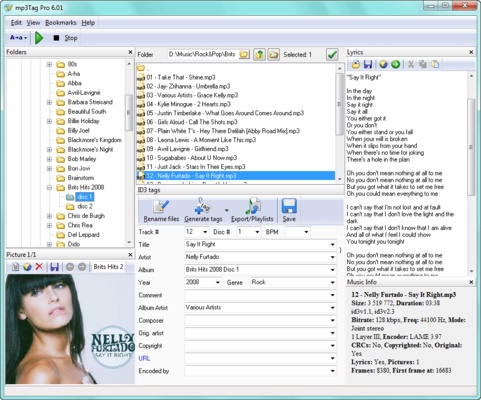
MP3Tag is a powerful and versatile metadata editing tool that allows you to organize, modify and manage audio file tags quickly and efficiently. The app supports a wide variety of formats, including MP3, FLAC, OGG, WAV, AAC, MP4, M4A, and WMA so you can keep your music library in perfect order without any compatibility issues.
Bulk edit tags
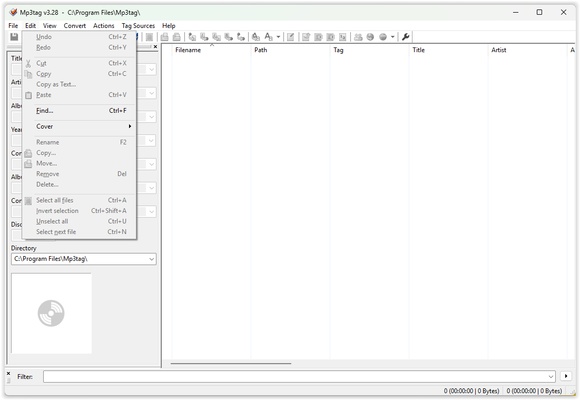
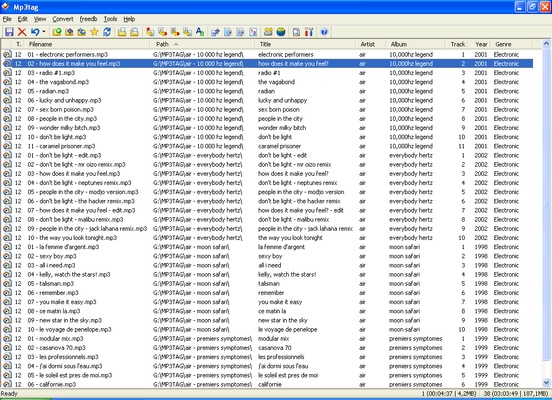
One of MP3Tag's main features is that it allows you to edit multiple files at the same time, helping you organize your library faster. Thanks to this you can change any data about your songs like the title, album, artist, genre or track number in a matter of seconds. What's more, the app offers support for tagging standards such as ID3v1, ID3v2.3, ID3v2.4, MP4, WMA and Vorbis Comments. This ensures maximum compatibility regardless of the player you use on your PC.
Automatically add information
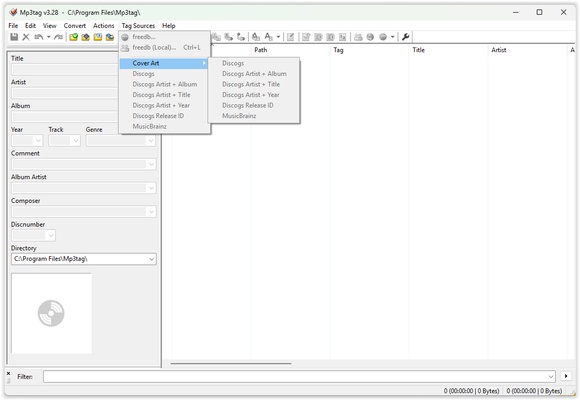
Another of MP3Tag's outstanding features is its ability to automatically add album information and cover art. The tool will search some of the largest databases including Discogs, MusicBrainz and freedb. With this function you can complete or correct song tags without having to enter data manually. This way, you can keep a visually appealing library and display the album covers on your music players without having to manually search online for the images.
Convert file names using metadata
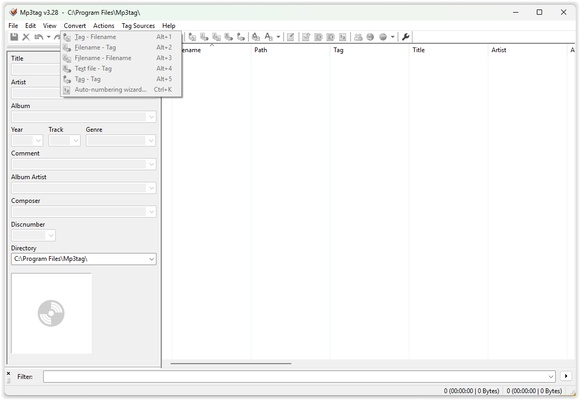
MP3Tag also allows you to rename audio files using the metadata, giving you the ability to create naming structures based on information such as artist, album, track number or title. You can extract metadata from file names or paths, which will be a great help when it comes to organizing and restructuring any mislabeled or incomplete libraries.
Small and fast
Finally, it should be noted that MP3Tag is a lightweight app that doesn't consume a great deal of resources, so it will run efficiently even on the most limited computers.
Download MP3Tag for free and organize your audio tracks using their metadata, fill in all the relevant information about your favorite songs and complete your libraries in the best possible way.