

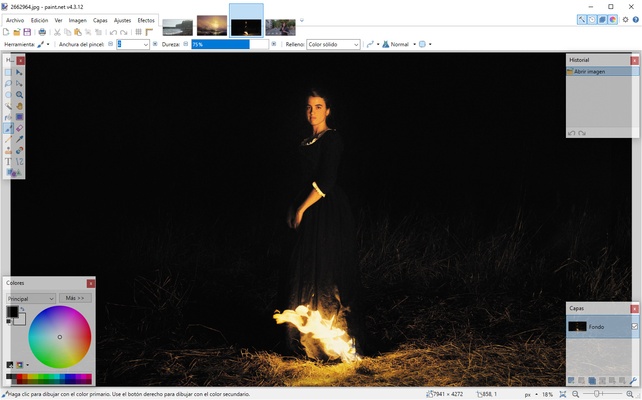
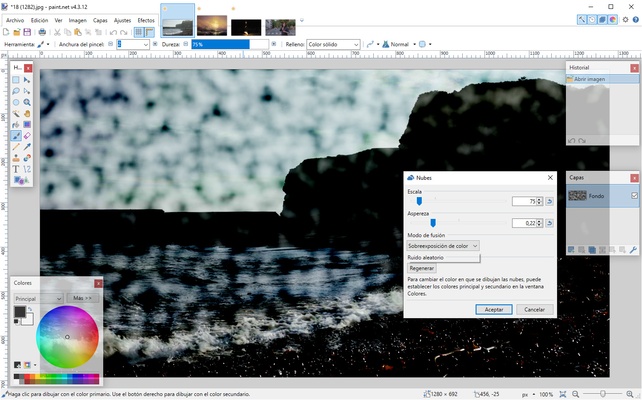
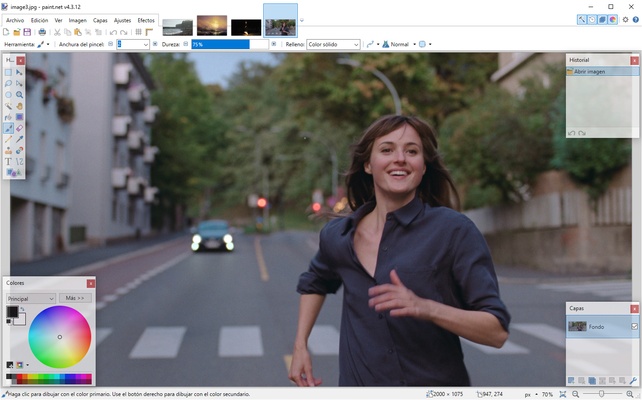
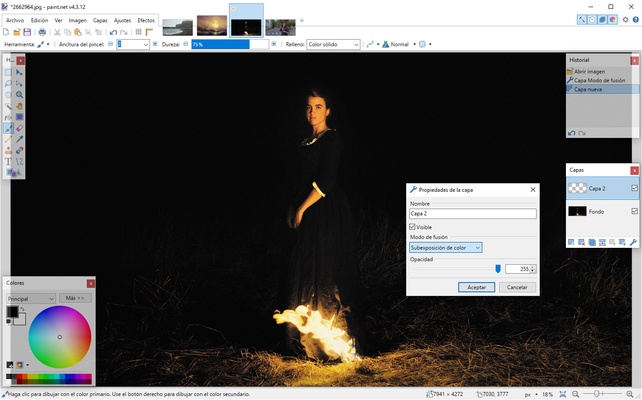
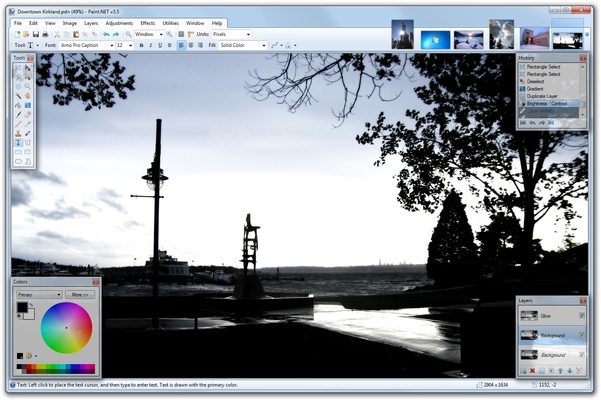
Paint.NET is a totally free photo- and image-editing tool that, although it was created in 2004 as a simple improvement to Microsoft Paint, over time evolved into a much more complete and full-featured program capable of competing with other great image-editing programs for Windows.
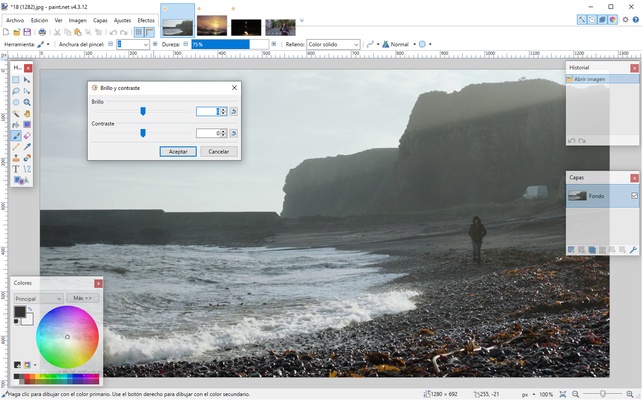
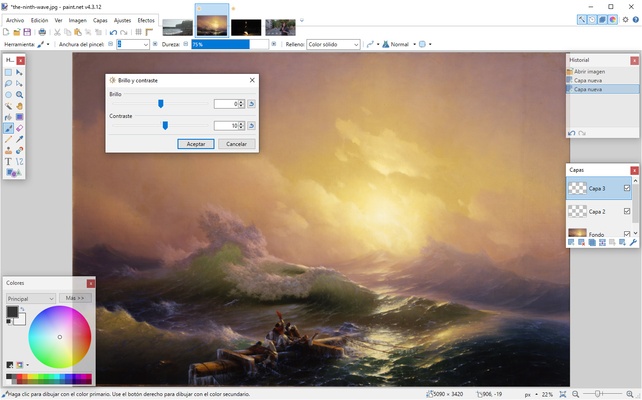
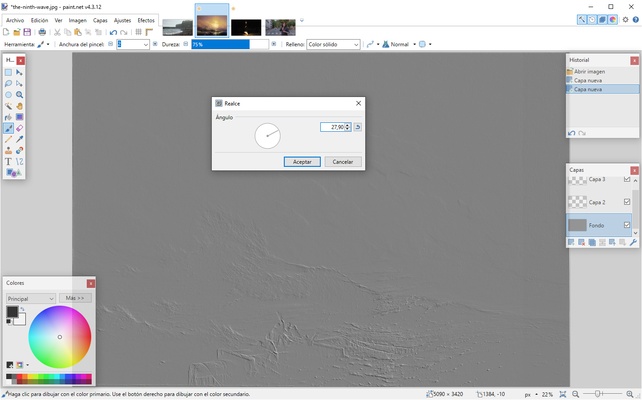
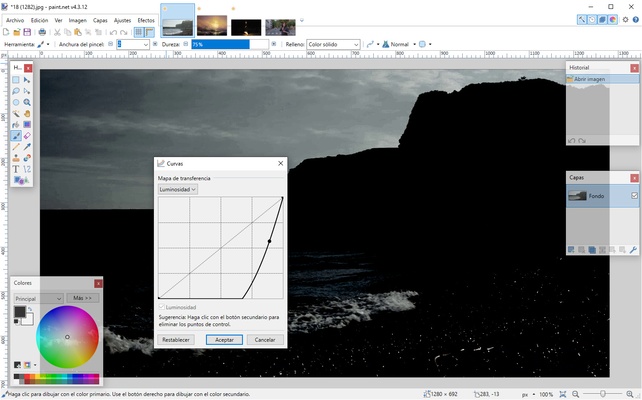
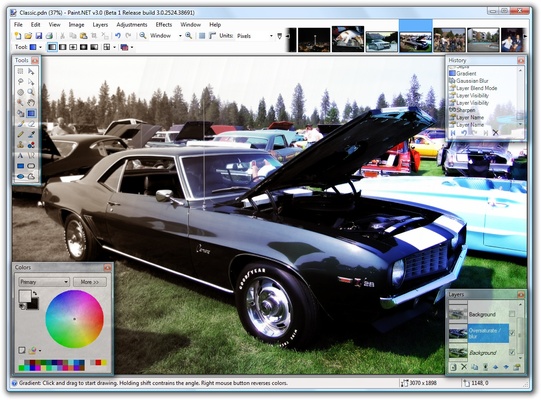
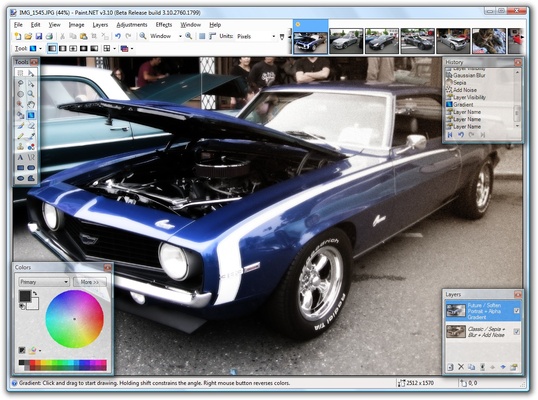
Paint.NET's interface is definitely one of its greatest strengths. This program is intuitive and easy to use, regardless of the level of experience you have with other similar apps. All your tools, layers, projects, and options are no more than a couple of clicks away. On the official forums, you can find tons of tutorials, plugins, and other forms of help for all levels, no matter whether you're a beginner or a real expert in the field.
Another advantage of using Paint.NET is its performance. During development, the efforts of its developers were focused on improving the program's performance. And it shows. You can run Paint.NET on almost any computer, with any CPU and any graphics card, as long as you have about 200 MB free on your hard drive.
As usual with this type of program, Paint.NET supports a wide range of formats, including BMP, PNG, TIFF, JPG, and GIF. Likewise, you can save all your projects in more than 20 different formats.
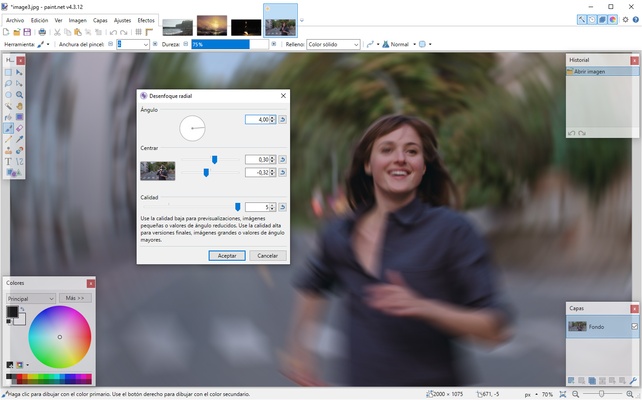
Paint.NET is an excellent photo-editing tool, thanks to which you can easily retouch all your photographs in a matter of minutes. With this program, you can use dozens of filters and special effects to give a unique touch to any image. It even keeps an exhaustive history of each action, thanks to which you can undo mistakes you make at any point of the process.
Frequent questions
Is Paint.NET safe?
Yes, Paint.NET is totally safe. The program shows zero positives on VirusTotal and has an impeccable track record in terms of security and privacy.
Is Paint.NET free?
Yes, Paint.NET is free. A paid version is available in the Microsoft Store, but it doesn't include additional features. The objective of this version is to make it easier to make monetary contributions to the project.
How much space does Paint.NET take up?
Paint.NET takes up about 220 MB of memory. The installer is just over 60 MB, but once installed, the size increases to almost 220 MB.
What is the differences between the Classic and Store versions of Paint.NET?
There is no difference between the Classic and Store versions of Paint.NET. Both offer exactly the same features, except that the Store version has automatic updates.
How do I download plugins for Paint.NET?
All plugins for Paint.NET can be easily downloaded from the official forum, which can be reached through the official website. These plug-ins add effects and the ability to work with new file formats.