
Go to Windows platform Display platforms icon
Go to Windows platform Go to Mac platform Go to Android platform
QuickLook icon

QuickLook

4.0.0
Paddy Xu
5
60.14 MB size
0downloads

Take a look at any file's content instantly

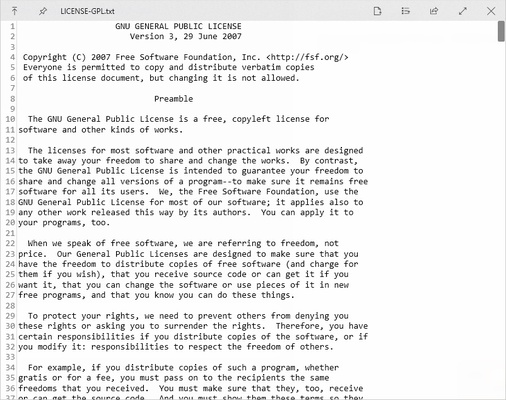
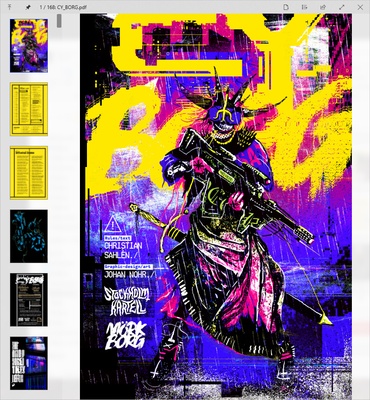
QuickLook is an app that lets you use the Mac feature of the same name on Windows devices. This feature, for those who have never used it, lets you quickly view the content of any file you have selected, without needing to open it. You can open text or PDF documents, photos, videos, compressed files, and much more.

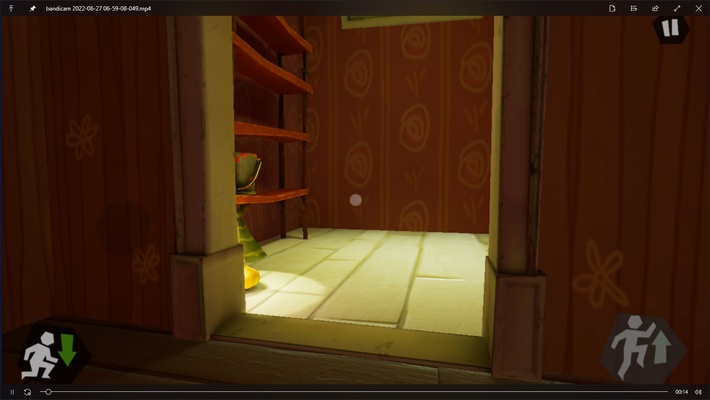
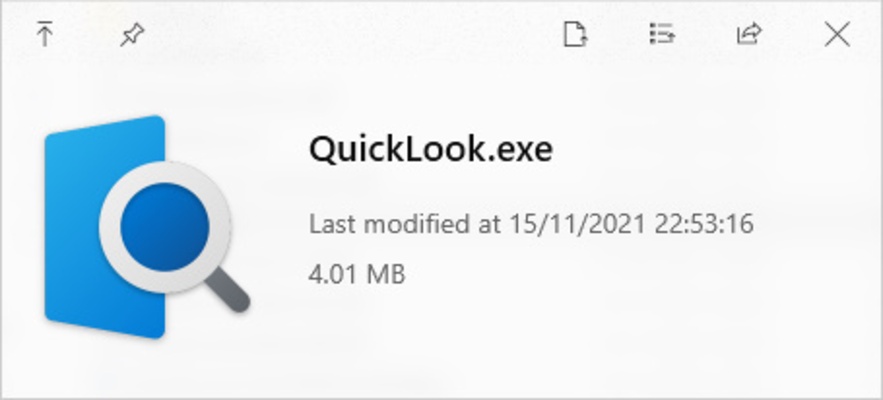
The way QuickLook works is quite simple. Once the program is running in the background, simply tapping the spacebar will cause a pop-up window to appear, showing you all the content of the selected file. If it is an .exe file, you can see its size and last modification date whereas, if it is a video, you can start watching it immediately, without needing to open a player.

The full list of formats that QuickLook supports is huge: .png, .apng, .jpg, .bmp, .gif, .psd, .zip, .rar, .tar.gz, .7z, .mp4, .mkv, .m2ts, .ogg, .mp3, .m4a, .htm, .html, .pdf, .ai, .csv, .eml, .msg, .md, .markdown, all text formats, and even some additional formats if you install plugins. In short, you can see a preview of practically any file on your PC.

QuickLook is a very simple program, thanks to which one of Mac's most interesting features is brought straight to your Windows computer. The program is 100% portable and does not require installation. You just need to leave it running in the background and sit back and enjoy.

Information about QuickLook 4.0.0

License Free
Op. System Windows

Category Utilities
Language English
Author Paddy Xu
permission icon Permissions Not applicable
Downloads 0
Date 2025-04-18
Size 60.14 MB
File type EXE
Architecture Not specified
Content Rating Not specified
Advertisement Not specified
Requirements
  • Not specified
SHA256 092792dea187644c8aae8c3e379229626f7072c6aa72998f8d29264db64dd2a4

Apps recommended for you

DVDFab Passkey icon
Unlock any DVD or Blu-ray protections
SIW (System Info) icon
Know all data having to do with your hardware and software
CCleaner icon
Remove all the junk that Windows accumulates
1Password icon
One of the most comprehensive and safe password managers
VirtualBox icon
An easy-to-use virtualization tool
Quick CPU icon
Get all the data about the performance of your processor
MailConverterTools MBOX Converter icon
Install MBOX Converter to convert MBOX files to multiple file formats
Cisdem PDF Converter OCR icon
Convert and OCR PDFs to Office, images formats and more.
PrusaSlicer icon
Export files to print on your 3D printer
TGMacro icon
Automate repetitive tasks
Steganos Privacy Suite icon
Protect the privacy and safety of your system
1LimX icon
File, data encryption & password manager
EF Commander icon
Manage all the files on your hard drive
Fort Firewall icon
An alternative to the Windows Firewall
GPU-Z icon
Monitors your graphic card's key features
VirtualBox Extension Pack icon
A package including all the features of VirtualBox
Sandboxie icon
Protect your computer from online threats
Q-Dir icon
A four-panel file manager with extra options
App Installer icon
Install apps from the Microsoft Store manually
QOwnNotes icon
Take plain text notes and integrate them into Nextcloud
NewFileTime icon
SoftwareOK
Wipe icon
Eliminate Windows garbage and speed up your system
Rapid PDF Count icon
Count the number of words and pages in a PDF