

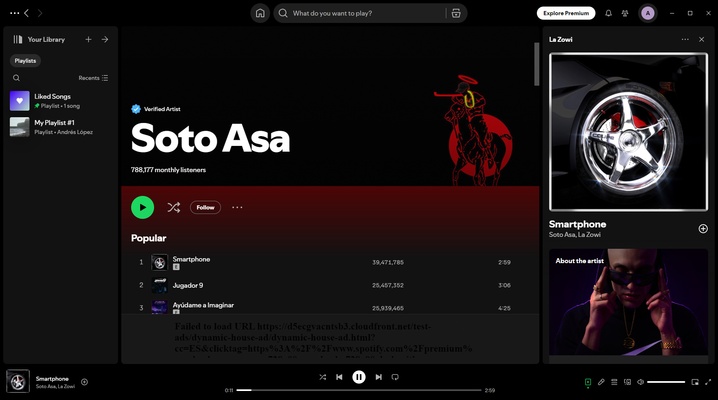
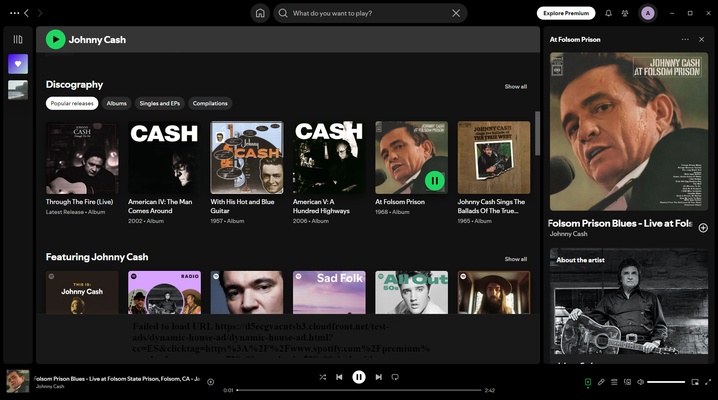
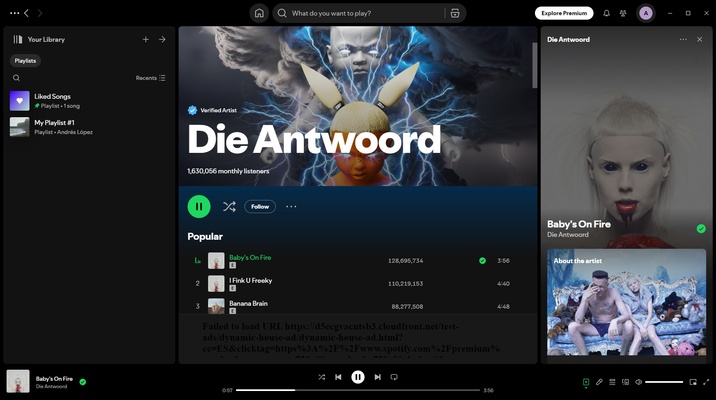
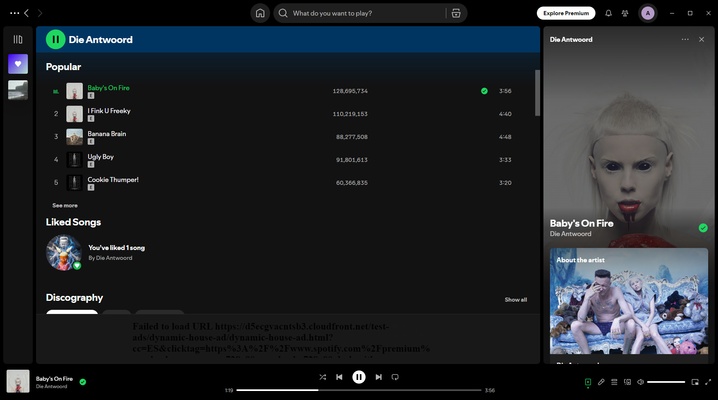
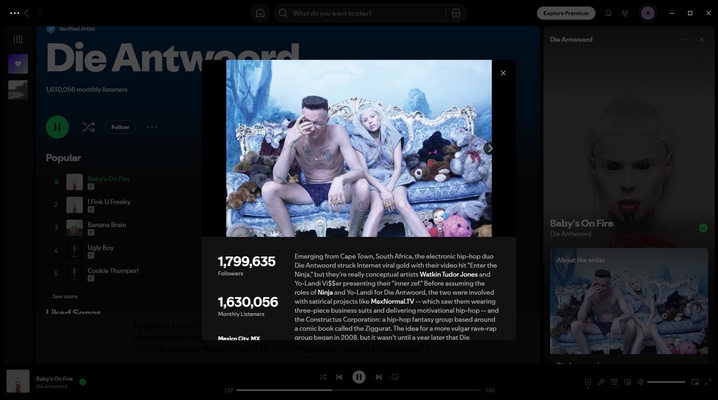
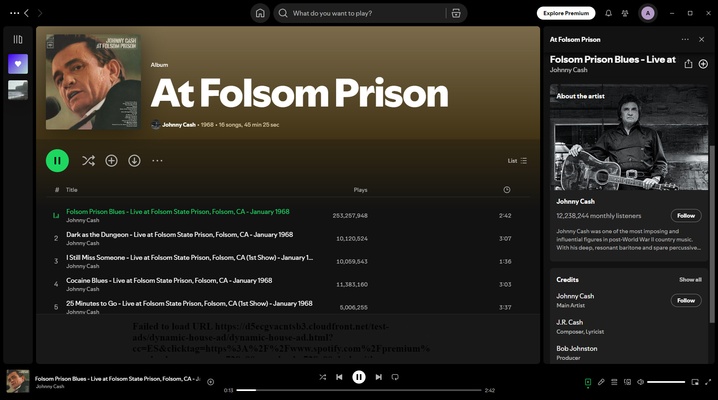
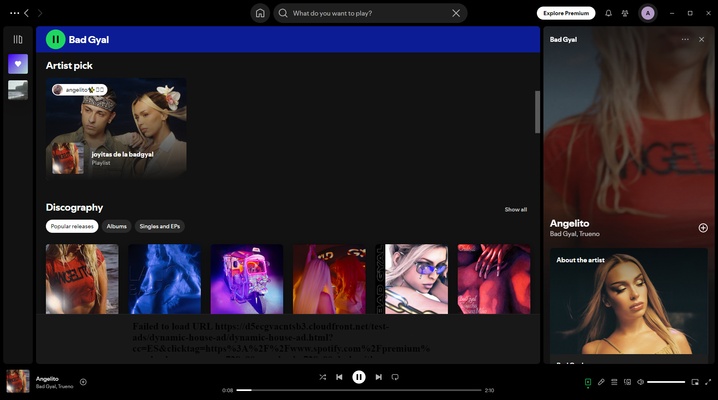
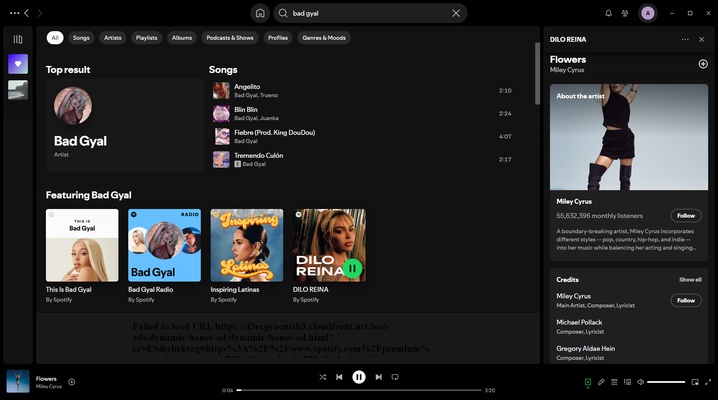
Spotify is a music streaming service that allows you to listen to millions of songs by thousands of artists, anytime, anywhere. Through this official Windows client you can play your favorite songs, subscribe to the most popular podcasts, create your own playlists, watch the latest music videos, and much more.
Create your Spotify account with ease
You'll need a user account to use Spotify, but you can easily create one using your Google, Facebook or Apple account. You can start listening to your favorite music as soon as you create your account thanks to the Spotify Free Plan, without having to provide any payment details. This plan, although free, places ads between songs and does not allow you to organize the play queue of your playlists. Downloading songs for offline listening will also not be possible and, in general, some features will be limited.
Enjoy all the advantages of Spotify Premium
Although the free version functions just fine, the vast majority of Spotify users opt for one of the various premium plans available. Almost all Premium plans offer a free trial period, which allows you to use all the features for at least one month without having to pay anything at all. Premium accounts remove all ads and allow you to download songs for offline listening, listen to music with your friends in real time, and access high quality audio (320kbit/s).
Discover the Spotify Mini Player
One of the great advantages of the Spotify Windows app is its Mini Player. This Mini Player, which can be placed anywhere on your desktop, will let you know what you are listening to at all times. To activate it, just click on the button with a rectangle in the bottom right corner of the interface. After you click it, a small tab will open which will display the name of the song, along with the controls for the music. Spotify Premium allows you to make this Mini Player even smaller.
Download podcasts and songs with Spotify Premium
Many Spotify Premium users are not aware that, in addition to being able to download songs, it is also possible to download any podcast episode. This way you can listen to them whenever you like, even if you don't have an Internet connection. Download and store as many episodes as you want, although you do have to bear in mind that you are restricted to listening to them via the app itself. If you download songs, you can download the lyrics too to read them offline.
Create a shortcut to Spotify on Windows 11
The easiest way to launch Spotify on Windows is through a desktop shortcut. Some Windows 11 users don't know how to set them up, but it is a very simple process. Just right-click on any free area of the desktop, choose the option to create a shortcut, and select Spotify. It is also best to enable the option for the app to launch on Windows startup. This option is highly recommended for users with a Premium subscription.
Keyboard shortcuts for Spotify
The Spotify Windows app has a host of advantages and features that we have already mentioned, but one of the most interesting is its keyboard shortcuts. To skip a song and move on to the next one, just press Alt+right arrow. To go back to the previous song, press Alt+left arrow. Another very useful shortcut is Alt+R, which allows you to put any song on repeat. Learning all these shortcuts makes for a more enjoyable music listening experience.
The best music streaming app
Download Spotify if you want to stream music on your PC. With this official client, you can instantly access one of the largest music catalogs in the world, with millions of songs from the best artists in history. The app will show you a notification when there is an update is available and allow you to view your Spotify Wrapped from the comfort of your desktop. Undoubtedly, the best way to enjoy your favorite music on PC.
Frequent questions
Is Spotify free?
Yes, Spotify is free, although it has ads. If you want to access the ad-free version of Spotify, you'll have to subscribe to one of the Premium plans, which start at 4.99 euros per month.
Can I use Spotify Family?
The Spotify Family plan costs 15.99 euros per month and allows up to six Premium accounts, as long as they live under the same roof. As long as you meet these requirements, you can benefit from this plan.
What are the benefits of Spotify Web Player?
Spotify Web Player has no advantages over the Spotify client. In fact, in general, the browser version tends to consume more resources and use more memory than the desktop app.
What is Spotify Duo?
Spotify Duo is one of the monthly subscription plans offered by Spotify. Its operation is very similar to that of the Family version, but it's only for two people and costs 12.99 euros.
Is Spotify safe?
Yes, Spotify is totally safe. The program has zero positives in VirusTotal. Except for one incident involving password resets in 2020, Spotify has an excellent security and privacy track record.