Go to Windows platform Display platforms icon
Go to Windows platform Go to Mac platform Go to Android platform
WhatsApp Desktop Beta icon

WhatsApp Desktop Beta

2.2515.2.0
WhatsApp LLC
4.1
183.54 MB size
5downloads

Enjoy the latest WhatsApp news on your PC

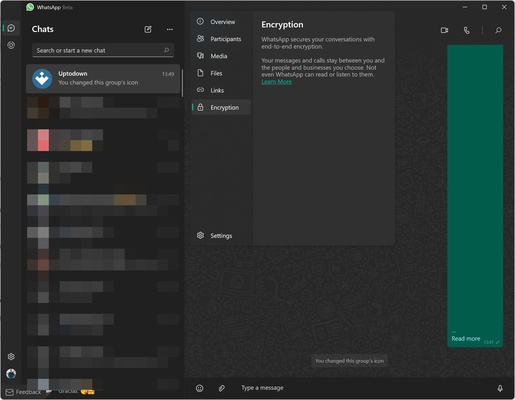
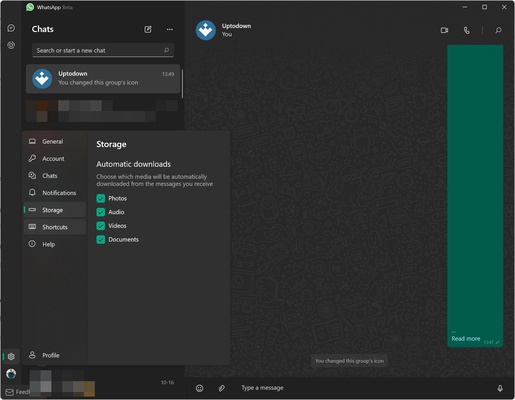
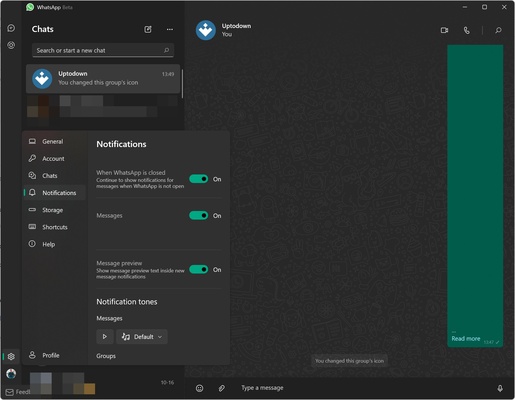
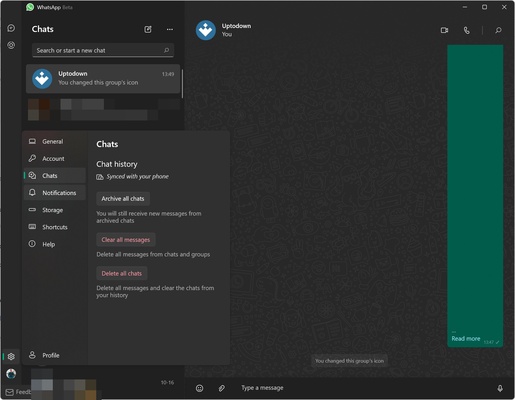
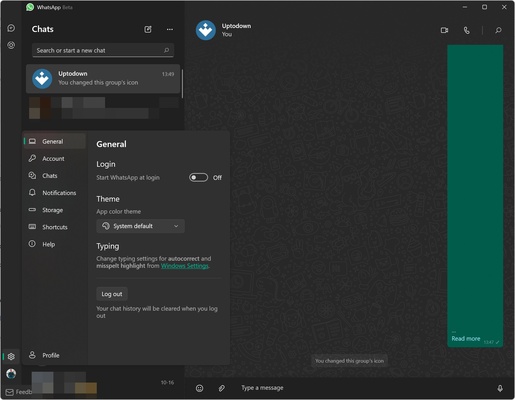
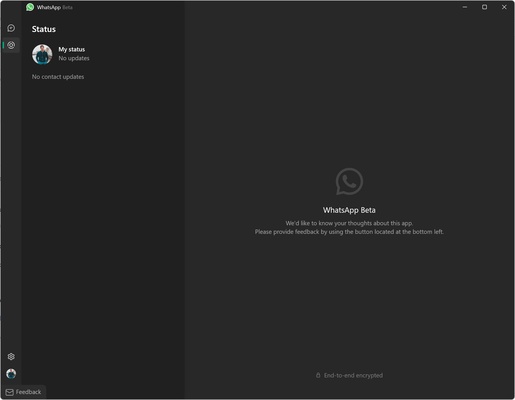
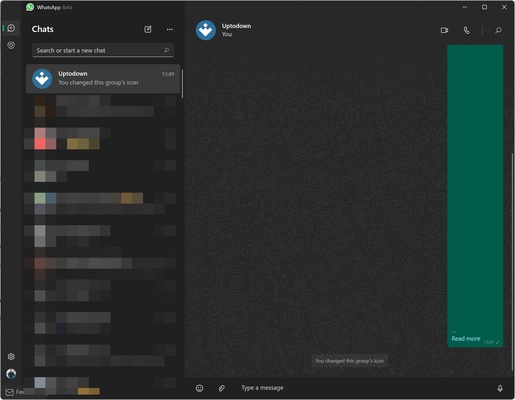
WhatsApp Desktop Beta is the beta version of the official WhatsApp Desktop app. With it, you will have the opportunity to try out the latest features of the Windows app before they reach the stable version.

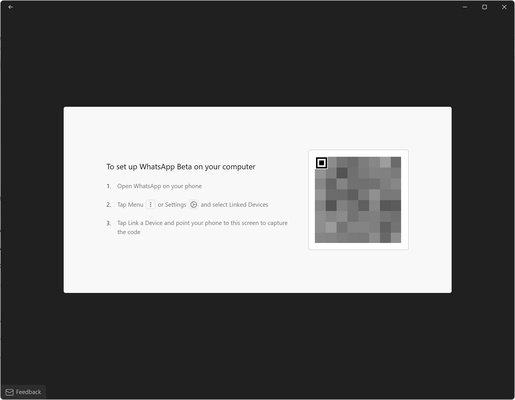
WhatsApp Desktop Beta works in the same way as the normal version. After installing it, you will have to scan a QR code through the WhatsApp app on your smartphone. Once this is done, your account will be paired and you will be able to use it on Windows, even without any Internet connection on your smartphone, since WhatsApp Desktop Beta works independently.

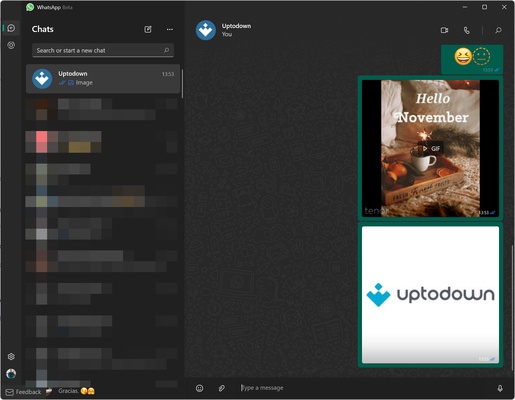
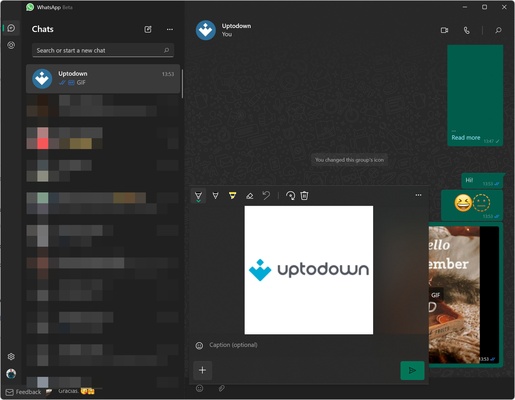
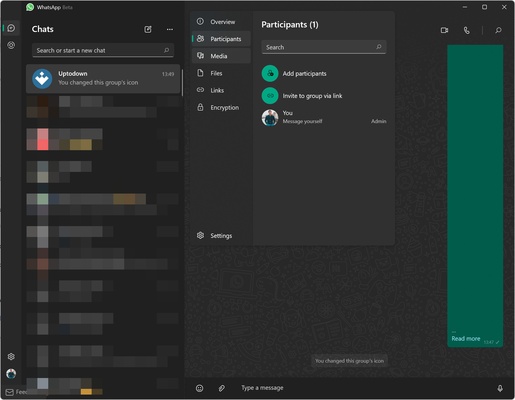
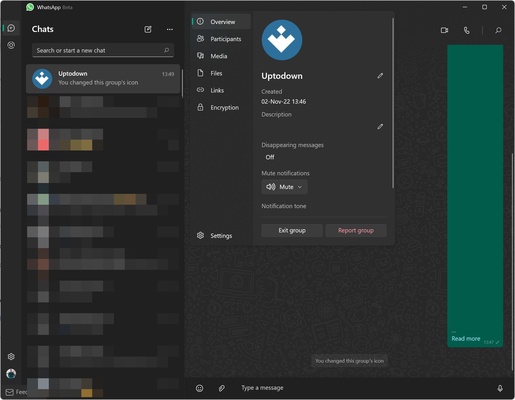
In WhatsApp Desktop Beta, you will be able to write in your chats as per usual. You can create groups, send stickers or GIFs and, basically, use all the basic options related to instant messaging. In addition, you can make voice and video calls directly from your computer.

Since this is a beta version, WhatsApp usually introduces untested code into it. This may cause some stability or performance problems, but it also guarantees that you will enjoy some new features weeks or months before they are released in the stable version.

If you want to use WhatsApp on PC and enjoy the latest news of the app before they reach the stable version, download WhatsApp Desktop Beta.

Information about WhatsApp Desktop Beta 2.2515.2.0

License Free
Op. System Windows
Category Internet
Language English
Author WhatsApp LLC
permission icon Permissions Not applicable
Downloads 5
Date 2025-04-18
Size 183.54 MB
File type MSIXBUNDLE
Architecture Not specified
Content Rating All ages
Advertisement Not specified
Requirements
  • Not specified
SHA256 cf9808f286f076ddc1179362f969bdcf2ffb9edf1014f8e08d422f911314df75

Apps recommended for you

Windows Mail and Calendar icon
Official email and calendar app on Windows
RusRoute icon
RusRoute
TrustVare OST to EML Converter icon
Best OST to EML Converter Software for exporting OST emails into EML.
Proton Drive icon
Proton's cloud storage service
qBittorrent icon
Easy-to-use Bittorrent client
Private Internet Access icon
A VPN connection for your PC
Microsoft Edge Beta icon
Get a sneak preview of what's new in Edge with the Beta version
BitComet icon
Hybrid Torrent, HTTP and FTP download client
Mullvad Browser icon
A browser focused on privacy
SSuite NetSurfer Prometheus icon
Setting a new standard for modernized web surfing excellence!
Mypal68 icon
A Firefox-based web browser for Windows XP
Tribler icon
Find and share videos, music, games and more
Rustdesk icon
RustDesk for Windows: Secure, high-performance remote desktop solution
LibreWolf icon
A powerful browser with a focus on privacy and security
Softaken MBOX Duplicate Remover icon
Remove multiple MBOX Duplicate emails without error with Softaken Tool
Opera Air icon
Surf the web in a more relaxed way
Private Internet Access icon
A VPN connection for your PC
SSuite NetSurfer Extreme x64 icon
An extremely fast and secure browser that also accepts v3 extensions!
Mozilla Firefox Beta icon
Try the latest features in the Mozilla browser
Opera icon
A robust, versatile, and customizable browser
TrustVare OST to EML Converter icon
Best OST to EML Converter Software for exporting OST emails into EML.
SSuite NetSurfer Prometheus icon
Setting a new standard for modernized web surfing excellence!
ChrisPC Free VideoTube Downloader icon
Enjoy your favorite YouTube videos, from anywhere
Remote Desktop Manager icon
Free application to control computers remotely