Go to Windows platform Display platforms icon
Go to Windows platform Go to Mac platform Go to Android platform
Windows Sound Recorder icon

Windows Sound Recorder

2021.2502.0.0
5
size
1downloads

The official Windows Sound Recorder app

Windows Sound Recorder is the official Microsoft Windows app for recording sounds, with which you can use your PC's microphone to record all kinds of audio, including lectures, classes, audio notes and more.

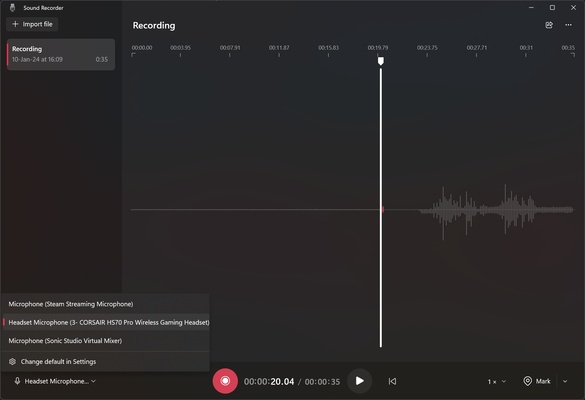
Choose the device you want to record

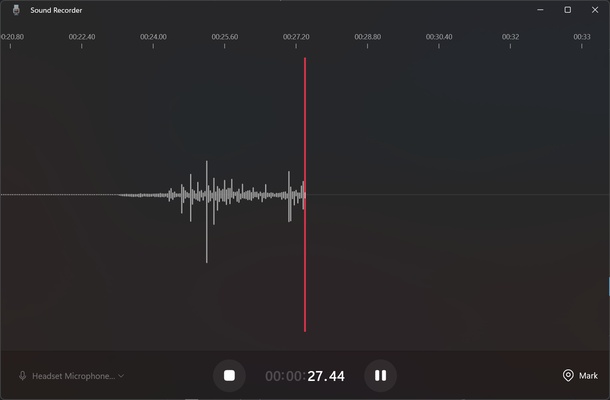
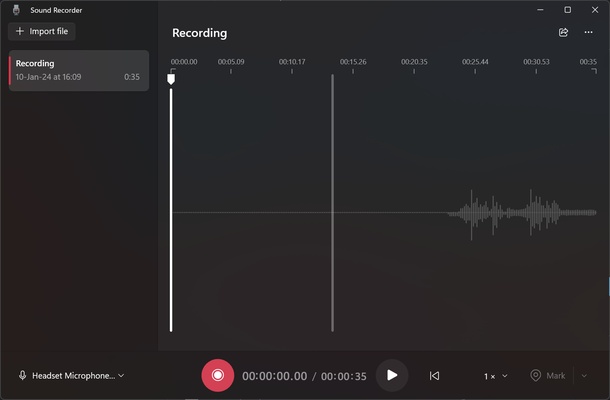
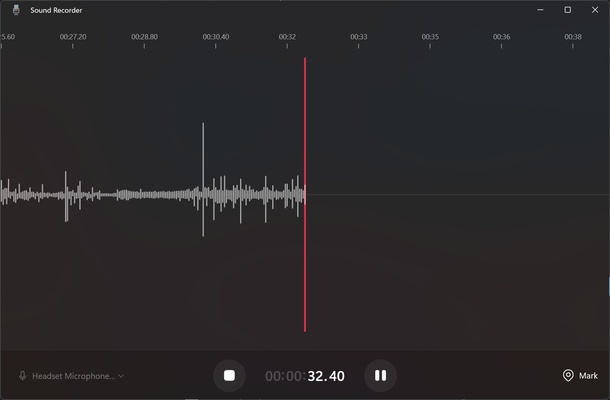
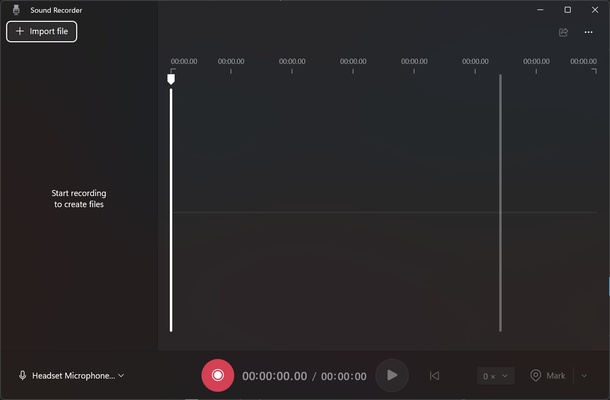
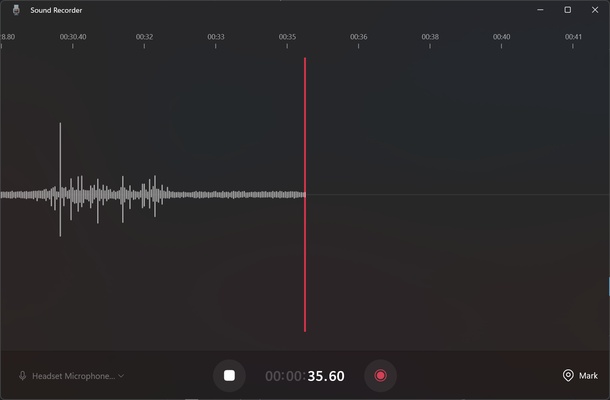
When you open the app, you can start recording sound with the device you want. Windows Sound Recorder will detect all connected recording devices, such as a microphone or wireless headphones. After that, you can watch how the sound waves rise and fall depending on the gain of the sound you're picking up.

Choose between five audio formats and the best quality

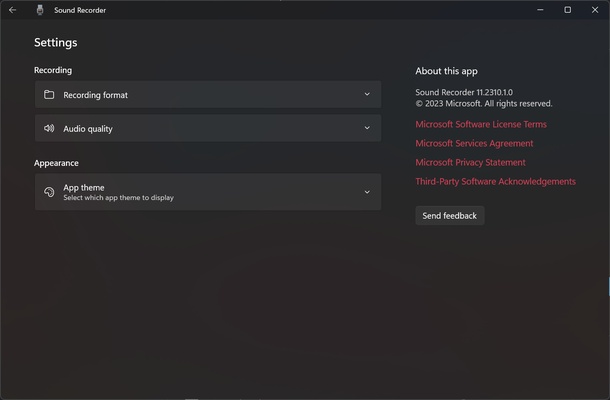
In the app settings, you can choose between AAC, MP3, WMA, FLAC and WAV for the recording format. By default, recordings are made in AAC, which compresses better than MP3. If you want to record sound without losing quality, you'll have to choose FLAC or WAV, although the resulting file will take up more space. You can also set the sound quality of the recording between best, high and medium. It is recommended you always choose the highest possible quality. The app defaults to the appropriate quality based on the quality of the input audio.

Playback at the speed you want

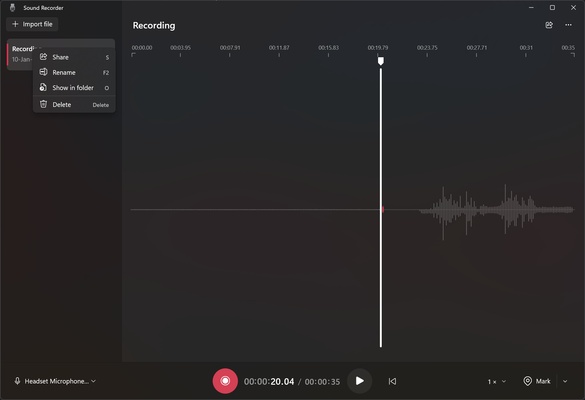
After the recording is finished, you can pause and then resume it or stop it completely. On the left of the screen, you can see all your recordings and rename them if you wish. You can play them back in the same recording app, with the convenient option of adding markers or choosing a playback speed of 0.25x, 0.5x, 1x, 1.5x, 2x and 4x.

Download Windows Sound Recorder and enjoy a simple, all-in-one sound recording app for Windows.

Information about Windows Sound Recorder 2021.2502.0.0

License
Op. System
Category Audio
Language
Author
permission icon Permissions
Downloads 1
Date 2025-04-18
Size
File type
Architecture
Content Rating Not specified
Advertisement
Requirements
SHA256

Apps recommended for you

muffon icon
Listen to your favorite music from any source
Xmedia Recode icon
Convert your video files to different formats
Monkey's Audio icon
Compress and decompress audio files and don't touch quality
Groove Music icon
Play all your music on Windows
Replay Music icon
Record what you listen to as mp3 file on the fly
Reaper icon
Record, edit and render waveform audio
Dopamine icon
Listen to music with this minimalist player
Wave Editor icon
Wave Editor
GOM Audio icon
GOM & Company
VUPlayer icon
Powerful audio player with professional features
AVS Audio Editor icon
Online Media Technologies
Spicetify icon
Modify Spotify's interface and features on your PC
XMPlay icon
Your new audio player
Audacity Portable icon
Take your Audacity with you and edit audio wherever you are
Audials One icon
Download and play music, videos, podcasts,...
XRecode II icon
Excellent and free audio converter
Ableton Live icon
Professional and easy-to-use music production software
Karaoke 5 icon
Sing and have fun with your friends
Audacity Portable icon
Take your Audacity with you and edit audio wherever you are
PCDJ DEX icon
Create your own mixes, no matter if you are a novice
JLauncher icon
J. Elihu
Spicetify icon
Modify Spotify's interface and features on your PC
Metatogger icon
Recognise and tag your music collection
Audials Radio icon
Thousands of radio stations for your entertainment