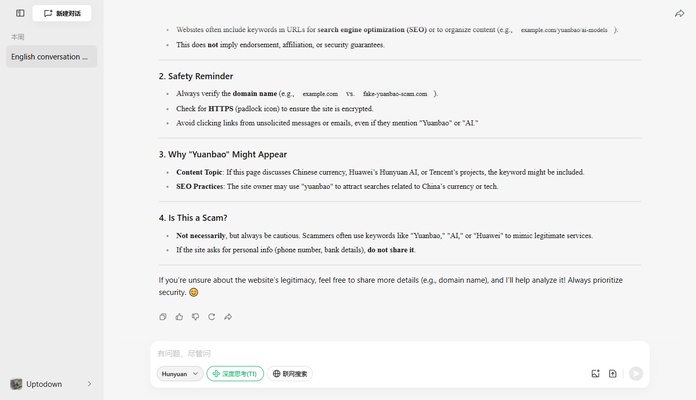
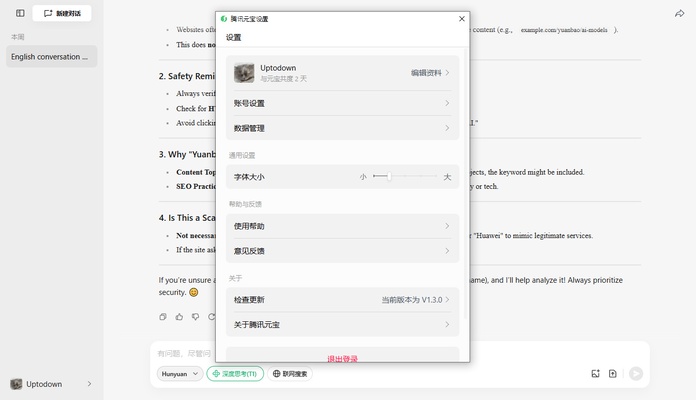
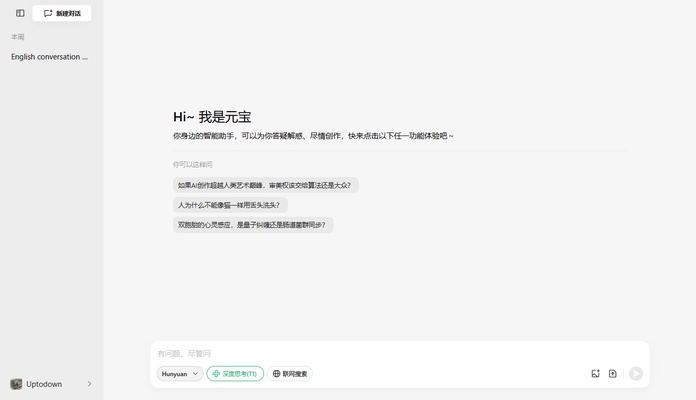
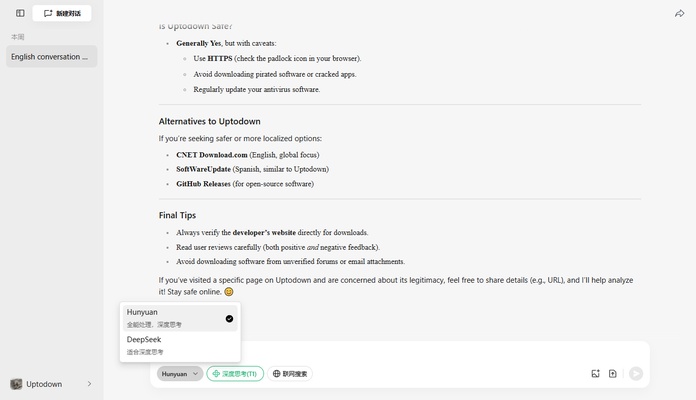
Yuanbao is the official AI app developed by Tencent, which is based on the Hunyuan-T1 model and developed by the Chinese giant Huawei. Thanks to this software, which has similar features to ChatGPT, you will be able to answer any questions you may have in a matter of seconds. You can interact with the AI organically, as if you were talking to a real person.
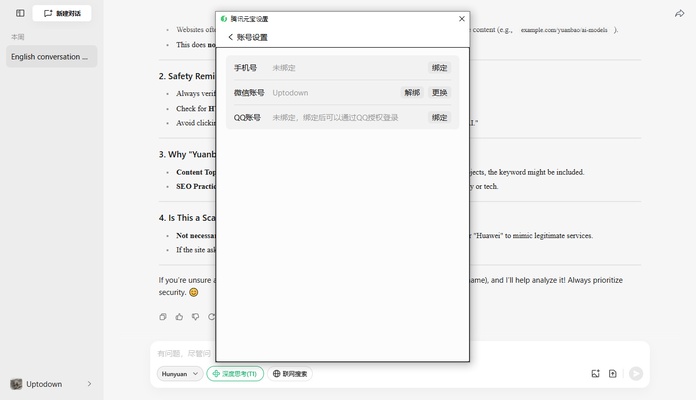
Easily log in with WeChat or QQ
In order to use Yuanbao, you will need a WeChat or QQ user account. The easiest way to log in is by using the official WeChat app for Android, which allows you to scan a QR code and automatically access the app. Once you've scanned the QR code, there's no need to do anything else. You can start using the app right away.
An AI with many useful resources
As with other artificial intelligences, you can exchange messages with Yuanbao and ask it questions, as well as upload your own files for analysis. You can upload images up to 30 MB and text documents and PDF files up to 100 MB. Like this, the app can analyze any photo or document to offer recommendations, corrections, advice, and even translations.
Translate any text instantly
One of the most interesting features offered by Yuanbao is the ability to instantly translate any text you have on hand. You can translate a document into any language in a matter of seconds (or a few minutes, if it's very long). Best of all, if you want, you can also practice speaking in other languages thanks to the AI. You will be able to engage in coherent conversations with the artificial intelligence model, including asking it for advice or information on any topic that comes to mind.
The easiest way to use Tencent's AI on your PC
Download Yuanbao to try a new artificial intelligence model with a series of features capable of making your day-to-day life much easier. Thanks to this desktop app, you can get an answer to any question in a matter of seconds. If you want it to analyze any text, document, or image, just upload the file in question, after which you will see a comprehensive analysis in a matter of minutes.