

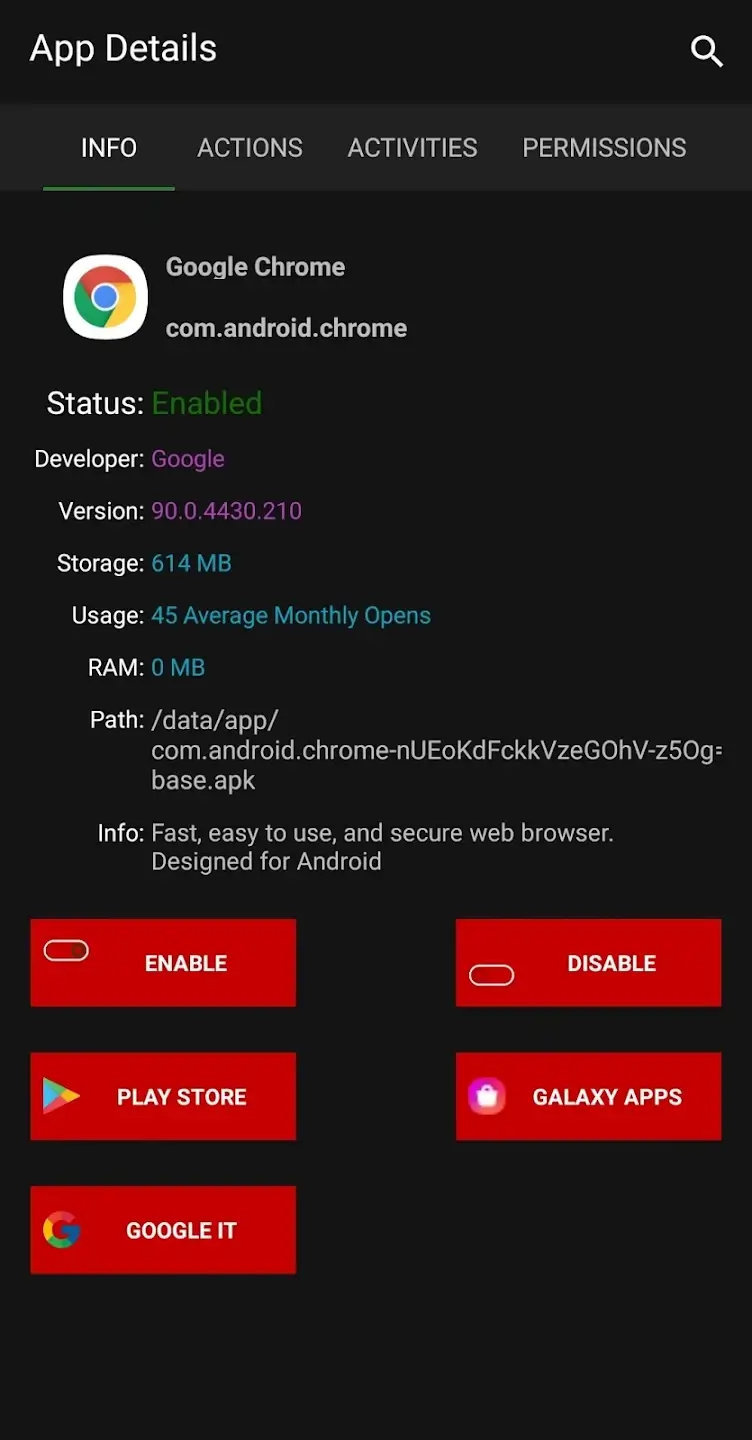
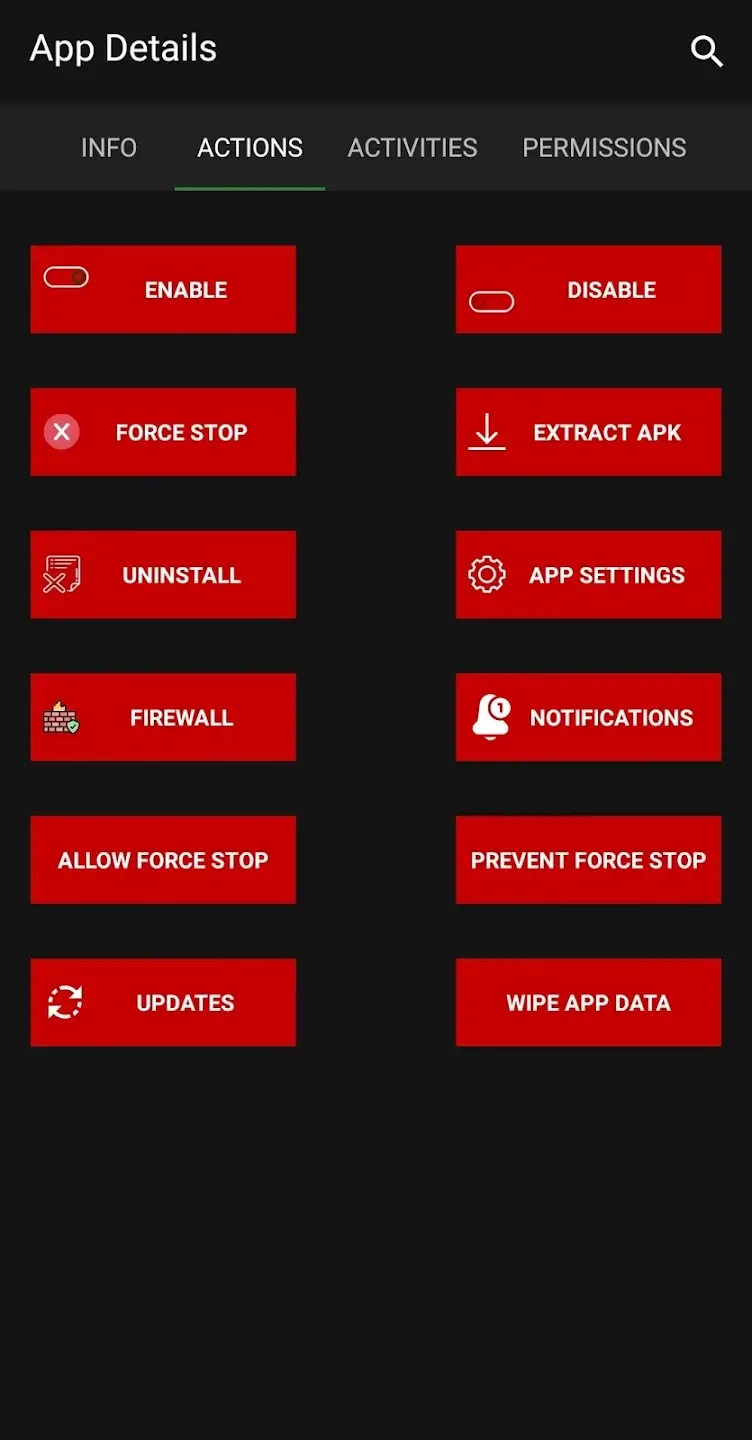
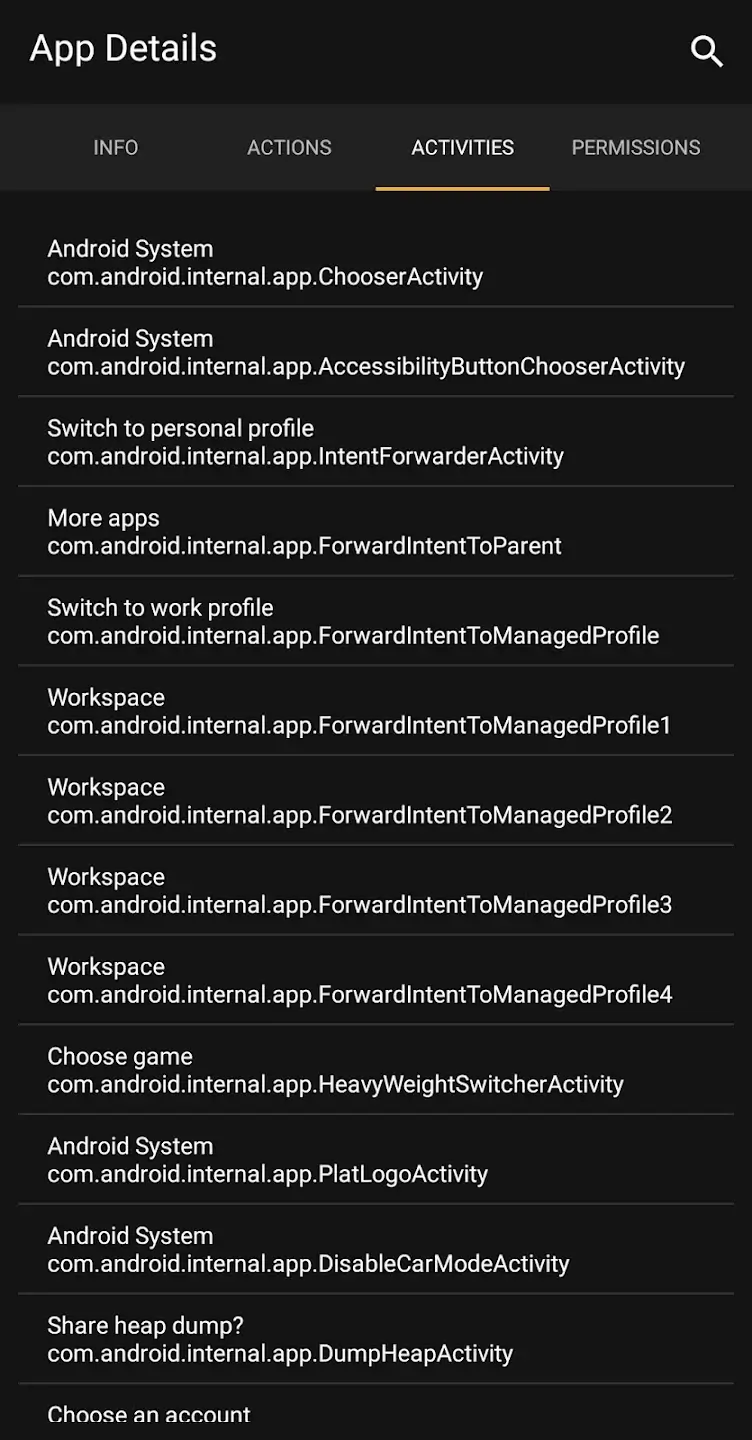
Hackers have become smarter than ever with the advent of technology. The naive people might fall into the traps of such hackers, and that is not a rare thing. Fortunately, there are numerous apps that will help you to stay safe from such online threats. The Alliance Shield X APK is one of the finest apps to maintain the security of your Android device. This app comes with a ton of features essential for making your phone more secure than ever.
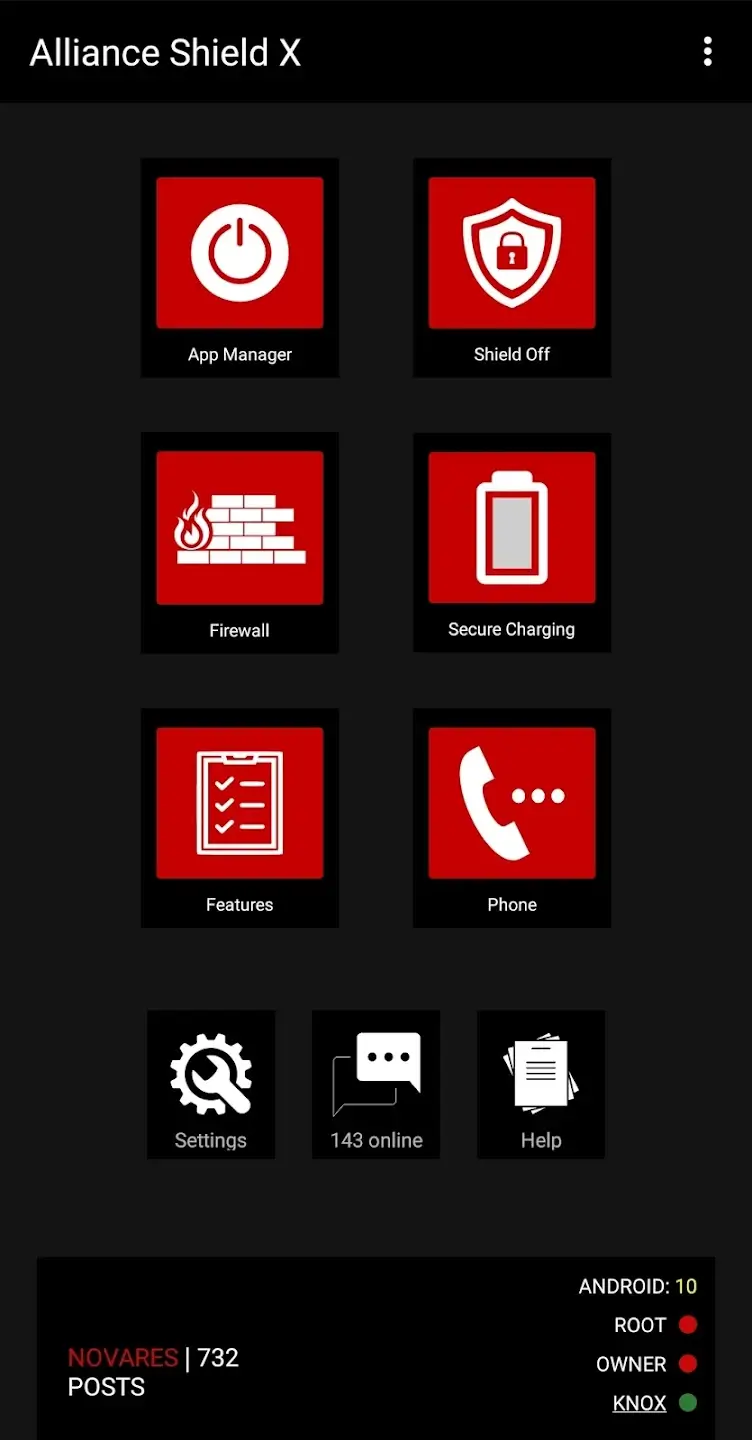
With the Alliance Shield app, it becomes easier than ever to keep your smartphone and data safe. You can find the OTA Software feature, enable secure data transfer, secure charging, and do many other things to make it safer to use. If you are keen on keeping your smartphone data safe, then you are at the right place. In this post, we are going to share detailed information about the features of this app.
Contents
Features of Alliance Shield X APK for Android
#1 – OTA Software Ban
This is quite an amazing feature, as the OTA software updates on the devices can cause serious issues. Even though they are meant for adding new features of resolving existing bugs, the OTA updates can cause system issues. The infamous issue of Green Line on smartphones was caused by the same software. With this feature, the OTA updates are banned, and you will never receive an update till you disable the feature.
#2 – Secure Charging
You connect a USB charging cable to your phone to charge the device. However, the hackers might capture the data through the USB connection without you even knowing. This happens especially in the public places. With wireless charging, the USB output is blocked, and only the power input is allowed. This way, no data is shared through the USB port when you are charging in public places.
#3 – Remote Factory Reset
If your phone gets stolen by any chance, you can keep your smartphone data safe. The thieves cannot access any of your data and can easily remotely reset the device and secure our data. The best thing is that this works remotely and can delete all your data and lock the device. This is a very useful feature as it helps to keep thieves from using your device.
#4 – Firewall and Adblock
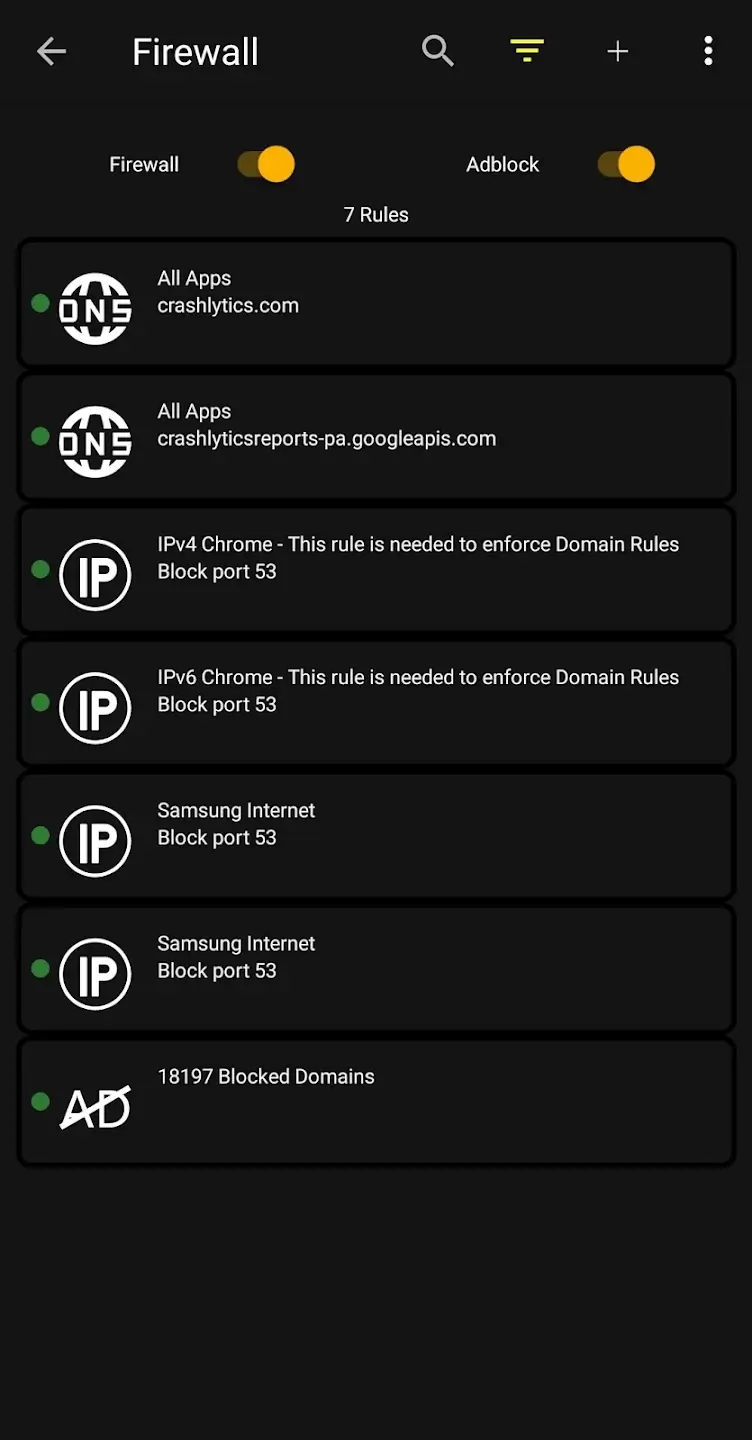
Browsing the internet safely is one of the major concerns nowadays. With the built-in firewall and the Adblock feature, it becomes easier to block unwanted advertisements, trackers, and harmful websites. This is quite a useful feature, and you can truly browse the internet safely.
#5 – Enable / Disable Apps
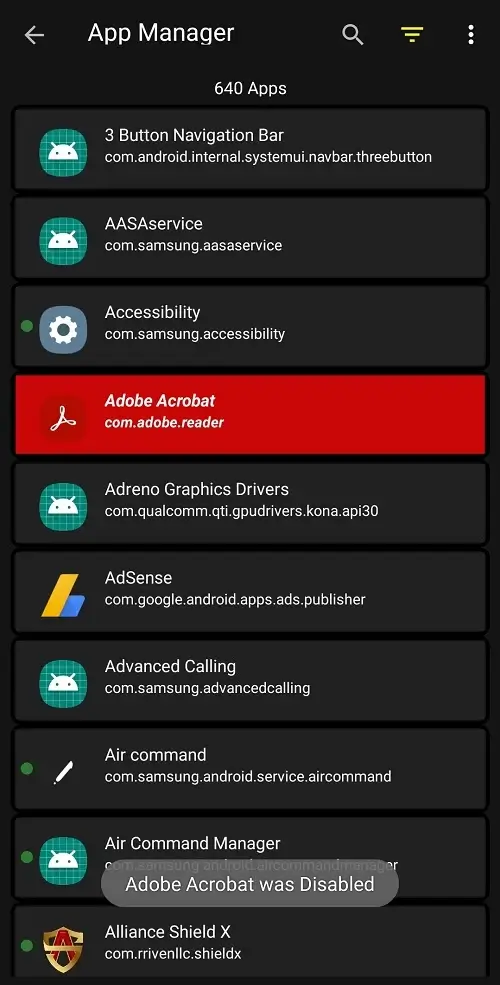
There are hundreds of apps and core services on the Android device. With the option to enable or disable the apps, it becomes easier than ever to keep your device safe. For example, if an app is interfering with the banking apps, you can disable that app and then use the banking apps.
You may also like TTA PQ Gap Installer Apk.
How to Install Alliance Shield X App on Your Android Phone?
If you prefer the manual way, then you will find the step-by-step guide to help you through the entire installation process.
- First of all, tap on the file that you’ve downloaded from the link provided above.
- After that, tap on the “Install” option to start the installation process.
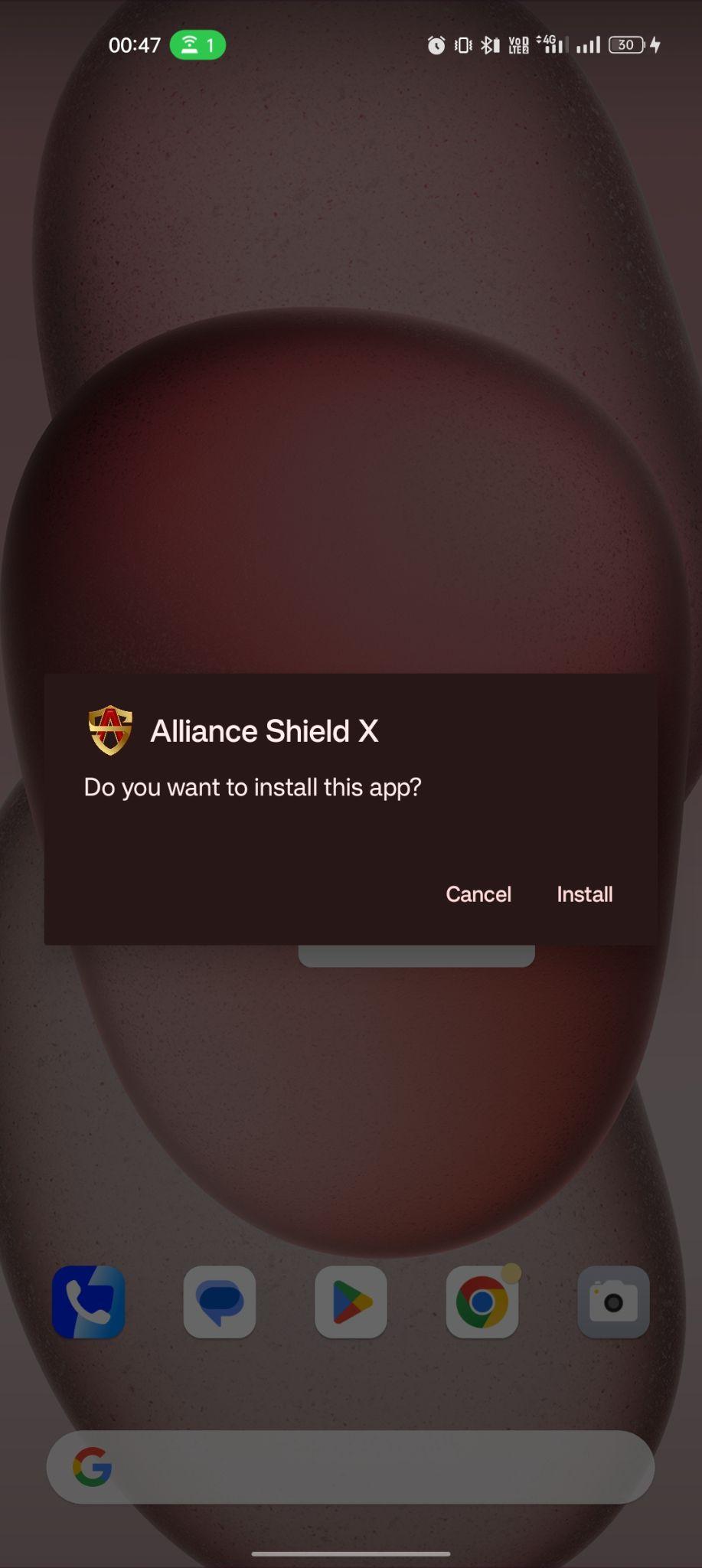
- The installation process will take a few seconds to complete.
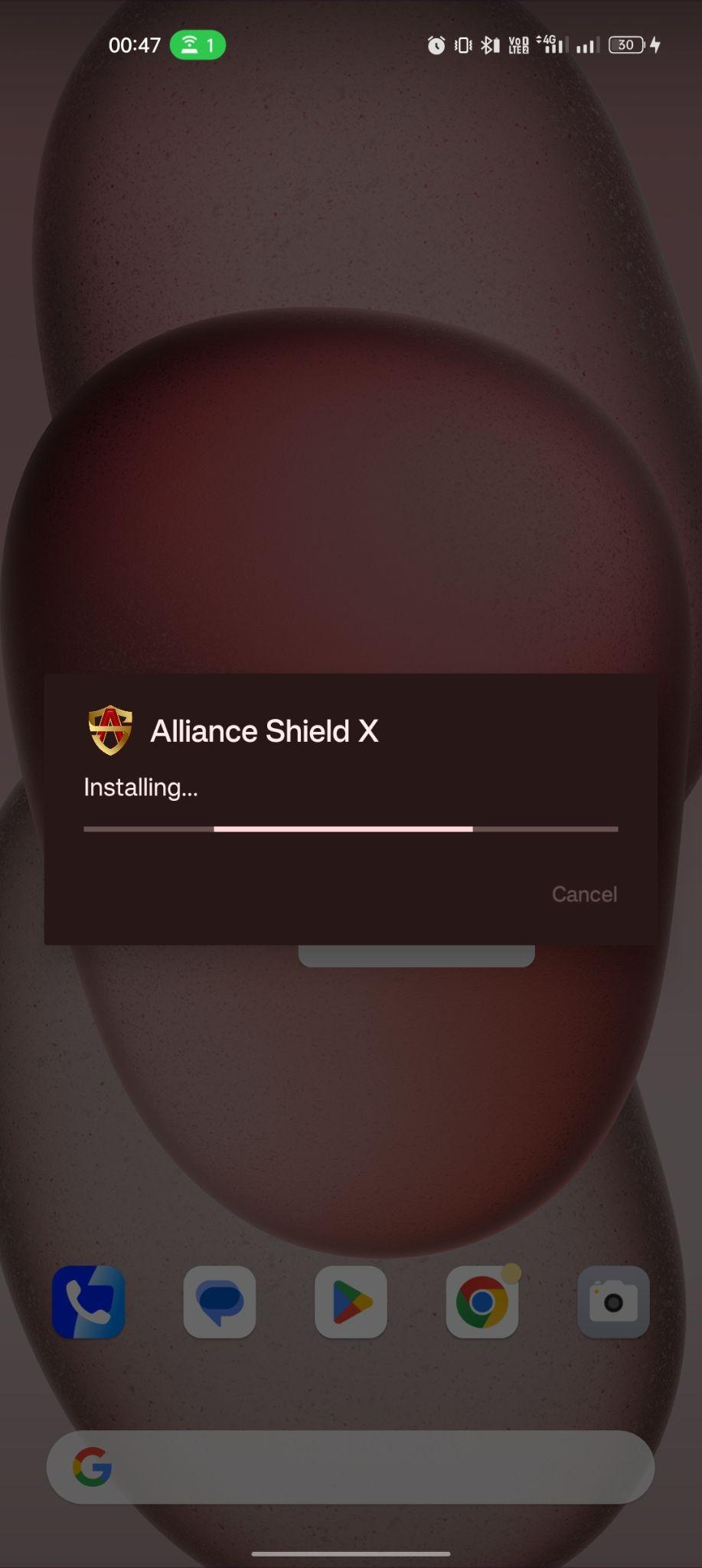
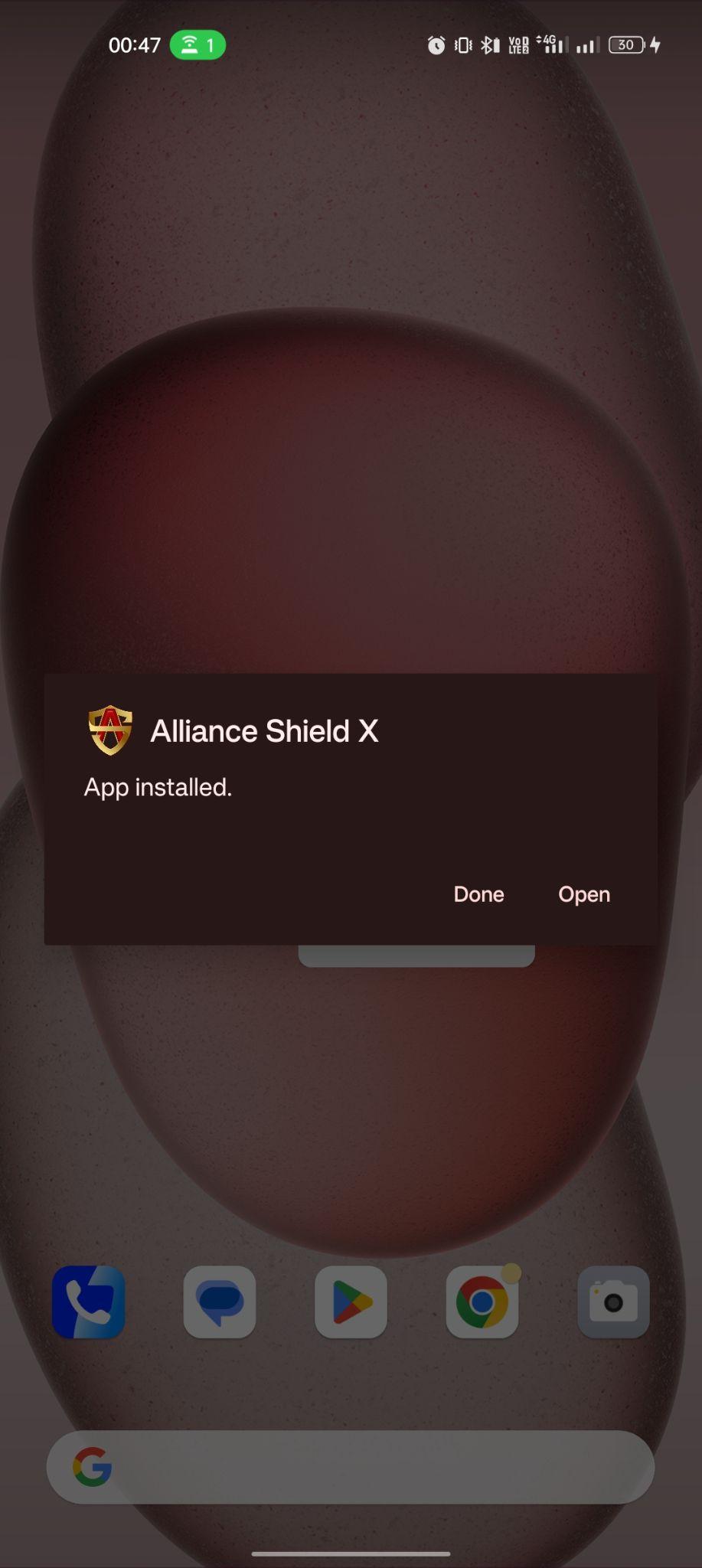
- Once done, you are ready to enjoy this app. Tap on “Open” to start.
Frequently Asked Questions
#1 – Is the Alliance Shield X app suitable for businesses?
Yes. The businesses that distribute mobiles to their employees for official reasons, this app is quite an amazing option.
#2 – Is this a premium app?
Yes. This app does come with premium addons or features that you might have to activate by paying.
#3 – Is this app safe to use?
Absolutely Yes! This app is made to keep your device safe and secure through various methods and is completely safe to install and use.
Final Words
Alliance Shield X APK is the perfect security solution for Android devices. There are numerous online threats that one might not know and can put their personal information at risk through their smartphones. That’s where this app comes to the rescue and makes your phone more secure than ever. If you are facing any issues while installing or using this app, then please use the comments section below.