
Go to Windows platform Display platforms icon
Go to Windows platform Go to Mac platform Go to Android platform
Kdenlive icon

Kdenlive

24.12.3
Kdenlive
5
113.44 MB size
4downloads

Create and edit video projects with this open-source program

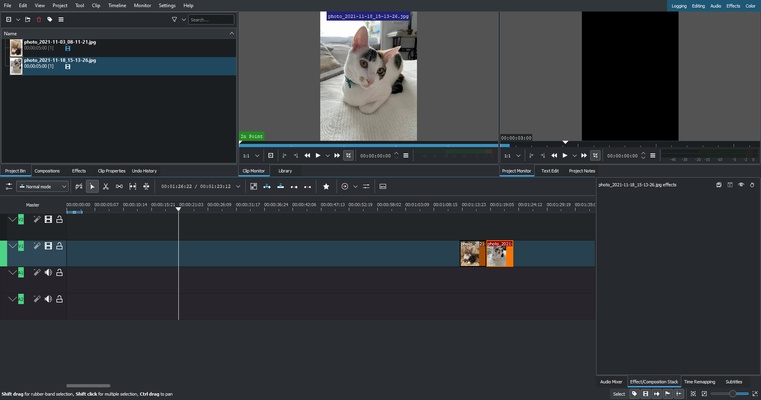
Kdenlive is an open source video-editing program that's offered free of charge and has been updated since its 2003 release. This software is intended to meet the needs of all video-editing professionals, as well as novice users who want to experiment with audiovisual production. As it is open source, it has been developed by a small group of developers together with other collaborators who have contributed their knowledge to make the tool's development possible.

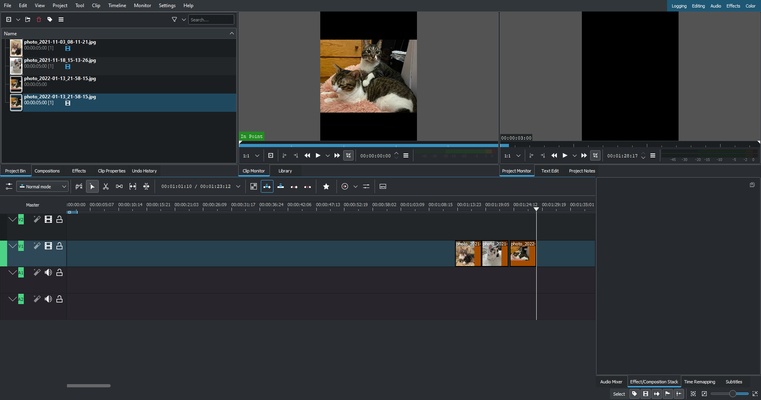
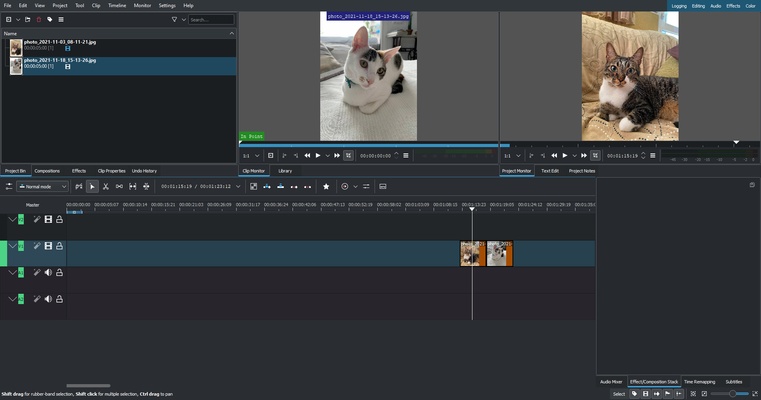
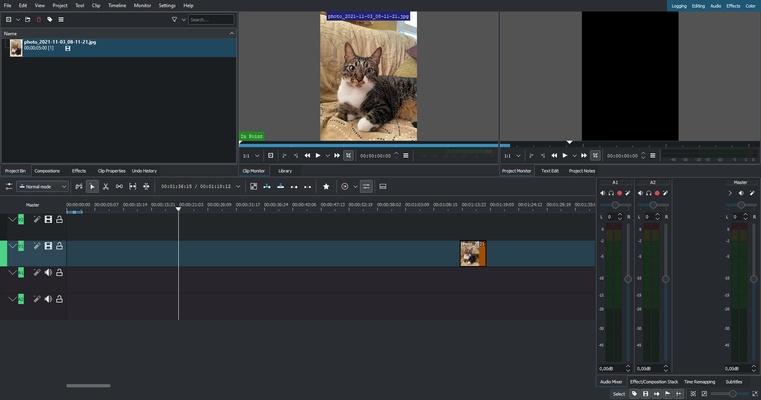
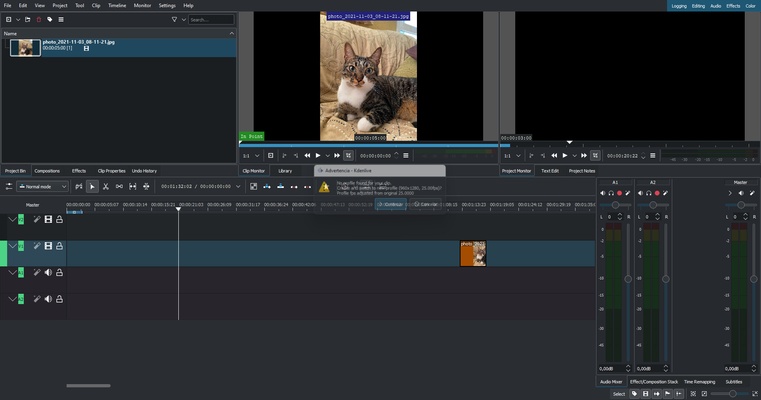
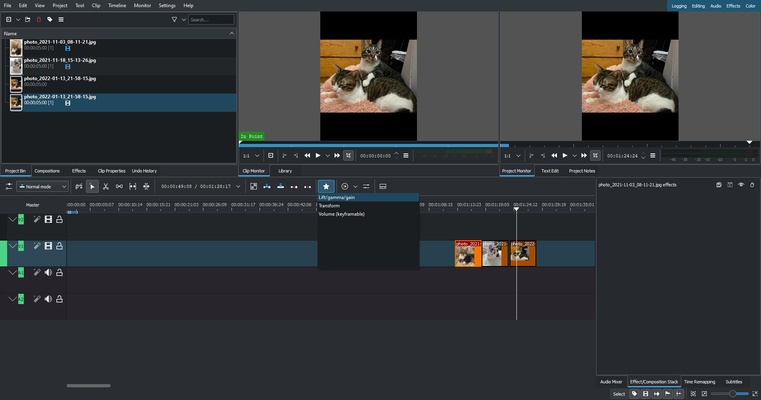
Kdenlive allows the video editor to organize and use the different audio and video tracks; you can also lock or mute each track to experiment. This program has a catalog of FFmpeg libraries, allowing the use of any video or audio format without restrictions or the need to re-encode the clips you use.

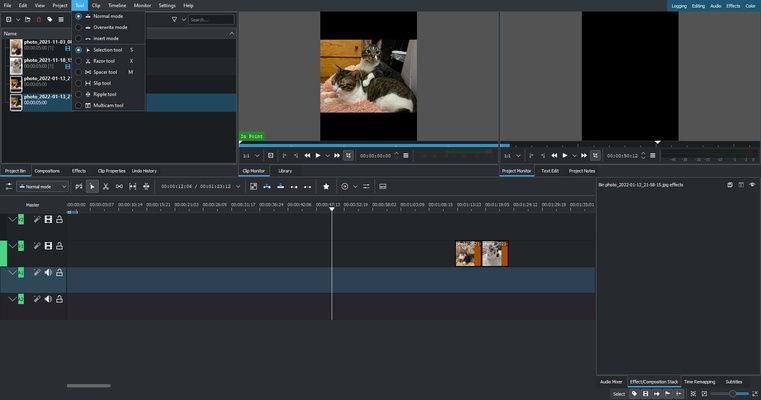
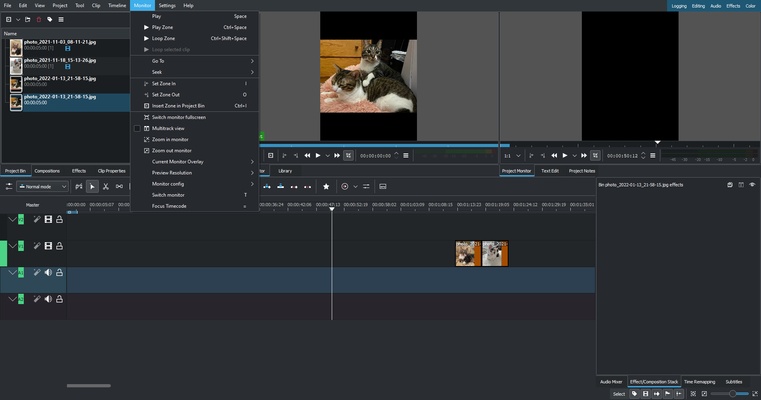
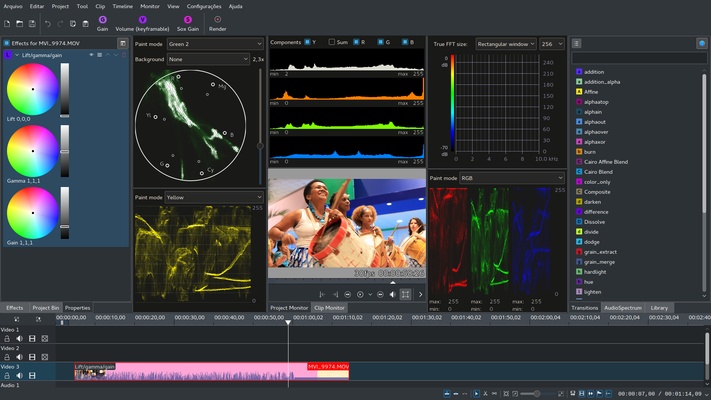
As usual with video-editing programs, Kdenlive offers a large number of built-in tools to create content with 2D titles for video projects, effects and transitions to dynamize or enhance the video's color, different audio indicators to monitor the sound of the project, and much more.

Download this open-source software to professionally edit your video projects.

Information about Kdenlive 24.12.3

License Free
Op. System Windows
Category Video
Language English
Author Kdenlive
permission icon Permissions Not applicable
Downloads 4
Date 2025-04-18
Size 113.44 MB
File type EXE
Architecture Not specified
Content Rating All ages
Advertisement Not specified
Requirements
  • Not specified
SHA256 897869933906d90d7e844dbc62676823c0cd393eeb92badf64c6343ff2ba7731

Apps recommended for you

Camtasia icon
Full-featured video edit toolpack
MKVToolnix icon
Convert and edit MKV videos
DCP-o-matic icon
A useful tool for film projectionists
x264 icon
VideoLAN
Zoom Player IPTV icon
Play your IPTV content
AVS Media Player icon
How to play your video and audio
SnapDownloader icon
Download videos from any platform
FFmpeg icon
One of the best open codecs for video playback
scrcpy icon
Control your smartphone and tablet from your computer
Kingshiper Screen Recorder icon
An easy-to-use Windows desktop screen recording software.
AVS Media Player icon
How to play your video and audio
JRiver Media Center icon
All your audio files at a glance
myFFmpeg icon
OSBytes
VideoPad Video Editor and Movie Maker Free icon
Easily create your own videos
HEVC Video Extensions from Device Manufacturer icon
Play HEVC (H.265) encoded videos on Windows
Zoom Player IPTV icon
Play your IPTV content
Movavi Video Editor icon
Full-powered video editor with professional results
Topaz Video AI icon
Improve your videos with artificial intelligence
AVS Media Player icon
How to play your video and audio
Icecream Video Editor icon
Edit and create new videos and photos in minutes
Cyberlink PowerDirector icon
Edit video clips and create complete original DVD's
MPV Player icon
Minimalistic video player for Windows
K-Lite Codec Pack (Mega) icon
Play any video with this recommended kit
Agent DVR icon
iSpyConnect