


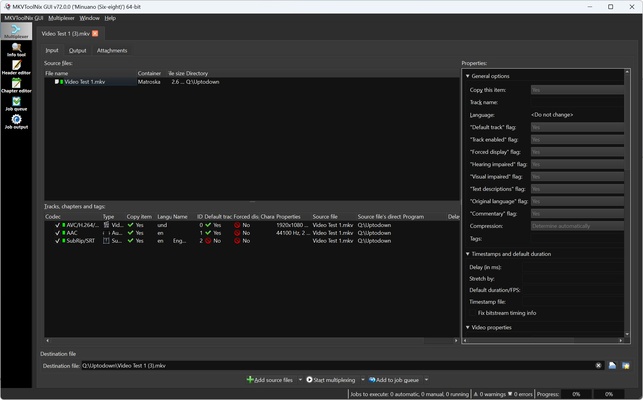
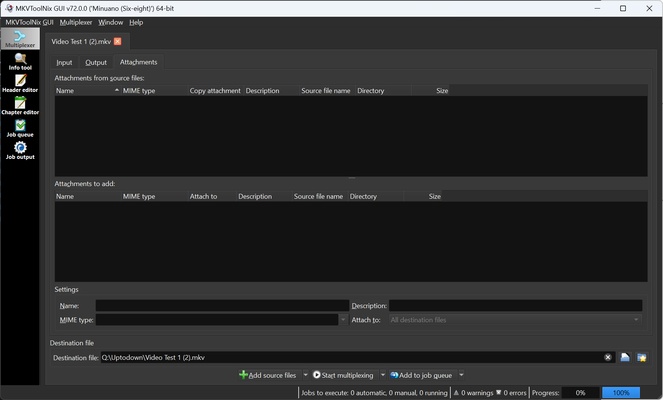
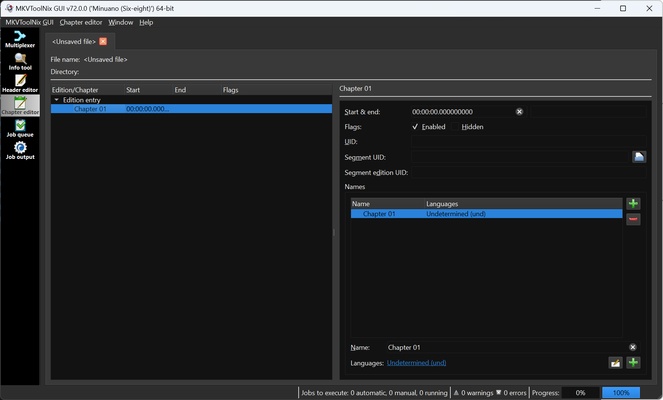
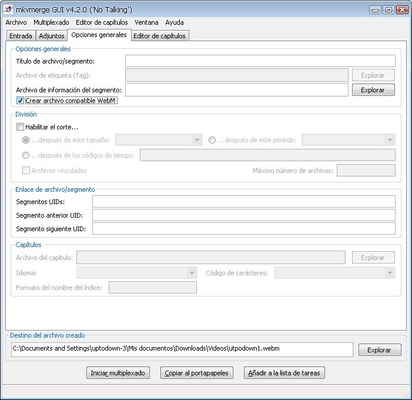
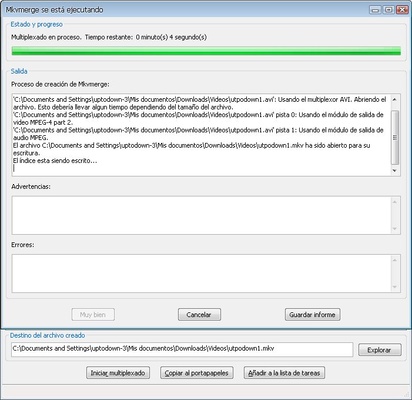
MKVToolnix is an application for editing and converting videos in Matroska format, better known as MKV. This video format is the most widely used for movies and series because it can include several audios and subtitles in a multitude of languages within the same file. Initially released in 2003, MKVToolnix is an open source program available for all computer operating systems.
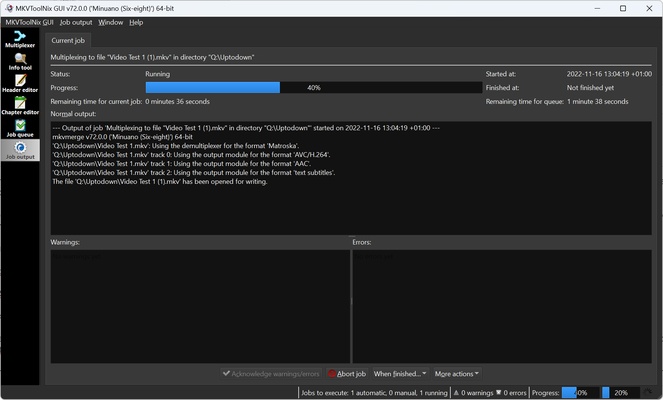
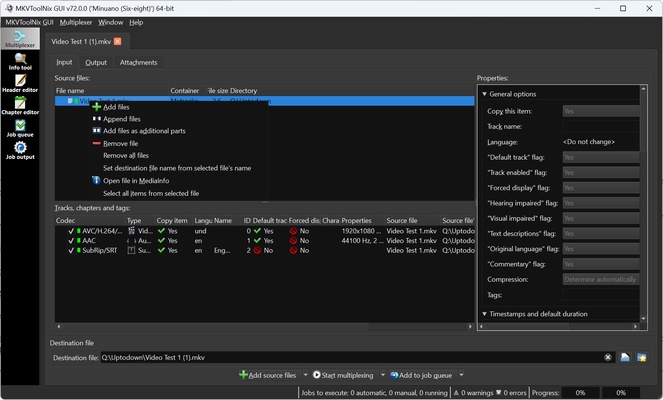
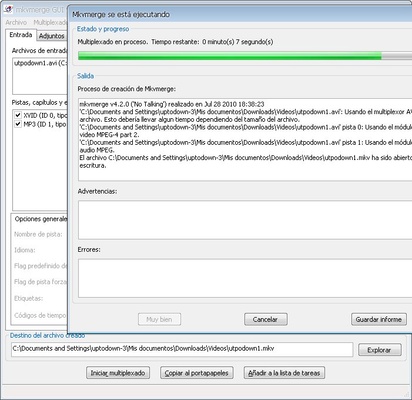
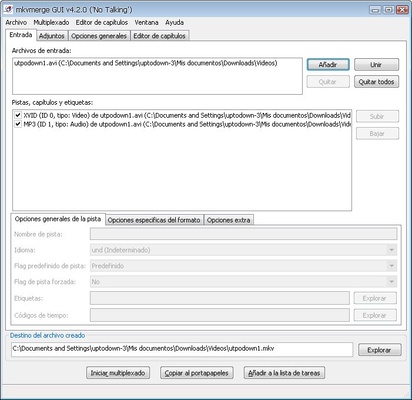
MKVToolnix is very versatile when it comes to integrating or extracting elements from a file. For example, if there is a movie that contains a subtitle file that you need, MKVToolnix allows you to extract that file. At the same time, if you have audio in another language and you want to add it to a movie, you can combine them and generate a new file that includes both. Once you have your desired final file, just click on "Start multiplexing", and you will get the final file.
Video formats supported by MKVToolnix include AV1, AVC, OBU, AVI, Dirac, FLV, HEVC (H.265), H.264, MP4, VP8, VP9, MPEG, TS, M2TS, MKV, MOV and VC-1.
Among the audio formats that you can input and extract in MKVToolnix, you will find AAC, ALAC, DTS, DTS-HD, DTSMA, AC3, Dolby Digital, Dolby TrueHD, FLAC, MP3, OGG, OPUS, WAV and WebM.
Subtitle formats include SRT, SUP, HDMV TextST, VobSub, IDX, and WebVTT.
In addition to all these formats, MKVToolnix supports playlists of Blu-ray files, so it is able to save the playback order of the most important parts of a movie and then display it in the player.
If you want to modify any MKV related file, downloading MKVToolnix is the best option out there.
Frequent questions
What is MKVToolnix for?
MKVToolnix is a program that includes a range of tools that let you create and modify MKV and WebM files. You can also extract files within these formats, such as audio files, subtitles and even videos.
Does MKVToolnix reduce quality?
No, MKVToolnix does not reduce video, audio or subtitle quality. The program adds or extracts files without modifying them or affecting their quality, as the process does not involve recompressing.
Does the MP4 format work in MKVToolnix?
Yes, the MKVToolnix format works in MKVToolnix. You can add an MP4 file and add audio tracks and subtitles to it. However, the exported file will be in MKV format.
Is MKVToolnix free?
MKVToolnix is a free, open-source program, so you can enjoy all its features without having to pay.