


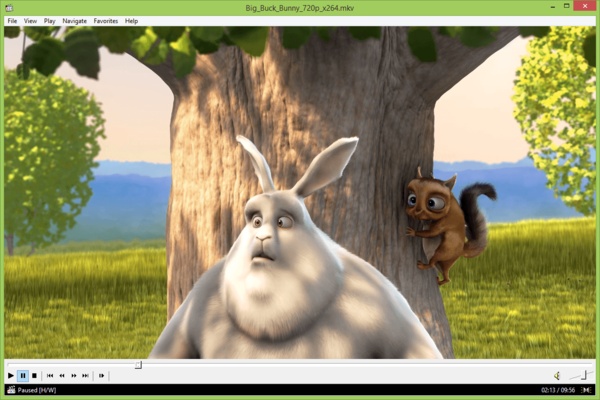
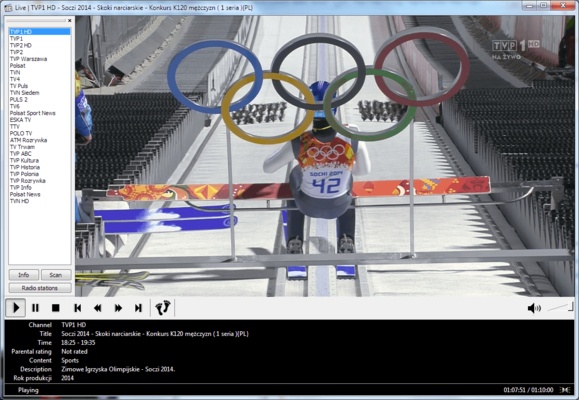
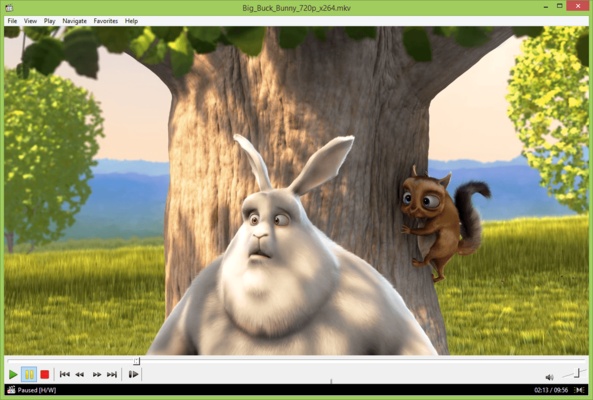
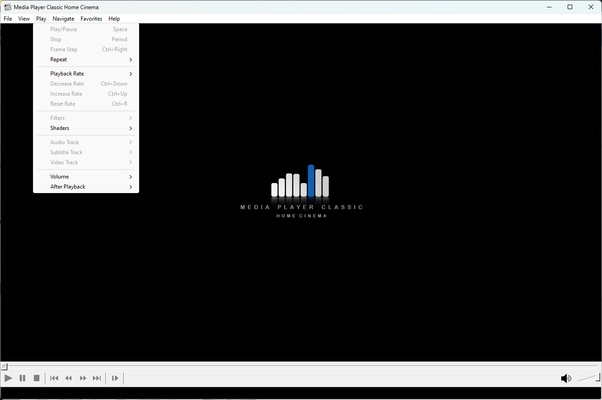
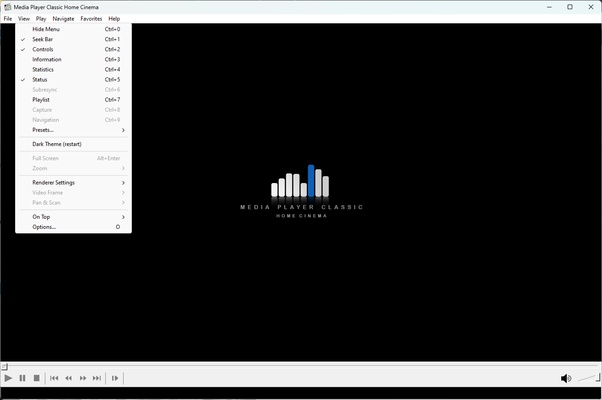
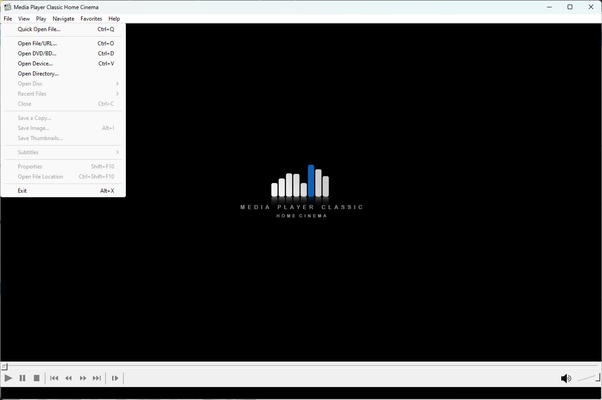
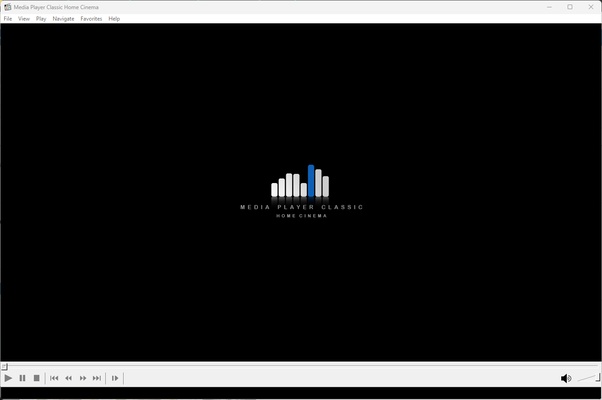
Media Player Classic - Home Cinema (MPC-HC) is an extremely lite and versatile media player for Windows. Its simplicity and efficiency make it the perfect choice for those looking for a hassle-free media playback experience. With a design reminiscent of the classic players, Media Player Classic - Home Cinema (MPC-HC) has modern features and a high performance that outperforms many of its competitors.
This player is known for its ability to play a wide variety of multimedia file formats. Whether they are video files, audio files, CDs, DVDs or even more uncommon formats, Media Player Classic - Home Cinema (MPC-HC) can handle them easily. No additional codec downloads are required, as it has its own internal codecs. This ensures that you'll be able to play your favorite media files immediately after installation.
Media Player Classic - Home Cinema (MPC-HC) also has several advanced features not found in most common media players. These include hotkey customization, a full-screen mode option with zoom controls, support for subtitles, and many more. It also supports 4K and 8K video playback, putting it at the forefront in terms of video quality.
The best part of Media Player Classic - Home Cinema (MPC-HC) is its commitment to user privacy and security. The program is open source, which means that its code is accessible to the public, ensuring that there are no hidden features or spyware. What's more, Media Player Classic - Home Cinema (MPC-HC) doesn't collect user data, so you can be confident that your privacy is protected. In short, if you're looking for a lite but powerful media player that can handle any file format and respects your privacy, Media Player Classic - Home Cinema (MPC-HC) is definitely worth a go.
Frequent questions
Is Media Player Classic - Home Cinema (MPC-HC) an alternative to VLC?
Yes, Media Player Classic - Home Cinema (MPC-HC) is the same type of program as VLC. While VLC gives you good volume control, Media Player Classic - Home Cinema (MPC-HC) is generally faster in terms of certain features, and it also supports 4K.
Can Media Player Classic - Home Cinema (MPC-HC) play MKV files?
Yes, Media Player Classic - Home Cinema (MPC-HC) can play MKV files without any issues or requiring add-ons.