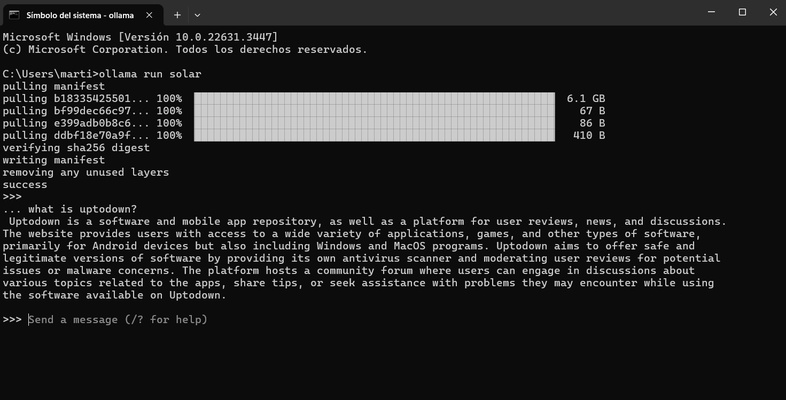
Ollama is an open source tool that allows you to run any language model on a local machine. Taking advantage of your computer's processing power, this tool can help you generate answers without the need to access an online LLM. Best of all, you will always get responses, even if your PC has limited resources. However, inefficient hardware can significantly reduce the speed at which tokens are generated.
Leverage the potential of powerful language models
Ollama makes it very easy to install different models equipped with billions of parameters, including Llama 3, Phi 3, Mistral or Gemma by simply entering their respective commands. For example, if you want to run Meta's powerful Llama 3, simply run ollama run llama3 in the console to start the installation. Note that, by default, Ollama will generate conversations through Windows CMD. Also, it is advisable to have twice as much free disk space in relation to the size of each LLM you add.
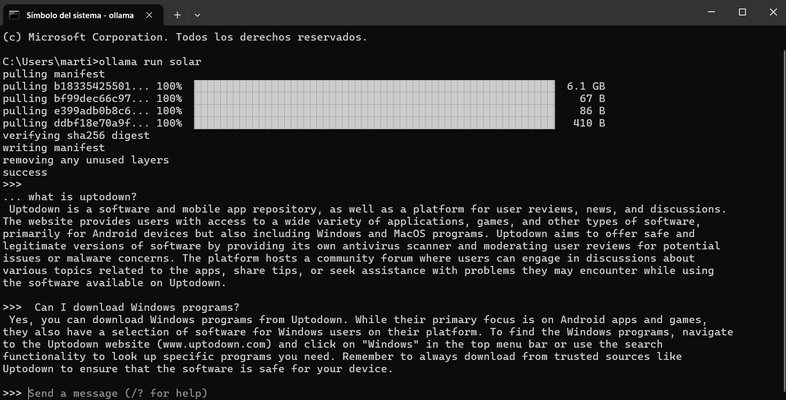
Fluid conversations
Like with language models you can run in the cloud, Ollama allows you to store previous answers to get more cohesion and context. As a result, you can create a very well-structured conversation that will leverage the full potential of the most sophisticated LLMs.
Install an alternative interface
Thanks to the ollama-webui repository, you can squeeze out the full potential of Ollama with a much more visual interface, similar to ChatGPT. By running the command Docker run -d -p 3000:8080 --add-host=host.docker.internal:host-gateway -v open-webui:/app/backend/data --name open-webui --restart always ghcr.io/open-webui/open-webui:main on Docker, you can implement a container that will help you to get a much more intuitive visual design.
Create your own LLM
Ollama also allows you to create your own LLM for a much more personalized experience. By making your own configuration, you can integrate different models at the same time to obtain answers that combine the resources of each assistant.
Download Ollama for Windows and enjoy the endless possibilities that this outstanding tool provides to allow you to use any LLM locally. This will increase your privacy and you will not have to share information online with the dangers that this may entail.