
Go to Windows platform Display platforms icon
Go to Windows platform Go to Mac platform Go to Android platform
Wondershare Filmora icon

Wondershare Filmora

14.4.13
Wondershare Software
3.5
815.49 MB size
5downloads

Create and edit impressive videos in the easiest way possible

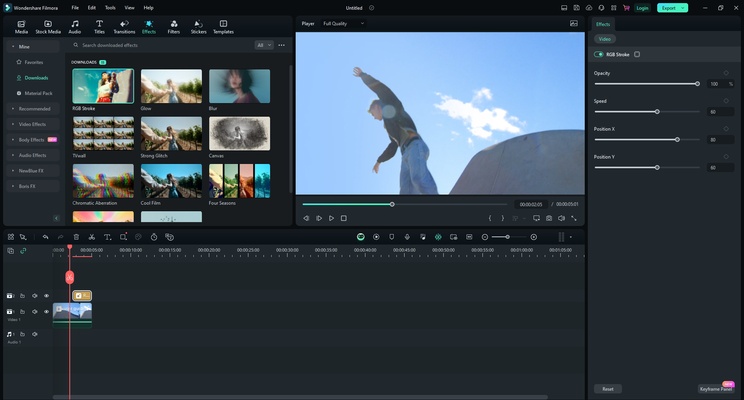
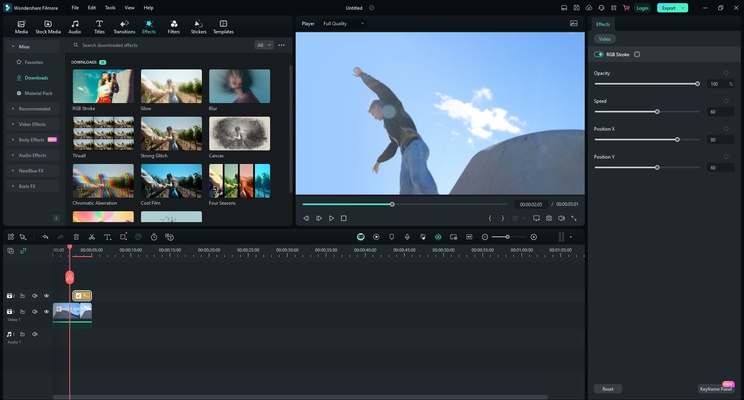
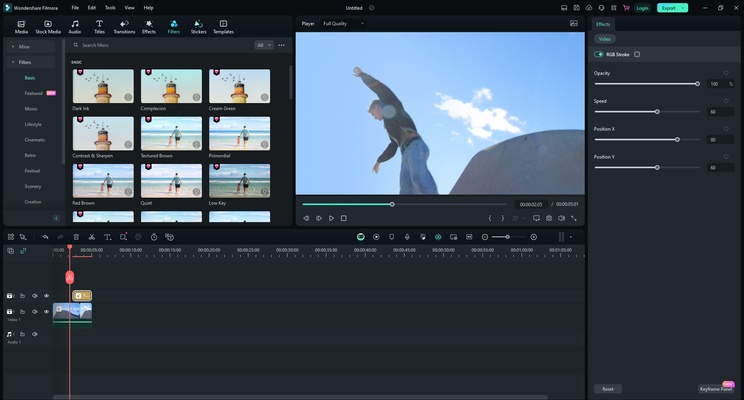
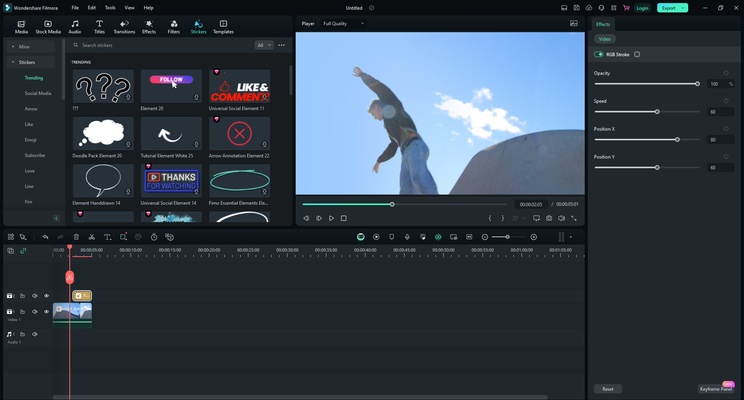
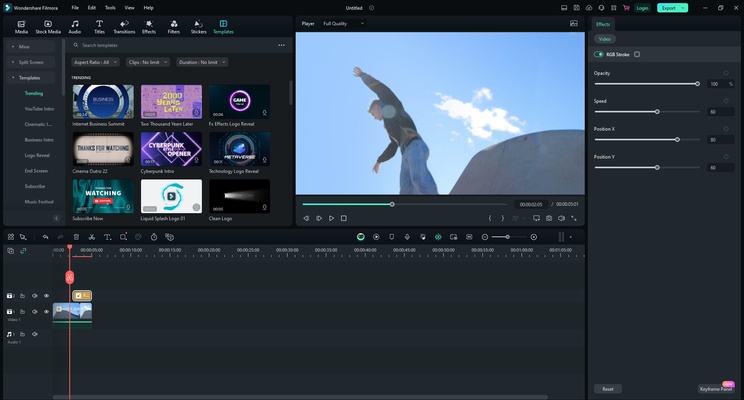
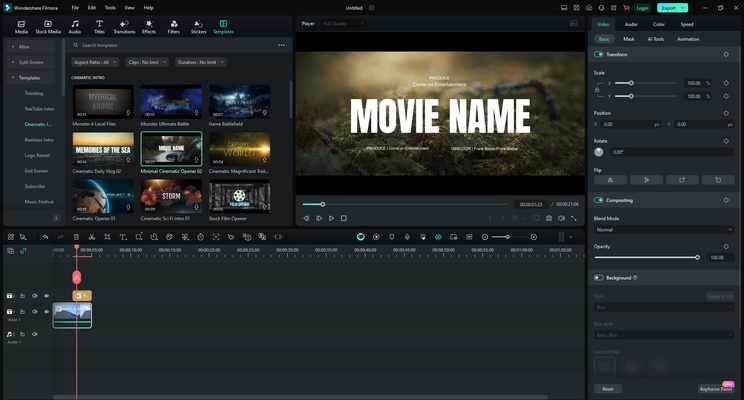
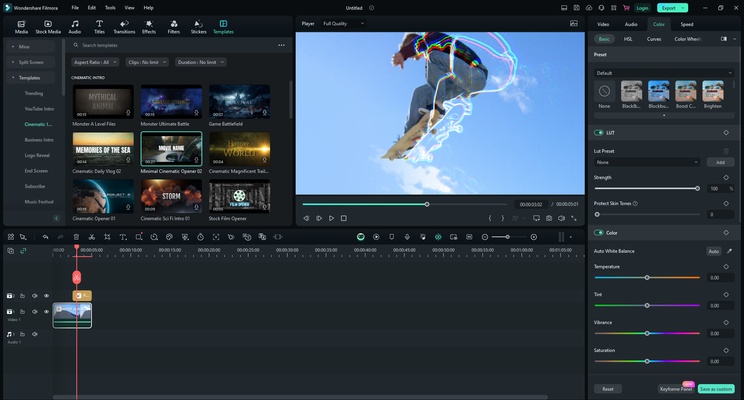
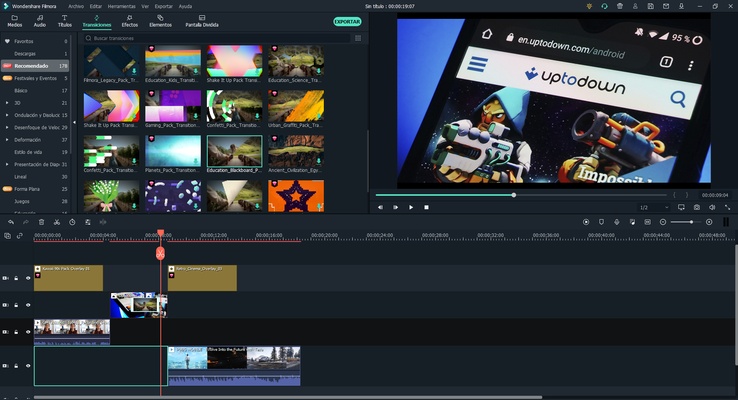
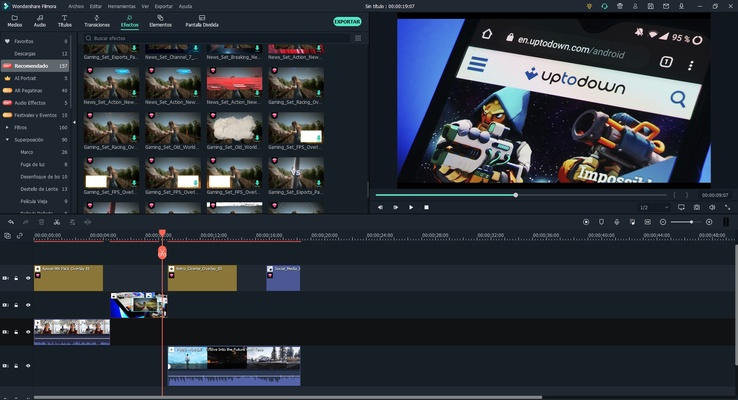
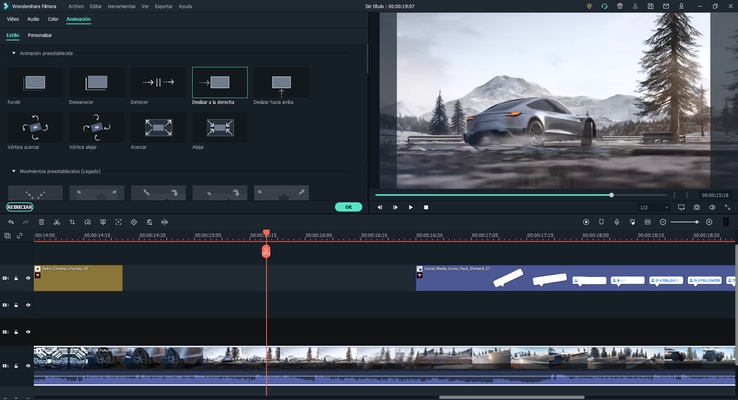
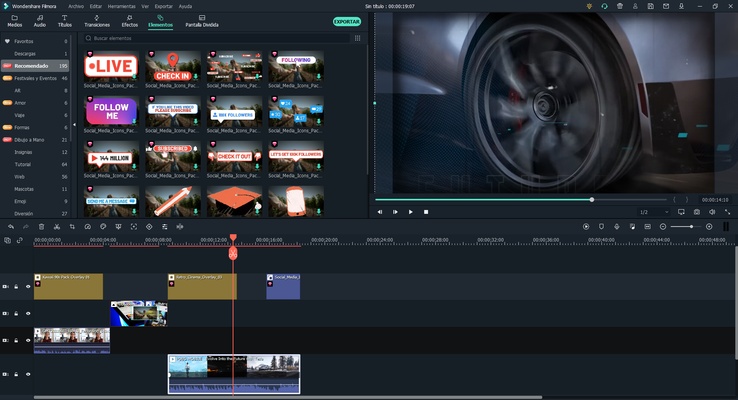
Wondershare Filmora (formerly known as Wondershare Video Editor) is a program dedicated to audio and video editing integrating functions and tools with which you can modify almost all the settings of your files, from volume and speed to brightness, contrast and saturation. The tool has a similar interface to the powerful Adobe Premiere, but with easier and more intuitive operation, allowing among many other options to record directly from the PC voice or video to import and edit it as voice-over.

Also, if you are not an expert in the field and you are looking for a program that automatically adds effects to your videos to give them a more professional look without being overly complicated, Wondershare Video Editor is for you: It will apply excellent effects, bumpers and transitions between video clips just by dragging them over these, thus customizing each video, photo or audio you need.

Supported input formats:

- Video: AVI, DV, DIF, NUT, H261, H264, NSV, FLV, MKV, MKA, MP4, M4V, M4A, PSP, 3GP, MOV, MPG, MPEG, DAT, EVO, RM, RMVB, TS, TP, TRP, M2TS, WMV, ASF, DVR-MS.

- Audio: AAC, AC3, APE, AIF, AIFF, FLAC, APE, CUE, AU, AMR, OGG, WAV, DPE, MKA, M4V, M4A, MPA, MP2, MP3, RA, WMA.

- Image: JPG, JPEG, BMP, PNG, JPE, GIF, DIB, JFIF, TIF, TIFF.

Supported output formats:

- Video and audio: WMV, AVI, MOV, FLV, MKV, MP4 Video(AVC), MP4 Video(Xvid), MP4 Video(MC), ASF, M4V, Xvid, DV, MPEG-1 NTSC, MPEG-1 PAL, MPEG-1 SECAM, MPEG-2 NTSC, MPEG-2 PAL, MPEG-2 SECAM, DVD-Video NTSC, DVD-Video PAL, HTML5, DVD-Video SECAM, MP3, TS, TRP, AVI, MP4, MPG, WMV, MOV.

-DVD: disc, folder and ISO image.

-Others: iPhone, iPhone 3G, iPhone 3GS, iPhone 4, iPhone 4S, iPod nano, iPod touch, iPod classic, iPad, iPad 2, HTC, Galaxy S II, PSP, PS3, Wii, Xbox 360, Zune, Zen, Archos.

Once Wondershare Video Editor is installed, just follow these steps:

1. Import or drag and drop your multimedia files.

2. Edit your videos, photos and audio tracks with all the features of WVE: crop, rotate, add subtitles, apply effects, etc.

3. Add transition effects to your videos.

4. Save them in the format you need and share them!

Information about Wondershare Filmora 14.4.13

License Trial
Op. System Windows
Category Video
Language English 7 more
Author Wondershare Software
permission icon Permissions Not applicable
Downloads 5
Date 2025-04-18
Size 815.49 MB
File type EXE
Architecture Not specified
Content Rating Not specified
Advertisement Not specified
Requirements
  • Not specified
SHA256 39aba6dd7e80a10d5c2df9a0bda6b8abc9d9b91de4cc21892a72c418da4b9fef

Apps recommended for you

Shark007 Codecs icon
A complete audio and video codec package
JRiver Media Center icon
All your audio files at a glance
ChrisPC Screen Recorder icon
Take screenshots or record your computer screen
MKVToolnix icon
Convert and edit MKV videos
Wondershare DemoCreator icon
Tool for recording video tutorials on your comptuer
iQIYI icon
Chinese streaming platform with movies, series and more
CapCut icon
Incredibly powerful and easy-to-use video editor
Amazon Prime Video icon
Watch Prime Video movies and series on Windows
scrcpy icon
Control your smartphone and tablet from your computer
Kingshiper Screen Recorder icon
An easy-to-use Windows desktop screen recording software.
AVS Media Player icon
How to play your video and audio
JRiver Media Center icon
All your audio files at a glance
myFFmpeg icon
OSBytes
VideoPad Video Editor and Movie Maker Free icon
Easily create your own videos
HEVC Video Extensions from Device Manufacturer icon
Play HEVC (H.265) encoded videos on Windows
Zoom Player IPTV icon
Play your IPTV content
JRiver Media Center icon
All your audio files at a glance
Free Video to MP3 Converter icon
Extract audio from video files in a snap
TunesBank Music Converter icon
Best Tool to Download any Spotify song to your computer
HyperCam icon
Record anything you're doing on your PC
Icecream Video Editor icon
Edit and create new videos and photos in minutes
Kingshiper Screen Recorder icon
An easy-to-use Windows desktop screen recording software.
EMDB icon
Manage your movie collection
Zoom Player IPTV icon
Play your IPTV content