Go to Windows platform Display platforms icon
Go to Windows platform Go to Mac platform Go to Android platform
Adobe DNG Converter icon

Adobe DNG Converter

17.2
Adobe
0
1.54 GB size
1downloads

Convert RAW and DNG files from your camera

Adobe DNG Converter is a program that allows you to convert the .raw and .dng formats of your camera to a more universal and accessible DNG format. These formats are known as "digital negatives", and store all the uncompressed information of any photo you take. As a result, there is a greater dynamic range and a greater possibility of color retouching by software compared to a JPG file, where the image is compressed.

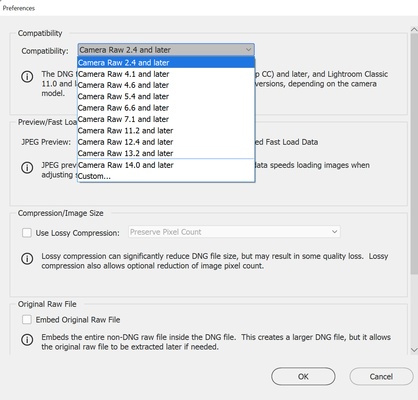
The problem is that sometimes you may be faced with a camera that is too modern or software that is too old. If this is the case, you may not be able to open the photos you have taken with an editor. Fortunately, with Adobe DNG Converter, you can convert them to an older DNG format that is compatible with your software.

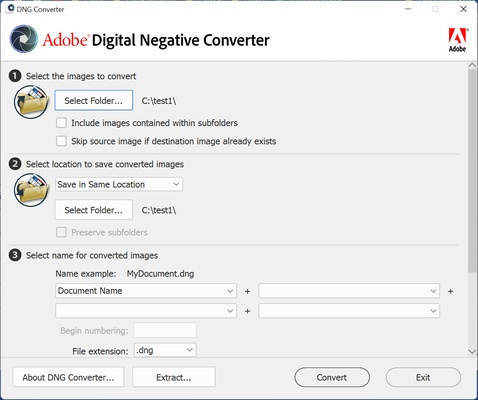
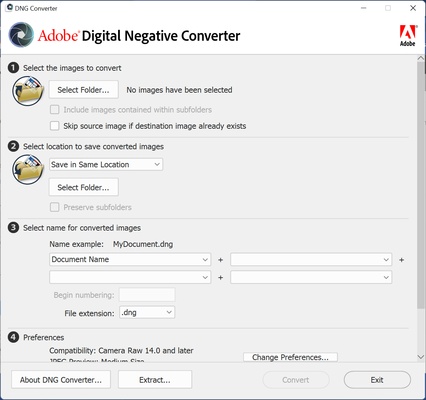
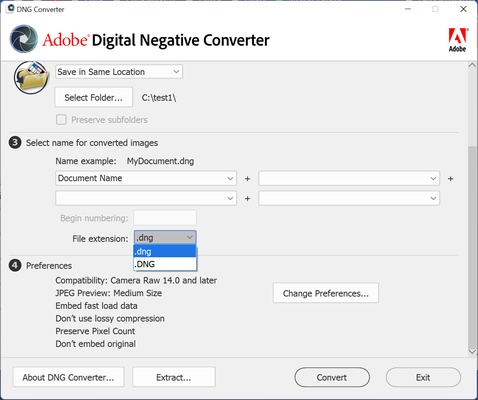
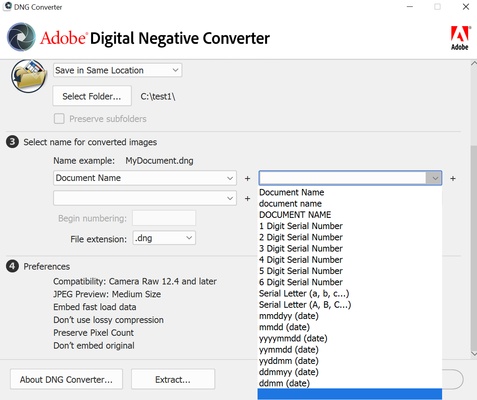
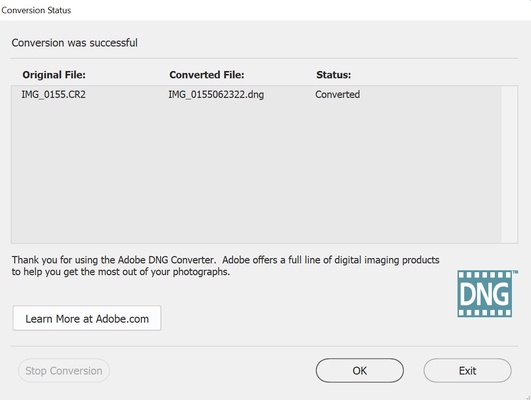
Using Adobe DNG Converter is very simple. First of all, choose the folder in which you have the photos you want to convert. After that, select the DNG format, and the name you want to give to the images. After that, the conversion will start. The resulting photos have no loss in quality, and you will be able to use them in any program you want.

Adobe DNG Converter includes support for all Camera Raw versions on the market. This tool, included in Photoshop, is the one that allows you to retouch your RAW photos from Adobe's retouching program. Camera Raw also serves as the basis for Lightroom, the world's most widely used photo retouching suite. So if you want to convert between RAW and DNG formats, downloading Adobe DNG Converter is the best way to do it.

Information about Adobe DNG Converter 17.2

License Free
Op. System Windows

Category Photo & Design
Language English 47 more
Author Adobe
permission icon Permissions Not applicable
Downloads 1
Date 2025-04-18
Size 1.54 GB
File type EXE
Architecture Not specified
Content Rating All ages
Advertisement Not specified
Requirements
  • Not specified
SHA256 663c20a33759758dafc31fe8009b3c8b32739c9ef30912c27f04fa4fa373465c

Apps recommended for you

PhotoPad Image Editor icon
Retouch your photos and apply effects on them
StereoPhoto Maker icon
Masuji SUTO
WinScan2PDF icon
Save all your scans as PDFs
Microsoft Photos icon
View your photos on Windows
ReaConverter icon
Edit and transform images massively
Mouse without Borders icon
Control multiple computers from your PC
FotoSketcher icon
Transform your photos into works of art
Topaz Photo AI icon
Improve your photos with artificial intelligence
qView icon
A lightweight image viewer for Windows
XnView Portable icon
The portable edition of the image viewer and converter
Artweaver icon
Creative painting with this amusing tool
Xender - Share Music Transfer icon
Send files between devices and download content
PDF-XChange Editor icon
A comprehensive PDF viewer and editor for Windows
HyperSnap icon
4x4 screen captor
WinSnap icon
Capture screens and edit them from the same interface
Paint.NET icon
A powerful and free image editor
LrToolbox icon
Improved photo editing
Light Image Resizer icon
Easily resize images
Sample Gif to PNG Converter icon
Easy Converter Gif to PNG
Imagine icon
Powerful and comprehensive image viewer for Windows
PhoXoSee icon
A blazing fast and lightweight image viewer
Canva icon
Create incredible posts for social networks
Pinta icon
Free, comprehensive image editor
Shapr3D icon
Easily and professionally create and edit 3D objects