



Go to Windows platform Display platforms icon
Go to Windows platform Go to Mac platform Go to Android platform
Fan Control icon

Fan Control

V219
Rem0o
3
8.2 MB size
1downloads

Control the speed of your PC's fans

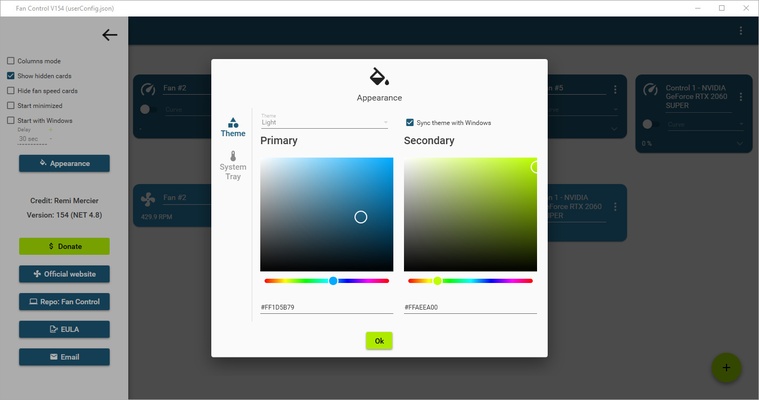
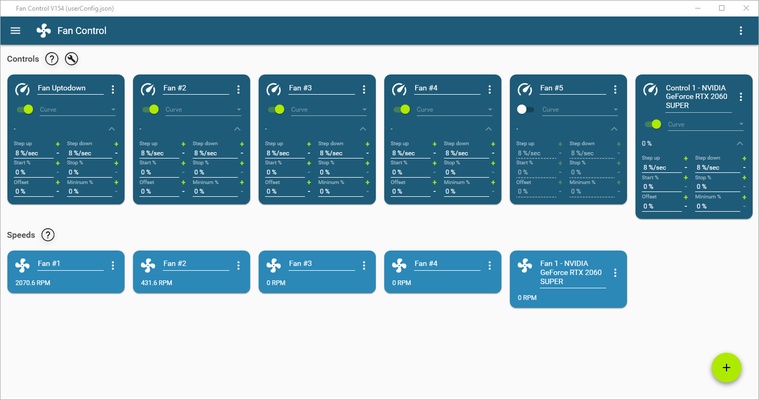
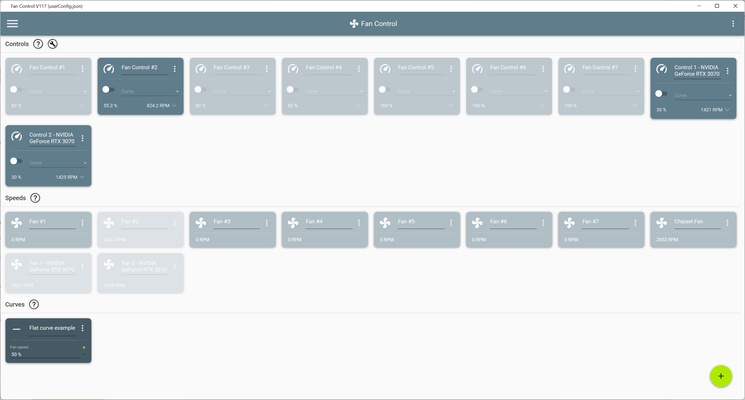
Fan Control is an open-source software that lets you control your PC's fans. The program offers support for a multitude of motherboards, graphics cards and other hardware such as AIO cooling boards. That's to say, you can stop monitoring the different fans of your computer using separate apps and start monitoring them all from a single place, more effectively addressing any problems, whether that's noise or cooling.

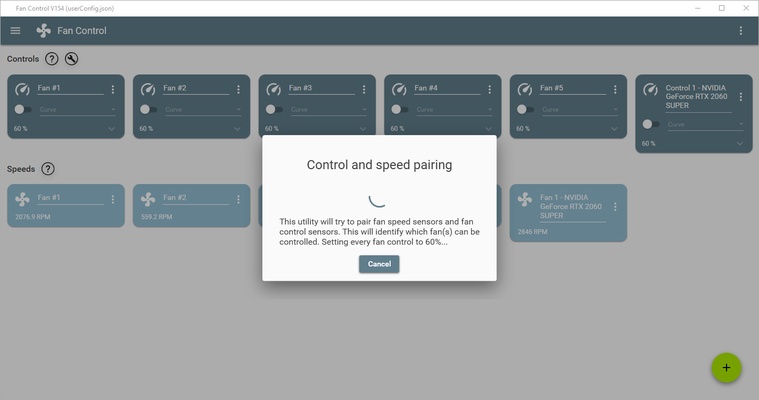
The first interesting point about Fan Control is that, unlike many other similar programs, it does not require installation. You only need to unzip the files in a folder, double-click on the .exe file, and that's it. When running the program for the first time, it will perform an initial inspection to check how many fans you have and to which piece of hardware they correspond. Depending on the hardware, it will even recognize it and assign it a name, although you can also give it a custom name.

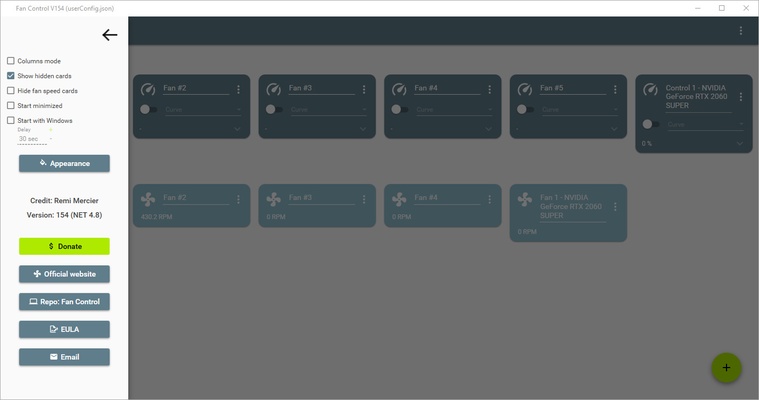
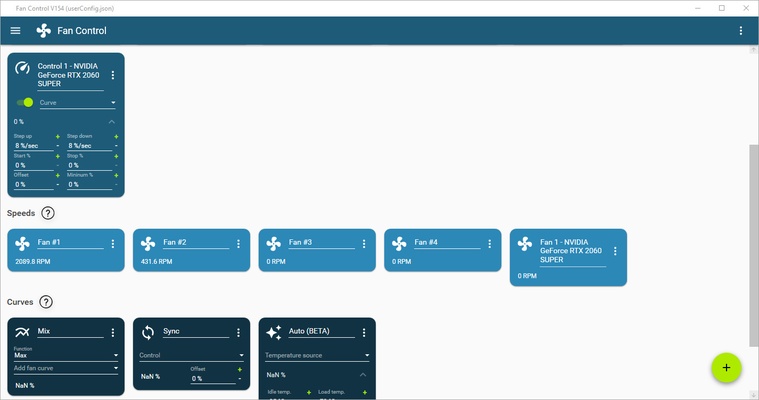
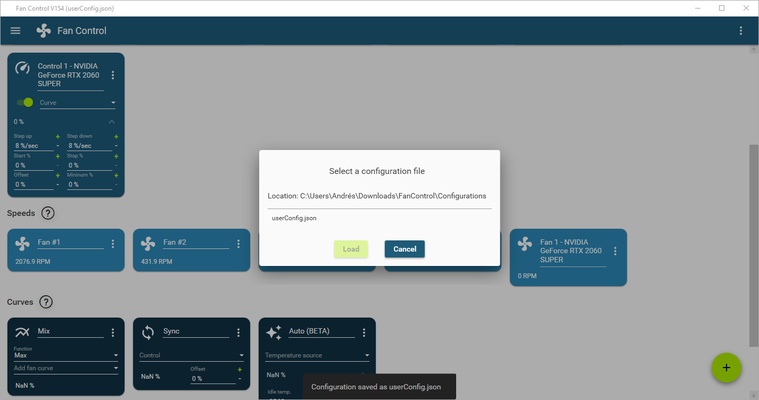
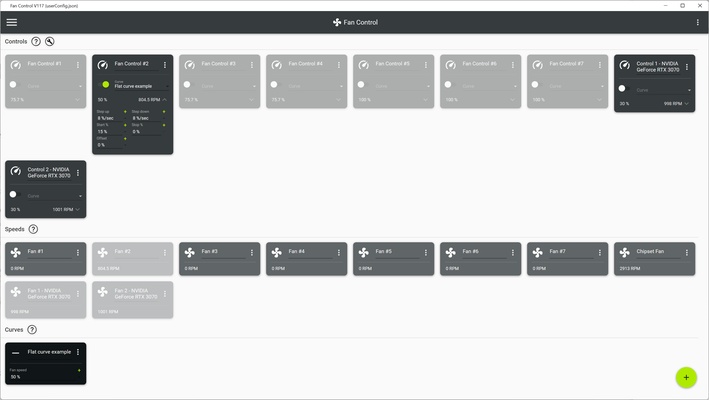
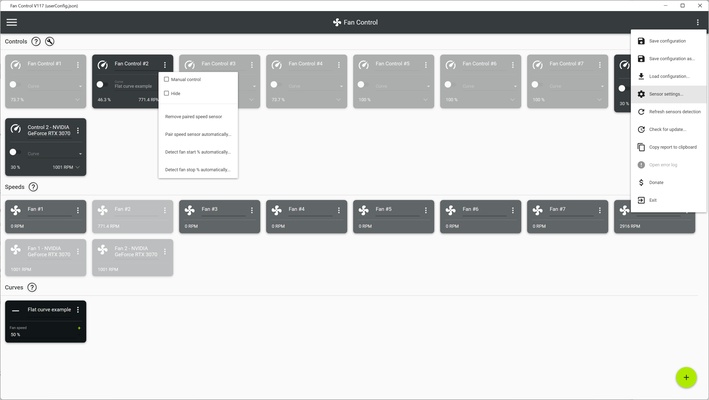
Once it has recognized all the computer's fans, you can start playing with the different curves and mixes. But what does that mean? In short, you'll be able to easily and quickly adjust the speeds of all your fans. You can also create your own profiles for the computer or simply import any of the profiles shared by other users with similar hardware. Additionally, you can activate the automatic option, which will try to optimize your fans without you needing to configure anything at all. Either way, all the information you need on how to use and configure the program can be found within the program itself.

Fan Control is an excellent optimization tool for your computer that will help improve its performance, from fan noise to cooling system service life. What's more, this light software consumes very few resources, doesn't require installation, and has a very simple interface.

Information about Fan Control V219

License Free
Op. System Windows
Category Utilities
Language English
Author Rem0o
permission icon Permissions Not applicable
Downloads 1
Date 2025-04-18
Size 8.2 MB
File type EXE
Architecture Not specified
Content Rating Not specified
Advertisement Not specified
Requirements
  • Not specified
SHA256 049a79421e87b1d68ed93396357d79baca061170f40cb5e1d5b658965b0d5621

Apps recommended for you

Windows App icon
Enjoy Windows on the cloud for when you're on the go
Uninstalr icon
Uninstall programs the simple way
Q-Dir Portable icon
Portable version of this efficient file manager
WSL Distro Manager icon
Manage WSL distributions
Microsoft 365 (Office) (UWP) icon
Keep all your Office programs from Microsoft 365 in one place
VirtualBox icon
An easy-to-use virtualization tool
CoolTerm icon
Sends and receives data through any serial port
Cisdem PDF Converter OCR icon
Convert and OCR PDFs to Office, images formats and more.

PrusaSlicer icon
Export files to print on your 3D printer
TGMacro icon
Automate repetitive tasks
Steganos Privacy Suite icon
Protect the privacy and safety of your system
1LimX icon
File, data encryption & password manager
EF Commander icon
Manage all the files on your hard drive
Fort Firewall icon
An alternative to the Windows Firewall
GPU-Z icon
Monitors your graphic card's key features
ONLYOFFICE icon
Create, edit, and sync documents with cloud storage services
AutoVer icon
Manage different versions of the same file
Cisdem PDF Compressor icon
Reduce PDF file size in batches.
VirtualBox Extension Pack icon
A package including all the features of VirtualBox
CCleaner icon
Remove all the junk that Windows accumulates
Windows App icon
Enjoy Windows on the cloud for when you're on the go
Easy System Utility icon
A One-Stop Solution for All Your Windows Needs
Rapid PDF Count icon
Count the number of words and pages in a PDF